

Wide Files
Wide Files screenshots (7)




Description Wide Files
A Universal Solution for Digital Clutter
Managing files across your Android device often feels like navigating a labyrinth without a map. Photos, documents, downloads, and app data scatter into different corners, making simple retrieval a tedious hunt. This mobile app provides a centralized, intelligent file management system designed to cut through the digital noise, offering users a clear and powerful command center for everything stored on their device.
Core Features and Analytical Overview
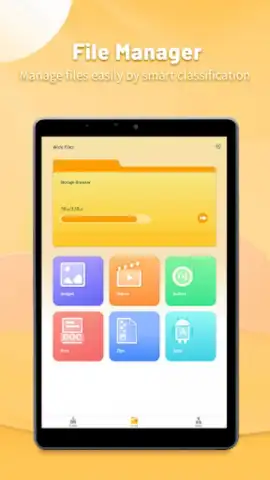
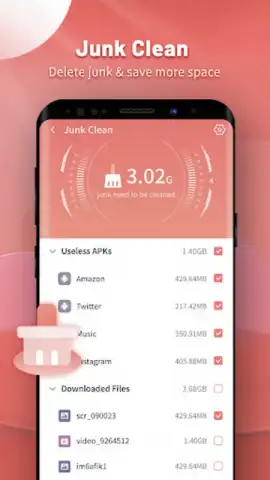
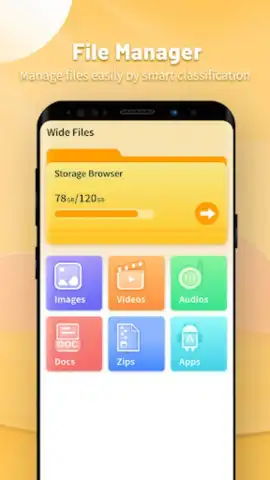
Wide Files operates as a comprehensive file explorer and cleaner, built on a dual-core philosophy of organization and optimization. The primary interface presents a clean, categorized view of your device's storage, automatically sorting files by type—images, videos, audio, documents, and archives. Its search functionality is deeply integrated, allowing for rapid filtering by name, date, or file extension. Beyond browsing, the app includes a robust cleanup module that scans for residual files, cache data, and duplicate items, presenting them for review before deletion. A dedicated storage analyzer provides a visual breakdown of space usage, identifying which apps or file categories are consuming the most capacity, enabling data-driven decisions for freeing up space.
Key Advantages for the User
The utility of this application lies in its straightforward execution of complex system tasks. It demystifies the Android file system for the average user while providing the granular control sought by power users.
- Intuitive Visual Storage Analysis: Transforms abstract storage data into clear, color-coded charts and lists, making it immediately obvious where your space has gone.
- One-Tap Smart Cleanup Suggestions: The engine proactively identifies junk files, app cache, and obsolete downloads, presenting them in a single, actionable list for quick removal.
- Secure File Management Suite: Integrates basic file operations like cut, copy, compress, and share with a recycle bin feature, preventing accidental permanent deletion of important data.
We suggest trying Wide Files if you seek to regain control and visibility over your device's storage without needing technical expertise. It streamlines a fundamental aspect of digital maintenance.
Consider downloading Wide Files now to transform your device management from a chore into a simple, efficient routine.
Disclaimer: This application requires an internet connection for certain functions such as fetching cloud storage metadata (if integrated) and updating its cleanup definitions. It may contain optional in-app purchases for advanced features or ad removal. The app requires access to your device's storage to function as a file manager. Please be mindful of data usage when performing operations on large files stored online. Use of this app should be in accordance with your device's terms and age restrictions.


