

WiFi File Transfer
WiFi File Transfer screenshots (4)
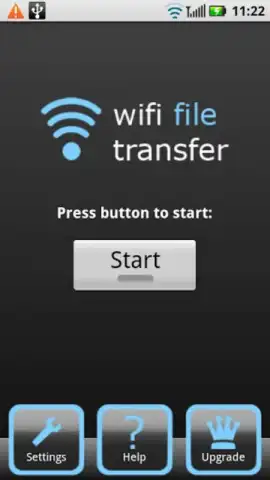
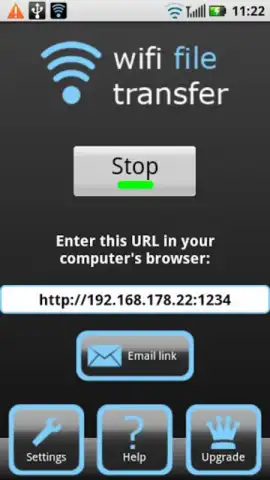
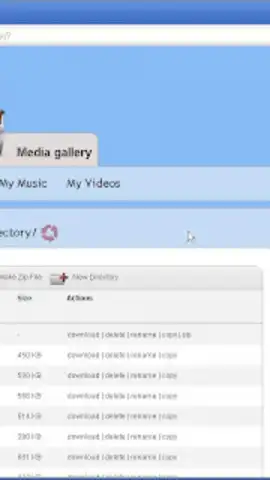
Description WiFi File Transfer
Effortlessly Move Files Between Phone and Computer Without Cables or Cloud Delays
Tired of emailing files to yourself, dealing with slow USB cables, or waiting for cloud services to sync? WiFi File Transfer by smarterDroid provides a direct, high-speed conduit for managing your mobile device's storage from any web browser on your local network. This utility establishes your phone as a secure, wireless file server, enabling instant uploads, downloads, and comprehensive file management. The only requirement is that both your computer and phone are connected to the same WiFi network, eliminating intermediate steps and putting you in full control of your data transfer.
The application supports simultaneous multi-file operations, allowing you to upload and download several items at once without queueing. Through the clean web interface, you can perform direct file system actions including deletion, renaming, copying, and on-the-fly compression of files and folders. For enhanced security, especially on public or shared networks, you can password-protect each file transfer session. Additional functionality includes the creation of shortcuts for rapid access to frequently used directories, all within an ad-free experience accelerated by Turbo mode for improved performance.
- Browser-Based Management: Access and manage your phone's files directly from any web browser on your PC or Mac, requiring no additional desktop software.
- Multi-Task File Operations: Upload, download, delete, rename, copy, and compress multiple files and folders simultaneously in a single session.
- Secure Session Control: Protect your data with optional session passwords and create quick-access shortcuts to essential directories on your device.
This tool is designed for the direct transfer of files and folders between your mobile device and computer, rendering the upload-to-cloud-and-download-again workflow obsolete. Gain immediate access to your photos, documents, and videos.
Download mobile app now — exclusive, ad-free Turbo access is a limited-time offer for new users.
Internet required. IAP available.


