

WiFiman
WiFiman screenshots (8)
Description WiFiman
Ever felt like your Wi-Fi is a mysterious, invisible force you just have to hope is working? Stop guessing and start knowing. WiFiman gives you superpowers to see, analyze, and master your wireless network, turning you from a frustrated user into a network guru in seconds.
See Your Invisible Network
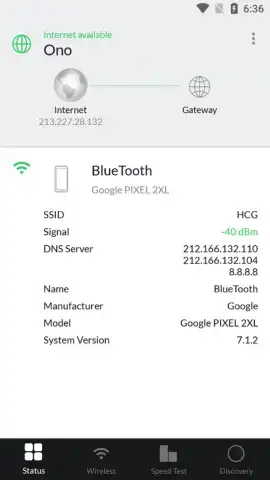
WiFiman transforms the complex world of Wi-Fi into a clear, visual map you can understand at a glance. Instantly discover every device connected to your network, identify bandwidth hogs, and pinpoint dead zones with a powerful, intuitive scanner. It’s like having X-ray vision for your wireless signal, providing the detailed diagnostics you need to optimize performance, enhance security, and finally get the reliable, fast connection you pay for.
Your Ultimate Network Toolkit
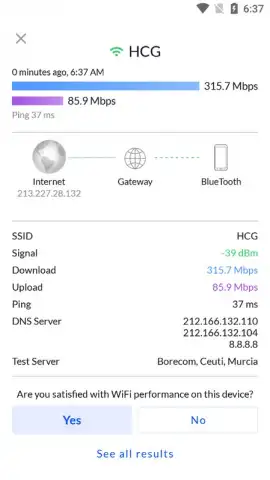
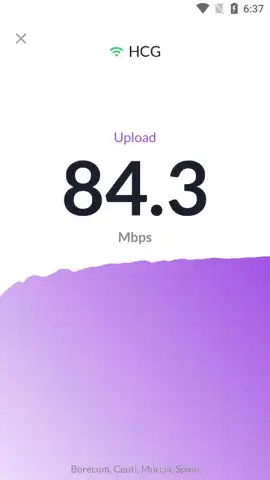
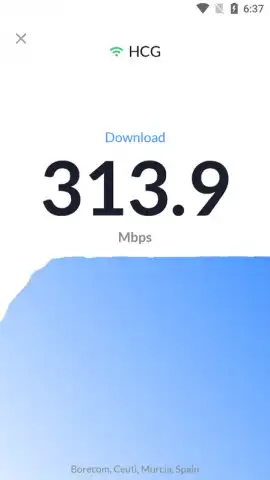
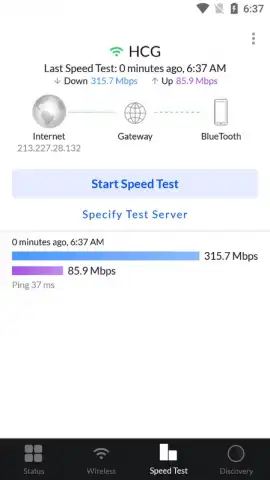
This isn't just a simple signal checker. WiFiman packs a professional-grade suite of tools into a free, easy-to-use app. Conduct comprehensive speed tests to measure your true download and upload performance, not just a basic ping. Use the Wi-Fi analyzer to find the clearest channel and avoid interference from neighboring networks. The device identification feature goes beyond generic names, helping you spot unfamiliar gadgets that shouldn't be on your network.
- Visual Network Scanner: Map all connected devices with manufacturer identification on a live, interactive layout.
- Professional Speed Test: Measure true throughput with detailed latency, jitter, and packet loss statistics.
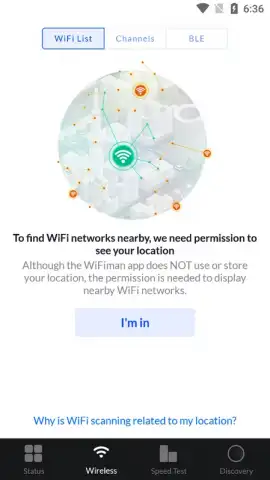
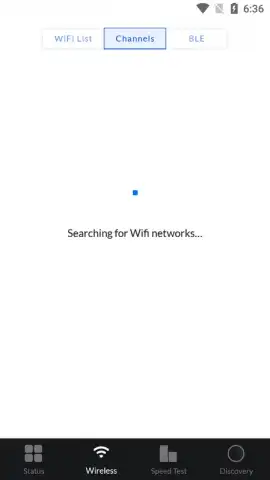
- Wi-Fi Channel Analyzer: Identify congested channels and find the optimal one for your router to reduce interference.
- Signal Strength Mapper: Walk through your space and visualize real-time signal strength to eliminate dead zones.
- Network Security Check: Quickly discover unknown devices that could be leeching your bandwidth or compromising security.
Download WiFiman now and take absolute control of your wireless environment! Stop suffering through slow speeds and dropped connections—get the professional insight you need today!
Heads up: you'll need Wi-Fi for most features. Some advanced diagnostic tools and historical data logging are part of extended functionality. Requires Android 8.0 or later.
 GooglePlay


