
Win 10 Launcher: 2
Win 10 Launcher: 2 screenshots (8)
Description Win 10 Launcher: 2
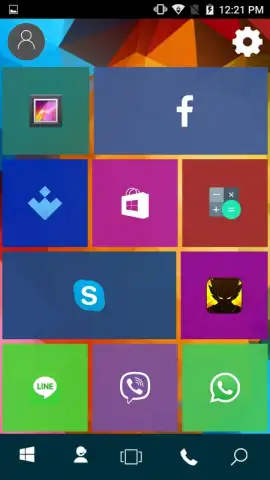
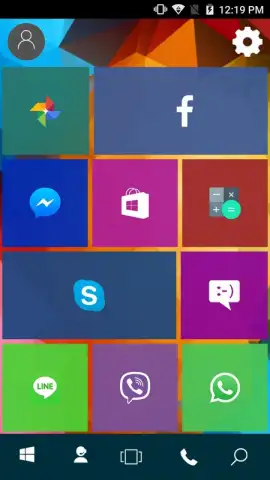
Want to transform your Android device into a sleek Windows 10 PC? Win 10 Launcher: 2 provides a comprehensive desktop conversion, delivering the iconic Windows 10 interface directly to your mobile screen. This launcher goes beyond simple visual mimicry, offering deep customization and a functional layout designed for efficient navigation and personalization.
Core Functionality and Customization
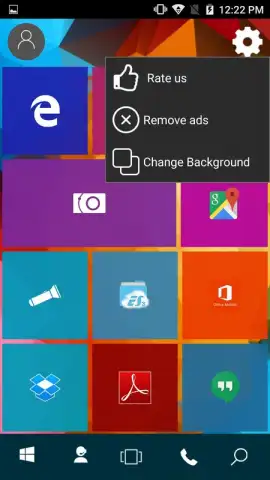
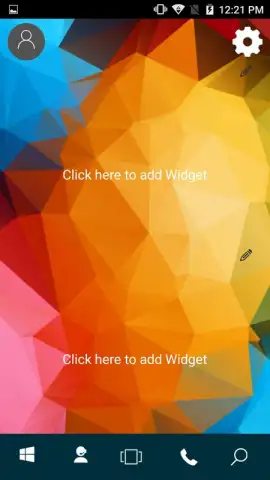
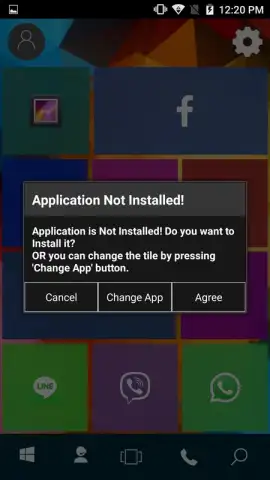
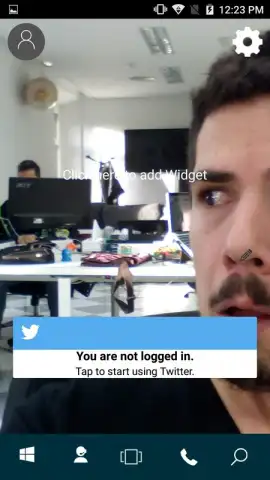
The application faithfully replicates the core Windows 10 environment, starting with the signature Live Tiles on the Start Menu. These dynamic Metro-style tiles are fully configurable; you can pin any application, resize tiles, and organize them into groups for immediate access. The launcher supports comprehensive widget integration, allowing you to add clocks, calendars, and system monitors to your desktop with a single touch. A dedicated settings panel provides granular control over the visual theme, animation speed, and icon pack behavior, enabling a tailored user experience.
Visual Fidelity and System Integration
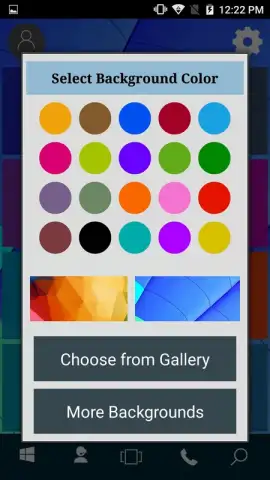
Graphical accuracy is a primary technical focus. The launcher renders high-resolution icons, authentic system fonts, and the characteristic translucent blur effects of the Windows 10 Fluent Design system. Users can customize the desktop background by selecting from a built-in gallery of default Windows wallpapers or by choosing any image stored on the device's local memory. The interface maintains consistent visual language across menus, notification panels, and the taskbar, creating a cohesive and immersive desktop simulation.
Operational Advantages
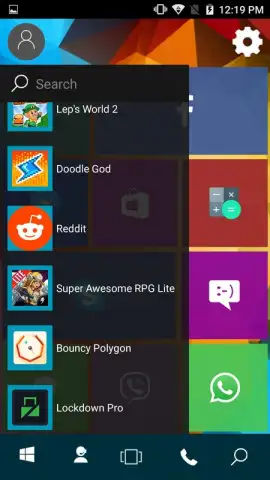
Performance is optimized for daily use, with smooth transitions and responsive touch controls. The Turbo mode, available within the application, enhances operational efficiency by disabling non-essential visual effects to prioritize speed and can remove advertising elements. The layout is designed for practicality, transforming your app drawer into a categorized list and providing quick access to a search function and system settings through familiar Windows-style navigation.
- Authentic Windows 10 Interface
- Fully Customizable Live Tiles
- Turbo Mode for Enhanced Performance
Don't wait to revolutionize your mobile experience. Download Win 10 Launcher: 2 immediately and install the full power of a Windows desktop on your Android device today!
Disclaimer: This application requires an internet connection for initial setup and certain features. It may contain optional in-app purchases. Use of this launcher involves modification of your device's home screen and may not be suitable for all age groups. Data usage may apply depending on configuration and wallpaper sources. The developer is not affiliated with Microsoft Corporation.


