

Win 11 Computer Launcher
Win 11 Computer Launcher screenshots (13)
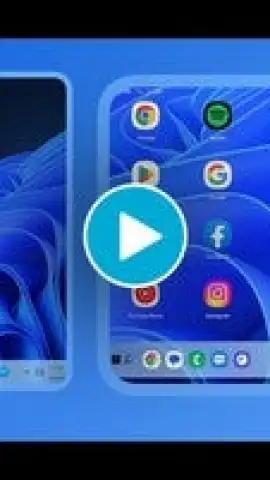
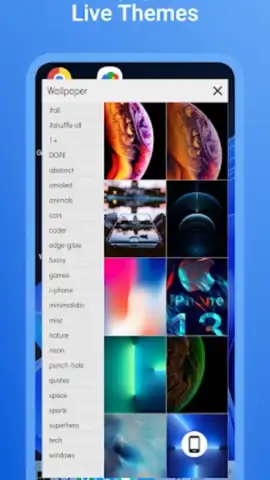
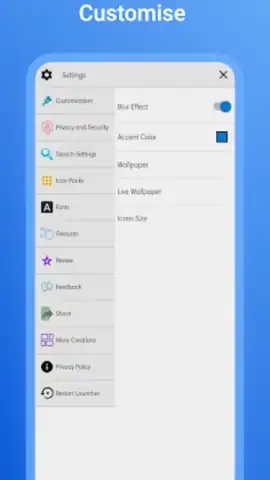
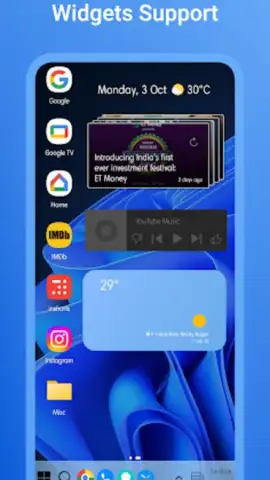
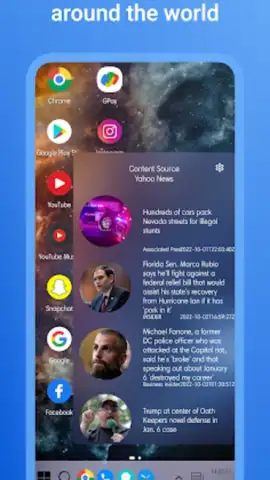
Description Win 11 Computer Launcher
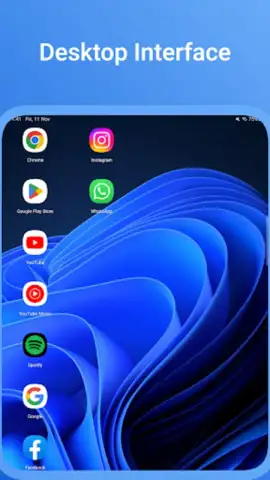
Ever wished your phone’s home screen worked more like your computer? Imagine pulling out your Android device and seeing the clean, organized layout of a Windows 11 desktop. No more hunting through endless app drawers—just a familiar, powerful interface designed for getting things done. That’s the core promise of the Win 11 Computer Launcher, an app that transforms your mobile device into a hub of professional-grade productivity and seamless workflow.
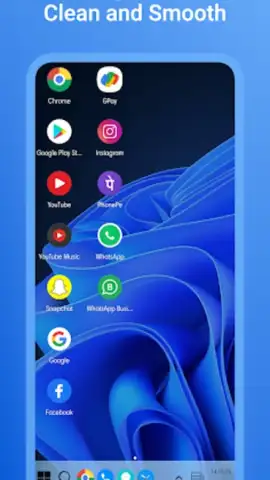
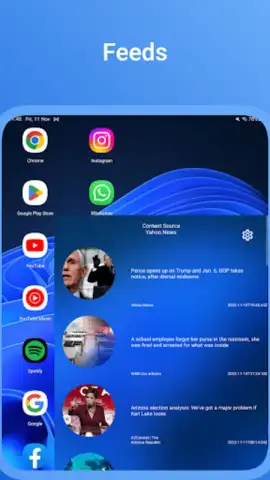
This launcher does far more than just apply a visual skin. It meticulously reconstructs the Windows 11 desktop environment, complete with a functional Start Menu, a system tray, and resizable live widgets. The experience is built for users who switch between a PC and their phone throughout the day, minimizing the mental friction of adapting to different interfaces. Beyond aesthetics, it introduces desktop-level organization to your pocket, allowing for file management, quick settings access, and app grouping that mirrors a full computer monitor.
Core Functionality and User Benefits
The Win 11 Computer Launcher delivers a comprehensive suite of tools focused on efficiency, security, and deep customization. It replaces your standard Android home screen with a layered, interactive environment where every element serves a purpose.
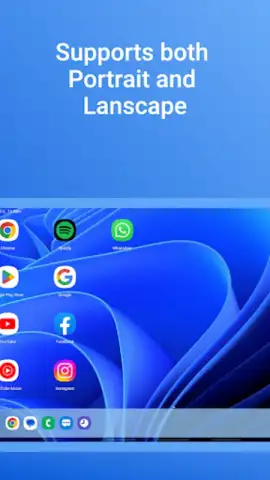
- Authentic Desktop Workflow: Navigate using a precise Start Menu, pin favorite apps to a taskbar, and manage notifications through a centralized action center, replicating the exact workflow of a Windows 11 PC or monitor.
- Advanced App Management & Security: Lock sensitive applications with a PIN, pattern, or password directly from the launcher interface, preventing unauthorized access to private messages, photos, or banking apps.
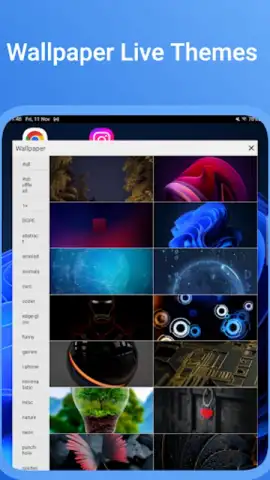
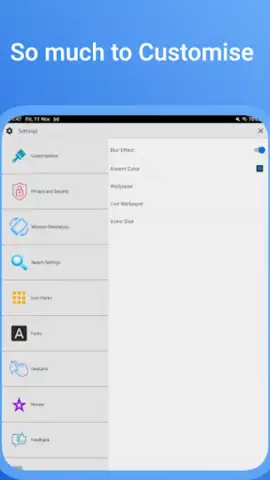
- Deep Visual Personalization: Customize with pixel-perfect Win 11-style wallpapers, adjust icon packs, modify taskbar transparency, and tweak system font styles to match your personal or professional aesthetic.
Detailed Feature Breakdown
- Ad-Free Turbo Experience: Operate without disruptive banner or pop-up advertisements, ensuring an immersive and focused desktop simulation that enhances device performance and navigation speed.
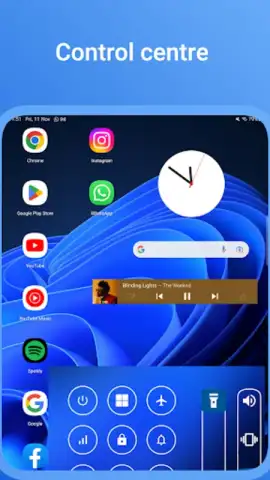
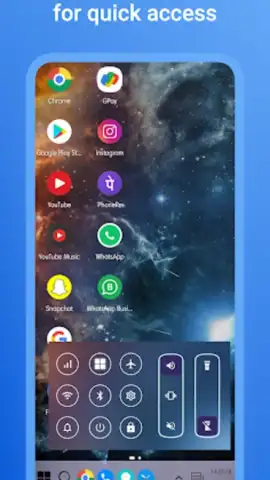
- Enhanced Productivity Tools: Access a dedicated file manager widget, control center for quick settings, and a recent apps view for swift multitasking, all designed to save time and streamline daily phone use.
- Complete Interface Replication: Interact with a live search bar, battery and network status indicators in the system tray, and resizable desktop icons that behave like their Windows counterparts for intuitive control.
We strongly suggest trying the Win 11 Computer Launcher if you seek a more professional, organized, and powerful interface for your Android device. It bridges the gap between mobile and desktop computing in a way that genuinely boosts daily efficiency.
Download the Win 11 Computer Launcher mobile app now to install a true desktop experience on your phone.
Heads up: you'll need wifi for initial setup and downloading theme assets. Some advanced customization options and exclusive icon packs are extra.
 GooglePlay


