
Win 11 Launcher
Win 11 Launcher screenshots (18)
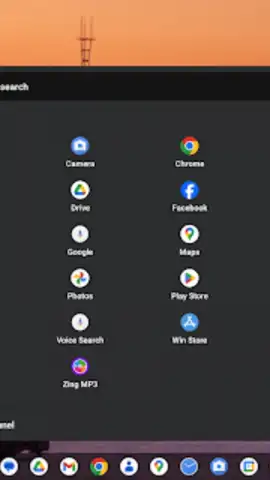
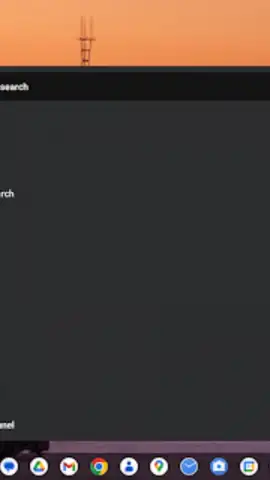
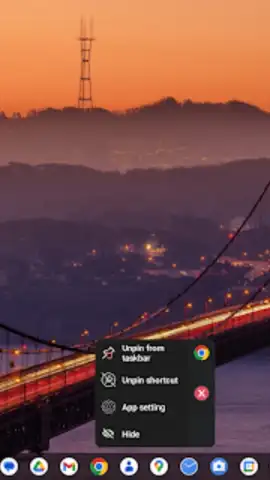
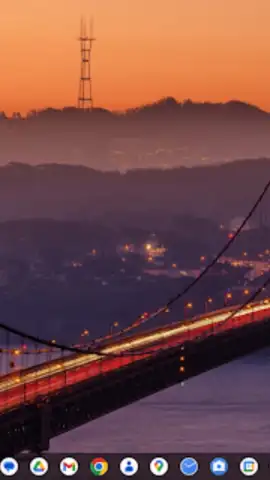
Description Win 11 Launcher
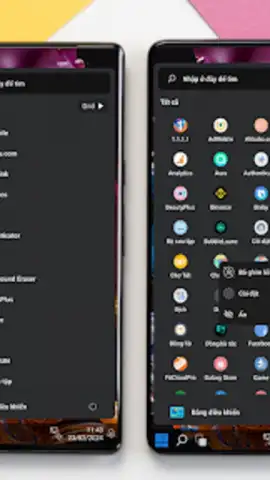
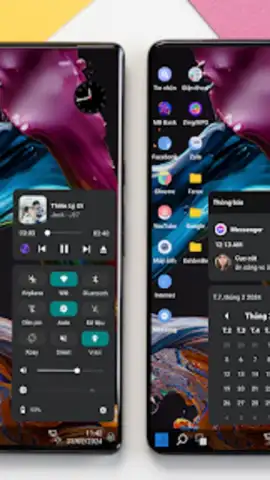
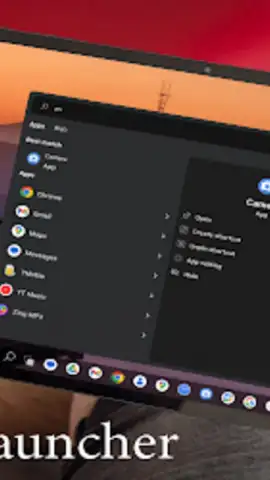
Want to experience the sleek, modern interface of Windows 11 on your Android device? Win 11 Launcher transforms your phone's home screen into a faithful and functional replica of the latest Windows desktop environment, delivering a unique and organized workflow right at your fingertips.
Core Features & Functionality
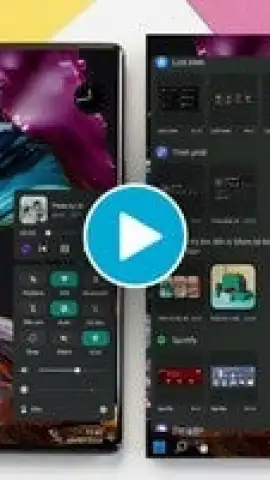
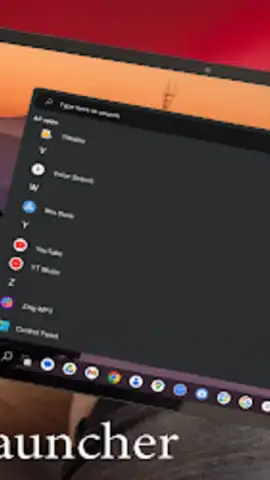
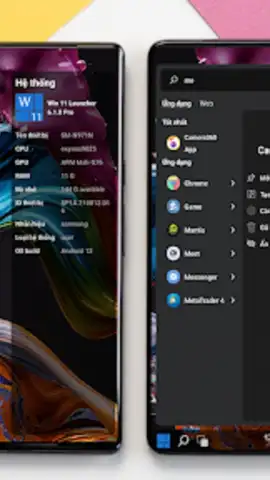
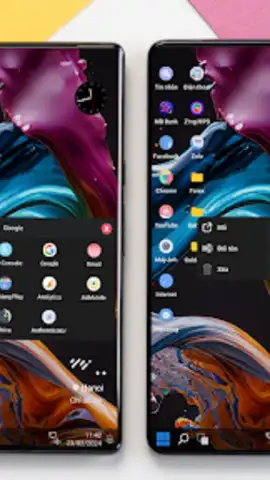
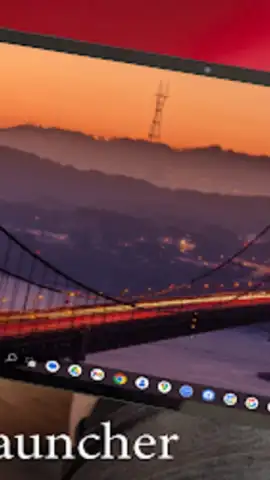
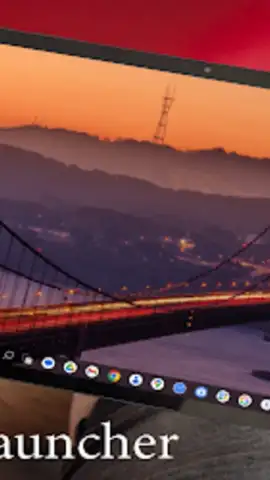
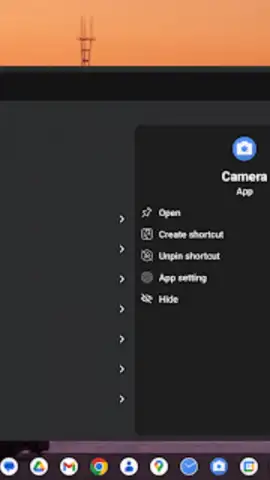
This launcher meticulously recreates the Windows 11 experience. You get a centered Start Menu with live tiles that display real-time information from your apps, a familiar Taskbar for quick app switching and system access, and a clean, widget-friendly desktop. The app supports extensive customization for icon packs, themes, and grid sizes, allowing you to personalize the layout to match your style. It integrates system tools like a quick settings panel, a file explorer-style app drawer, and notification management designed to mimic the Windows 11 action center.
Key Advantages
The primary strength of Win 11 Launcher is its deep visual and functional emulation, providing a cohesive and novel user interface that breaks from standard Android layouts. It offers enhanced productivity through a PC-like desktop metaphor, grouping apps and widgets efficiently. Performance optimization ensures smooth animations and transitions, maintaining system responsiveness even on devices meeting the minimum Android 10 requirement.
- Centered Start Menu with Live Tiles
- Fully Customizable Taskbar & Desktop
- Optimized for Performance & Battery
Download the Win 11 Launcher now and give your Android device a complete productivity-focused makeover.
Heads up: you'll need wifi for most features. Some cool stuff is extra.
 GooglePlay


