
Win X: Computer Launcher
Win X: Computer Launcher screenshots (10)
Description Win X: Computer Launcher
A Desktop-Class Interface for Your Android Device
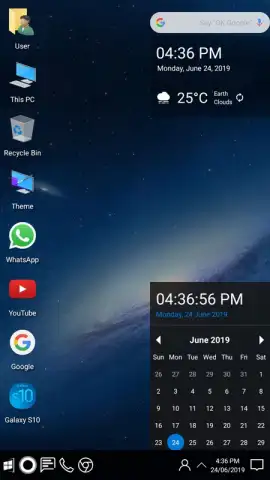
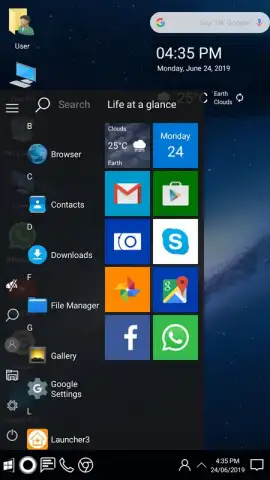
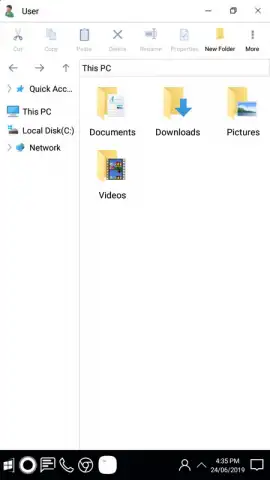
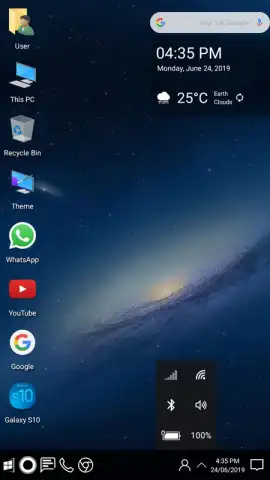
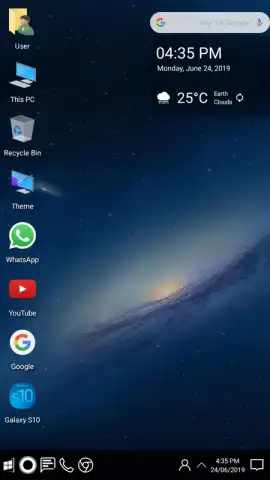
Many Android users seek a more structured, productive, and familiar interface than the standard launcher provides, often desiring the organizational logic and visual clarity of a desktop operating system. Win X: Computer Launcher directly addresses this by implementing a comprehensive Windows 10-style shell on Android. It is not merely a skin but a functional environment that replicates key desktop mechanics, from the iconic Start Menu and system tray to resizable application windows and a desktop area for shortcut management. This launcher transforms navigation and multitasking, offering a methodical user experience that prioritizes efficiency and customization over the typical grid of app icons.
Detailed Customization and Integrated Utilities
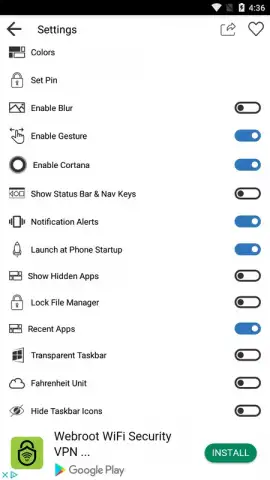
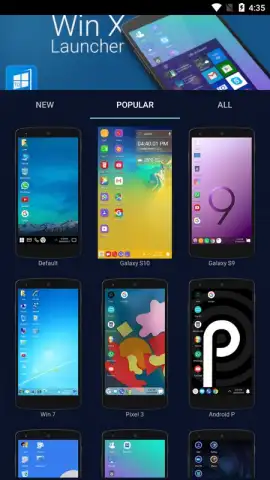
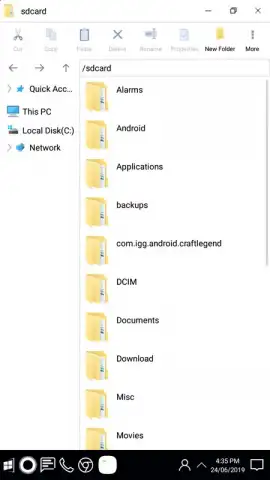
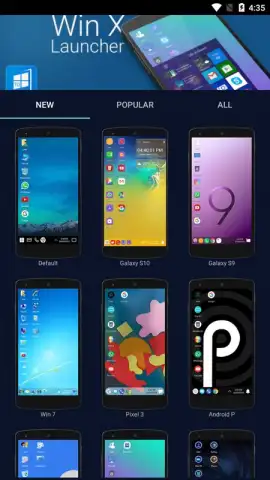
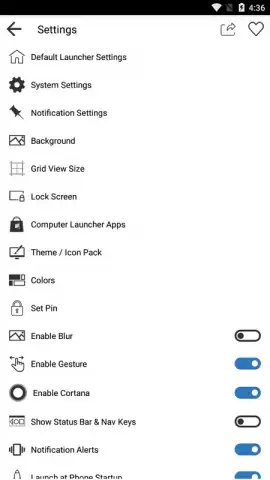
The core appeal lies in its profound level of customization, which operates on multiple layers. Users begin with a default layout that intelligently places common applications, but every component is malleable. The settings panel allows for granular control over visual elements, including the precise positioning of all desktop icons, the selection and scaling of wallpaper, and the adjustment of transparency levels for the taskbar and other UI panels. Beyond aesthetics, the launcher incorporates practical tools like a robust file manager, enabling document and media handling akin to Windows Explorer. A notable security feature is the per-application lock, which allows you to set a pattern or PIN for sensitive apps, adding a layer of privacy directly within the launcher environment. The experience is further enhanced by access to various theme packs, letting you alter color schemes and icon sets to match your preference without affecting the underlying Windows-style framework.
Key Features at a Glance
- Authentic Windows 10 desktop interface
- Granular transparency and layout controls
- Integrated file manager and app locker
- Extensive theme packs and customization
This application provides a legitimate paradigm shift for users who manage complex workflows on their Android devices. It replaces abstraction with concrete desktop metaphors, making file management and application organization intuitively spatial. The absence of intrusive advertising in its Turbo-enhanced mode ensures an immersive, uninterrupted experience that faithfully mimics a desktop PC's operational flow.
Download Win X: Computer Launcher now! Transform your smartphone or tablet into a pocket-sized workstation immediately—do not wait to upgrade your mobile productivity.
Disclaimer: This application requires an internet connection for initial theme downloads and updates. It may contain in-app purchases for premium features or theme packs. Data usage may apply. Please check the product description for age restrictions and review the app's data privacy policy before installation.


