
Windows App (Preview)
Windows App (Preview) screenshots (12)
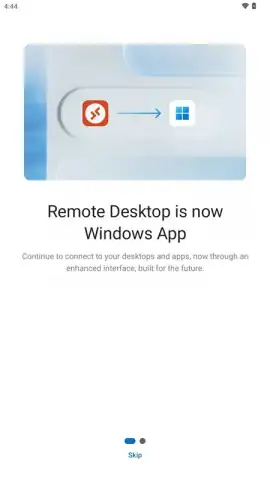
Description Windows App (Preview)
Your PC, In Your Pocket. Seriously.
Imagine needing a file from your home computer while you're on the train. Or having to check on a rendering job on your office workstation from a coffee shop. That sinking feeling of being tethered to a single physical machine is over. Windows App (Preview) from Microsoft shatters that limitation, transforming your Android phone or tablet into a universal remote control for your entire digital world. This isn't just screen mirroring; it’s about sitting in the driver's seat of your powerful Windows PC from anywhere, feeling the full weight of its capabilities right in the palm of your hand.
A Gateway to Every Computer You Own
The magic begins with breathtaking flexibility. Whether your target is a physical PC humming under your desk, a corporate machine in a server room, or a pristine cloud desktop powered by services like Windows 365 or Azure Virtual Desktop, this app is your single key. Cloud desktops mean your perfect workspace—with all your apps, files, and settings—is now a persistent companion, identical whether you connect from your living room or an airport lounge. For work, simply use your organizational account to securely tap into company resources, be they in the cloud or on-premises. And for direct, unfettered control, you can connect via a device's IP address, putting you in command of any PC you have permission to access.
Engineered for Power and Precision
This is where the experience transforms from convenient to professional. The connection isn't just stable; it's intelligent and high-fidelity. You're not just watching a stream; you're interacting with true responsiveness. Connect a Bluetooth keyboard and mouse to your Android device, and it feels like you're directly plugged into the remote PC. Need to present or collaborate? Redirect the remote computer's audio and camera to your mobile device seamlessly. Working with a multi-monitor setup? The app gracefully handles multiple displays, letting you view them side-by-side or switch between them with a tap, turning your tablet into a command center for a complex digital workspace.
Security isn't an afterthought—it's the foundation. Every connection is rigorously encrypted, ensuring your data, keystrokes, and sessions are shielded from prying eyes. This allows you to work confidently on sensitive documents even over public Wi-Fi, knowing the link between your hand and your hardware is locked down tight.
Seamless Setup, Tailored Control
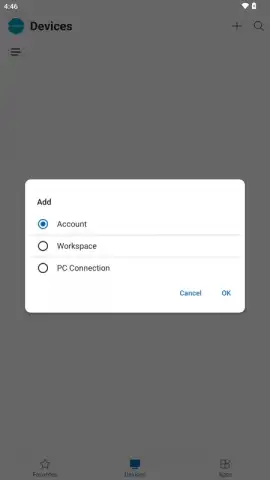
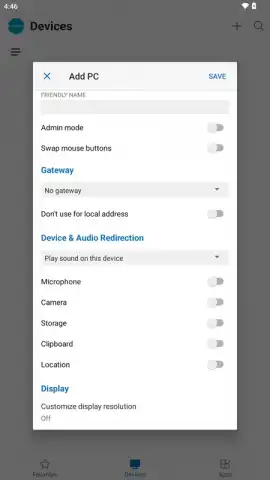
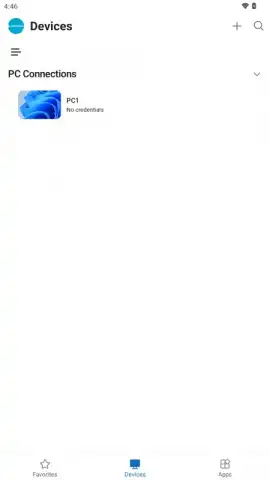
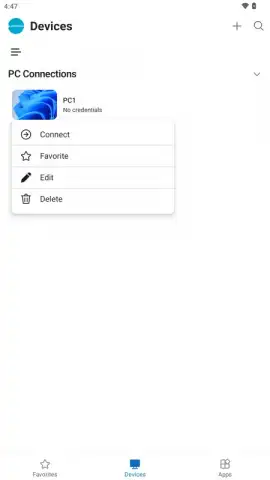
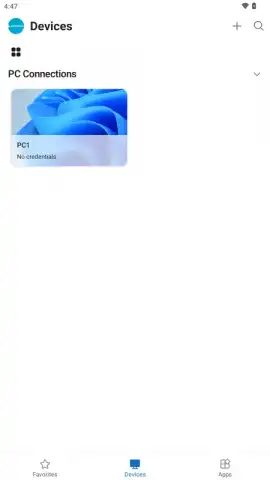
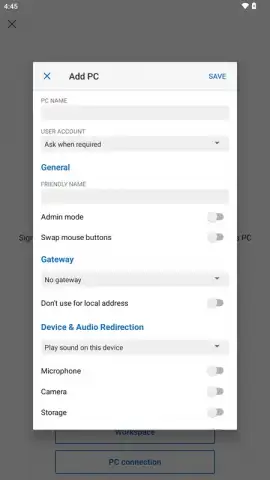
Forgetting complex configurations. Setting up Windows App (Preview) is a breath of fresh air. Enable Remote Desktop on your Windows PC, ensure both devices are online, and you're almost there. The app offers three intuitive paths: sign in with your cloud service email (like for Windows 365), add your work or school account, or enter a PC's IP address. Once connected, you can save these configurations permanently. Imagine one-tap access to your home gaming rig, your office workstation, and your cloud development box—all from a single, organized list on your phone.
The customization goes deeper. You can enable administrative permissions for those times you need to install software or tweak system settings remotely. Fine-tune the experience to match your network speed and prioritize clarity or fluidity. This app adapts to you, not the other way around.
Why Your Android Device Needs This App Immediately
- Universal Access: Connect to physical PCs, corporate resources, and cloud desktops (Windows 365, Azure Virtual Desktop, Microsoft Dev Box) from one unified app.
- Professional-Grade Performance: Experience a responsive, high-quality remote session optimized with advanced protocols for a smooth desktop experience.
- Enterprise-Level Security: Work with peace of mind thanks to end-to-end encrypted connections for all your remote sessions.
- Multi-Monitor Mastery: Fully support and view remote PCs with multiple displays directly on your mobile device.
- Deep Peripheral Integration: Use your Android device's keyboard, mouse, and even its camera and microphone as if they were connected to the remote PC.
- Flexible Connection Methods: Choose the easiest path: cloud account, work/school account, or direct IP address connection.
- Zero Advertising Clutter: Enjoy a clean, professional interface entirely focused on your productivity.
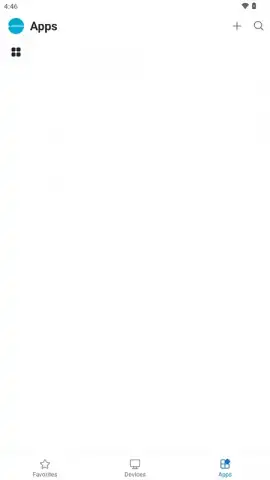
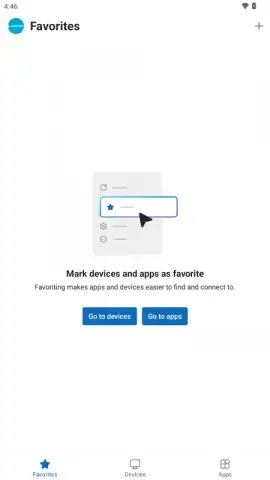
- Session Management: Save and organize your connections for instant, one-tap access to all your computers and workspaces.
Stop imagining the freedom of a truly mobile workstation. Stop being chained to your desk. This is the tool that decouples your computing power from a single location. Transform your commute, your waiting time, your entire workflow.
Download Windows App (Preview) right now and command your PC from anywhere!
Internet required. IAP available.


