

Wine
Wine screenshots (3)

Description Wine
Can You Run Classic Windows Software on Your Android Device?
This review examines Wine for Android, version 6.13, a specialized compatibility layer developed by Wine Authors. It functions as a multi-platform reader, but its core operation is more technical: it enables the execution of software binaries compiled for Microsoft Windows on non-Windows operating systems. Originally architected for Linux systems to run Win16 and Win32 applications, its Android port delivers analogous functionality, creating a unique bridge between desktop software ecosystems and mobile hardware.
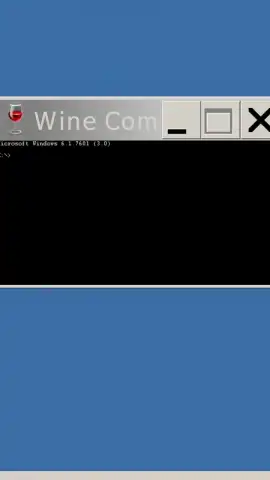
The application generates a simulated desktop environment visually reminiscent of pre-XP Windows versions. This interface serves primarily as a management console for installed Windows programs rather than a full operating system emulator. While optimized for Android devices running on x86 architecture, it maintains functionality on ARM-based devices through binary translation, though this can impact performance. A critical operational note is that effective use requires peripheral input devices; touchscreen controls are insufficient for navigating most legacy software, necessitating a connected keyboard and mouse for practical interaction.
Compatibility is determined on a per-application basis, with detailed databases available on the project's official website. In practice, the layer excels with older business utilities, design tools like legacy Adobe Photoshop versions, and early-generation games such as Quake II. Successfully launching a program often involves configuration adjustments, requiring patience and multiple attempts to establish correct library mappings and dependency resolutions. The system operates without advertising, and the optional Turbo subscription may provide accelerated performance for supported titles.
- Multi-Platform Windows Compatibility
- Legacy Software & Game Support
- Peripheral Input Device Required
- No In-Application Advertising
Download the Wine mobile app now to unlock exclusive, early access to desktop-grade software on your Android device. This limited offer for new users is the most direct method to transform your tablet into a portable workstation.
Heads up: you'll need wifi for initial setups and downloads. Some cool stuff, like performance optimizations under the Turbo plan, is extra. Compatibility varies per device and software title.


