

Write
Write screenshots (9)
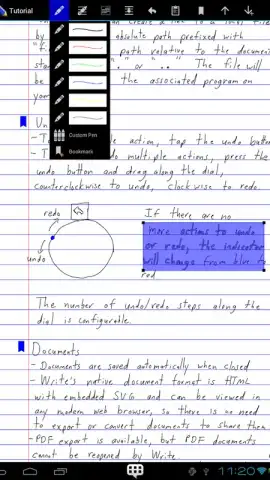
Description Write
A Vector-Based Handwriting Engine That Redefines Digital Ink
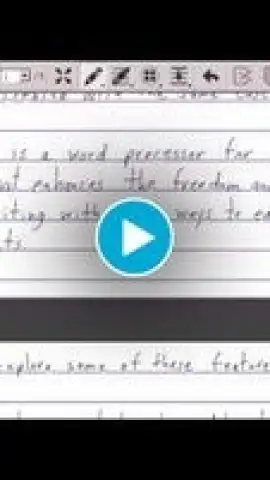
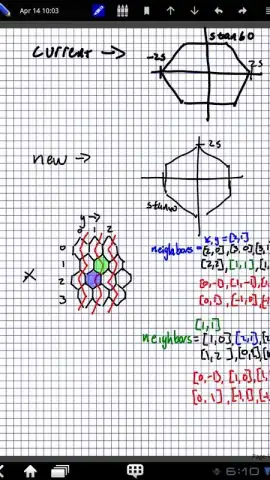
Write by Stylus Labs is not merely another note-taking application; it is a foundational tool engineered for the precise manipulation of vector-based handwriting and sketches. It functions as a dedicated workspace for complex note-taking, visual brainstorming, and detailed diagramming, built upon a non-destructive editing model that treats every stroke as a malleable object. The core experience is defined by its fluid text reflow engine, which allows handwritten paragraphs to be edited, words to be inserted or deleted, and spacing to be adjusted after the fact, fundamentally changing how digital notes are revised and annotated. This approach transforms a static handwritten page into a dynamic document that can be restructured as easily as typed text.
Core Mechanics and Document Interaction
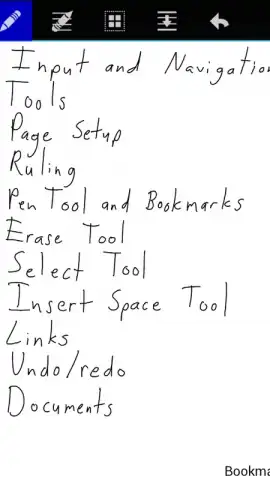
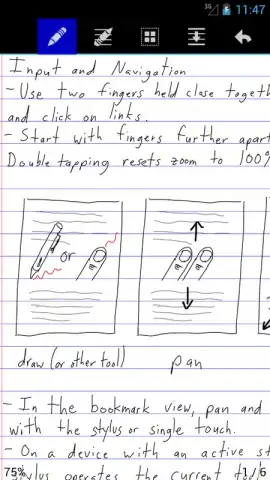
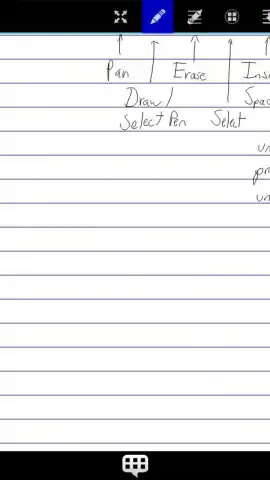
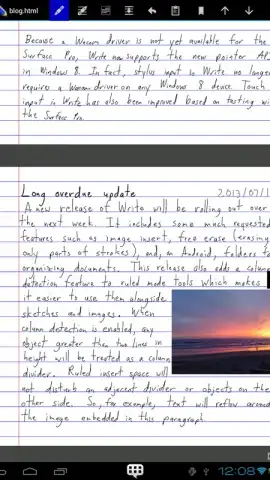
The application's interface is built around direct manipulation of ink. Users perform edits by physically moving lines of handwriting, inserting whitespace into existing text blocks to add clarifications, or lassoing and repositioning entire sections of a page. Each stroke remains editable, with comprehensive undo and redo history providing a safety net for experimentation. Beyond basic ink, the tool supports the creation of live, handwritten hyperlinks that can link to internal bookmarks or external websites, turning handwritten notes into interactive documents. For richer content, images can be embedded directly onto the canvas and annotated freely, merging freeform sketches with reference material. The absence of advertising creates an uninterrupted, focused environment for deep work.
Customization and Workflow Optimization
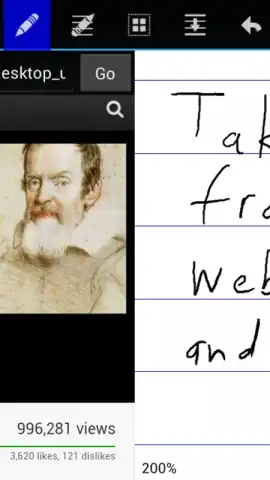
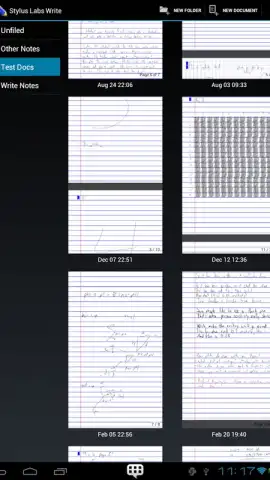
Write offers extensive environmental controls to match user preference and task requirements. Page templates can be customized in size, ruling, and background color, with content that automatically reflows and expands as you write toward the margin. On supported devices, pressure sensitivity is fully leveraged for natural variation in line weight. A significant productivity feature is the integrated split-screen browser, allowing a web page or video to be viewed side-by-side with the note canvas for efficient research and note capture. Document management is handled through a folder-based system, ensuring projects remain organized and accessible. The tool's design prioritizes a seamless flow from idea to digital artifact.
Cross-Platform Compatibility and Export
A defining technical advantage of Write is its native availability across multiple operating systems, including Android, Windows, macOS, and Linux. This ensures a consistent toolset regardless of the primary device used. Documents are saved in open, web-standard HTML and SVG formats, meaning any file can be opened and viewed in a modern web browser without proprietary software. For sharing and archiving, a high-fidelity PDF export function is included, preserving the exact layout and vector quality of the original. This combination of an advanced feature set and robust, platform-agnostic file support positions the application as a viable long-term solution for professional and academic digital handwriting needs.
- Vector-Based Handwriting & Text Reflow: Edit, insert, and delete within handwritten paragraphs as if working with typed text.
- Non-Destructive Stroke Editing: Lasso, move, and manipulate every ink stroke after it has been drawn on the page.
- Handwritten Hyperlinks & Bookmarks: Create interactive links within your notes that connect to websites or internal document sections.
- Split-Screen Browser Integration: Research and take notes simultaneously with a built-in browser view for enhanced productivity.
- Multi-Platform Sync & Open Formats: Work seamlessly across Android, Windows, Mac, and Linux using standard HTML/SVG files.
Transform your device into a powerful digital notebook and start creating with precision today. Download the Write mobile app now to claim your advantage.
Note: Application requires an internet connection for initial download and certain sharing functions. The core application is free with optional premium features available via in-app purchase.
 GooglePlay


