
XBMC4Xbox Remote
XBMC4Xbox Remote screenshots (9)
Description XBMC4Xbox Remote
Your Living Room, Reimagined in Your Hand
Imagine this: your favorite movie is queued up on your Xbox, the lights are dimmed, and you're settled into the perfect spot on the sofa. Then you realize the remote is on the other side of the room. That tiny moment of friction is gone forever. This app transforms your phone into the ultimate command center for your XBMC4Xbox, putting complete control of your media library literally at your fingertips. No more scrambling, no more squinting at the TV screen to navigate menus. Your entertainment experience just became seamless, intelligent, and wonderfully convenient.
Total Control, Wherever You Are
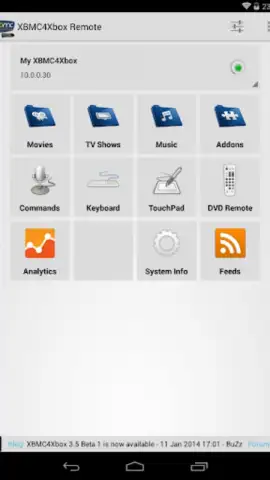
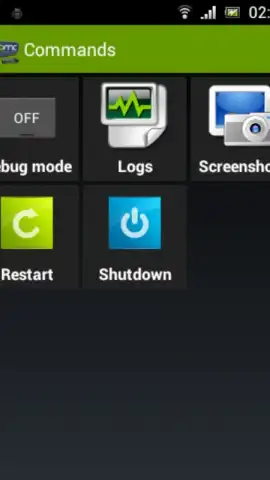
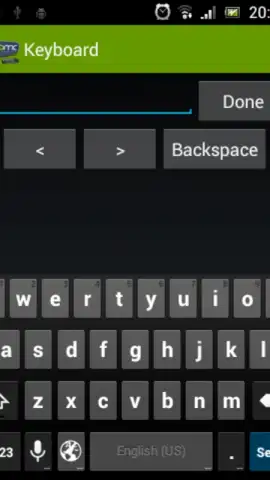
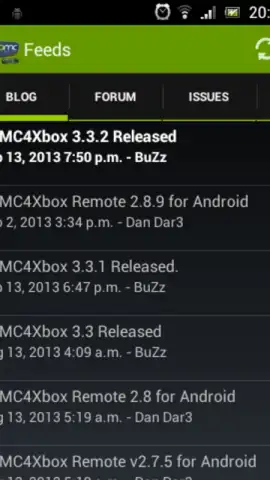
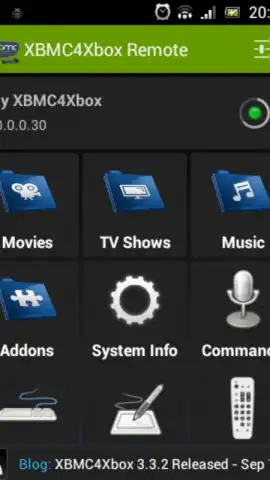
This isn't just a simple remote with a few buttons. It's a full-featured portal to your XBMC4Xbox media center. Navigate your entire library—movies, TV shows, music, and pictures—with a beautiful, intuitive interface that mirrors what you see on your TV. Browse by cover art, genre, or recently added titles with a simple swipe. The integrated keyboard makes searching for that specific film or artist effortless, saving you from the tedious click-through of an on-screen keyboard. You can manage playlists, adjust volume, control playback, and even power your system on or off, all from the comfort of your couch or the next room over.
Why This Remote Changes Everything
- Beautifully Designed Interface: Navigate with ease using a clean, visual layout that makes finding your next watch a pleasure, not a chore.
- Complete Library Access: Browse your entire media collection stored on your XBMC4Xbox directly from your phone. See artwork, summaries, and metadata at a glance.
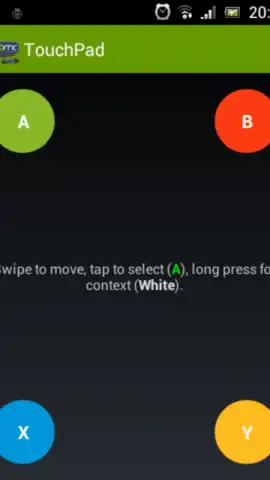
- Touch & Gesture Control: Enjoy smooth, responsive navigation. Swipe through lists, tap to select, and use the gesture area for precise cursor control.
- Integrated Keyboard: Type searches, file paths, or URLs instantly, making data entry quick and frustration-free.
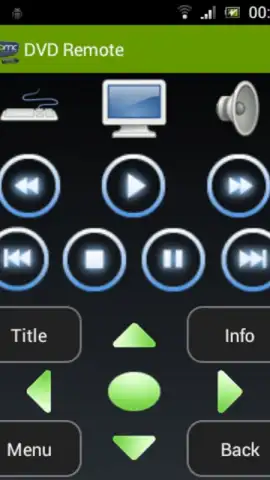
- Powerful Playback Management: Play, pause, stop, skip, and adjust volume with dedicated controls. You have full command over your media.
- Lightweight & Efficient: Designed to work reliably with Android devices, ensuring a stable connection without draining your phone's battery.
You've already curated the perfect media collection; now it's time to experience it with the perfect controller. Consider downloading XBMC4Xbox Remote to unlock a new level of convenience and bring your home entertainment system seamlessly into the modern age.
Download mobile app now
Requires a network connection to communicate with your XBMC4Xbox media center. This is a utility application and does not contain any media content or in-app purchases.
 GooglePlay


