

Xbox Family Settings
Xbox Family Settings screenshots (7)
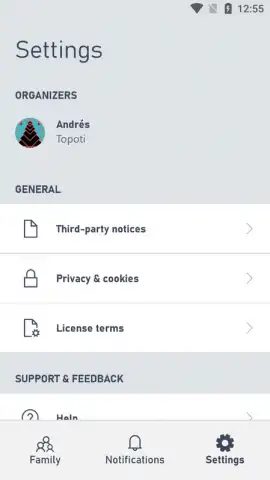
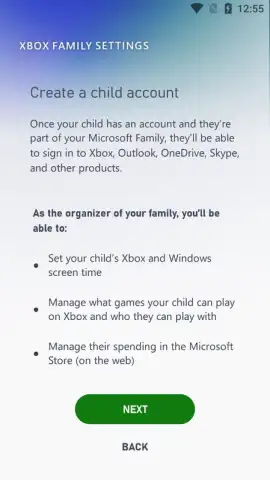
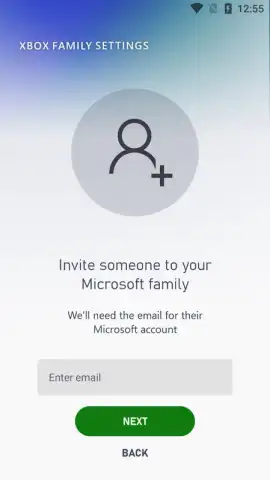

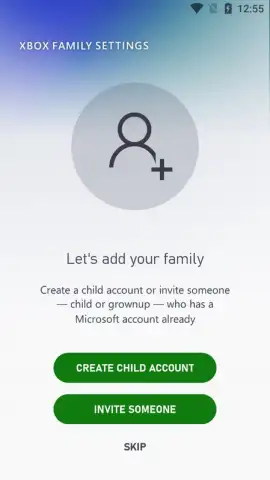

Description Xbox Family Settings
Is managing your child's gaming time and online interactions on Xbox becoming a daily negotiation? The official Xbox Family Settings app by Microsoft provides a structured, transparent system for parental oversight, moving beyond guesswork to offer precise control and visibility.
Core Functionality and Parental Oversight
This application serves as a dedicated administrative dashboard for family accounts linked to the Xbox ecosystem. Its primary function is to translate parental concerns into actionable digital boundaries. The system operates by granting you remote access to each child's profile through your own Microsoft account, establishing a clear hierarchy of management. The interface is designed for clarity, presenting data on playtime, social interactions, and purchase requests in a consolidated feed, eliminating the need to access the console directly for routine checks. This transforms reactive parenting into a proactive strategy, where limits are set in advance and notifications keep all parties informed.
The time management tools are notably granular. You are not simply setting a universal daily limit; you can allocate specific time allowances for individual child profiles and even define permitted play windows, such as weekdays versus weekends. The app's automated notification system sends a warning to the child's console or device as their allotted time nears expiration, providing a fair and consistent reminder to conclude their session. This mechanic encourages self-regulation within the established framework.
Detailed Social and Content Management
Beyond screen time, the app addresses the social layer of online gaming. The friend request management feature acts as a gatekeeper. While most requests likely come from known acquaintances, this tool requires parental approval for new connections, allowing you to vet potential contacts. This provides visibility into your child's social circle within multiplayer games without requiring constant over-the-shoulder monitoring. Furthermore, the app integrates with the broader Xbox content filtering system, letting you enforce age-appropriate restrictions on games and media based on official ratings, ensuring the digital environment aligns with your family's standards.
- Implement precise daily and weekly screen time limits with automated session warnings for each child profile.
- Review and approve or deny every incoming friend request before a connection is established.
- Monitor detailed activity reports showing played games, session durations, and online interactions.
- Configure content filters to block games and apps based on ESRB age ratings and custom restrictions.
- Manage purchase approvals and set spending limits directly from your mobile device.
This tool is essential for establishing a balanced and secure gaming framework. Don't wait to implement clear digital boundaries.
Download the Xbox Family Settings app now and take definitive control of your family's gaming ecosystem today!
Heads up: you'll need wifi for most features. Some cool stuff is extra.
 GooglePlay


