
Xbox SmartGlass
Xbox SmartGlass screenshots (4)
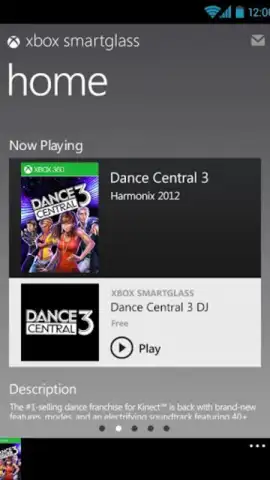
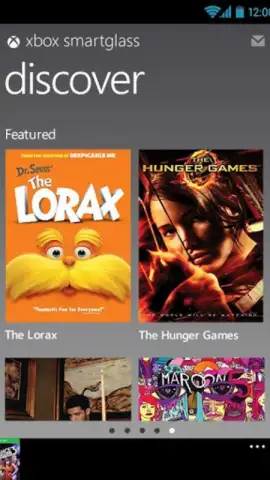
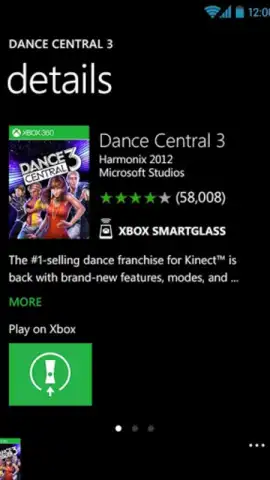
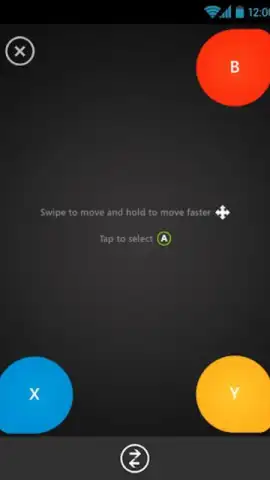
Description Xbox SmartGlass
A Second Screen Solution for Xbox 360 Management
For Xbox 360 owners, navigating the console's interface with a standard controller can be a cumbersome process, particularly for text entry or media playback control. Xbox SmartGlass, developed by Microsoft Corporation, addresses this by transforming an Android device into a dedicated companion tool. This application establishes a direct wireless link to the console, extending its functionality and providing alternative input methods that streamline the user experience. It functions not as a replacement for the core console interface, but as a supplemental control layer designed for specific convenience scenarios.
Functional Analysis and Core Utilities
The primary utility of SmartGlass lies in its capacity to mirror the Xbox 360 dashboard onto a connected smartphone or tablet. This allows for menu navigation directly from the mobile device's touchscreen. A significant practical enhancement is the ability to utilize the device's native software keyboard for any text input required by the console, effectively solving the slow and awkward text entry associated with using a controller's directional pad. Beyond system navigation, the app operates as a dedicated remote control for media consumption. When playing video or audio content from the console, it provides tactile touch controls for playback, pause, seek, and volume adjustment.
The application's functionality extends into supported games, though this is title-dependent and implemented at the discretion of individual game developers. In compatible titles, SmartGlass can deliver secondary game data, interactive maps, or inventory management screens, creating a second-screen experience. It is important to note that the app serves as an access and control point for content hosted on the Xbox 360; it does not stream or run console games directly on the mobile device. The connection is managed locally over a Wi-Fi network, requiring both the console and the Android device to be on the same network segment for reliable operation.
Key Feature Integration
- Provides complete remote navigation and control of the Xbox 360 system dashboard.
- Enables rapid text input using your mobile device's native touch keyboard.
- Functions as a dedicated media remote for video playback and music control.
- Delivers complementary in-game information and tools for supported titles.
- Establishes a private, local network connection for secure console management.
Download the Xbox SmartGlass mobile app now and immediately upgrade your console interaction. Stop struggling with inefficient controls and unlock a streamlined command center today.
A stable internet connection is required for initial setup and certain features. The app provides access to content and services from your Xbox 360 console.


