

XM - Trading Point
XM - Trading Point screenshots (4)

Description XM - Trading Point
Navigating Global Markets from Your Pocket
For active traders, being tethered to a desktop platform means missing critical opportunities in fast-moving financial markets. The XM - Trading Point app addresses this core constraint by delivering a comprehensive, mobile-optimized trading environment directly to Android devices. It transforms a smartphone into a legitimate trading terminal, enabling execution, analysis, and portfolio management with a level of depth typically reserved for computer-based software. This review examines whether the application successfully condenses professional trading tools into a mobile interface without compromising on functionality or security.
Feature Analysis: A Mobile Command Center
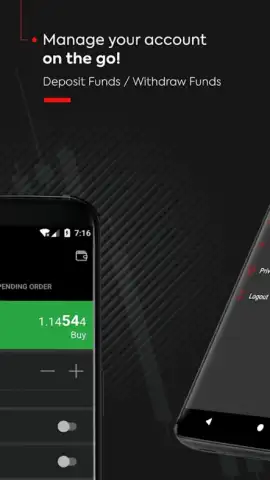
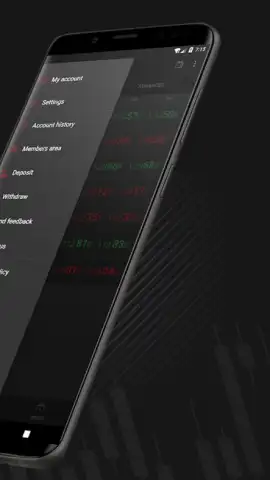
The application’s primary function is seamless integration with the industry-standard MetaTrader 5 (MT5) platform. This is not a simplified companion app; it provides full access to live price streams, order execution, and open positions. The interface utilizes a clean, customizable layout where traders can arrange watchlists, interactive charts with multiple timeframes, and analytical tools on a single screen. A key operational advantage is the robust notification system, which can be configured for price alerts, economic calendar events, or margin warnings, ensuring traders remain informed without constant screen monitoring.
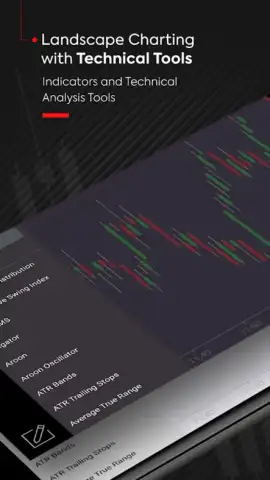
Beyond execution, the app aggregates a substantial library of analytical resources directly within its ecosystem. This includes real-time financial news feeds filtered by asset class, technical analysis from integrated indicators, and fundamental reports. The charting package is particularly detailed, offering a variety of drawing tools and graphical objects for detailed market analysis on the go. For customization, users can adjust themes, layout presets, and default order parameters, tailoring the trading workflow to individual strategies.
Critical Tools for the Mobile Trader
- Full MT5 Platform Integration: Execute trades, manage live orders, and access your entire account history with complete parity to the desktop MT5 experience.
- Advanced Interactive Charting: Analyze markets with multi-timeframe charts, numerous technical indicators, and customizable drawing tools for detailed technical analysis.
- Real-Time News & Analytics Hub: Receive filtered financial news, economic calendar updates, and market insights directly within the app to inform trading decisions.
It is imperative to note that trading Contracts for Difference (CFDs) through this app involves significant risk of capital loss. These are complex leveraged instruments, and successful trading requires advanced financial knowledge, a clear risk management strategy, and the capacity to absorb potential losses. The app is a powerful tool for execution and analysis, but it does not mitigate the inherent high risks of the CFD market itself.
Start managing your positions and seizing market opportunities with precision from anywhere. Download the mobile app now to access professional trading tools directly on your device.
Disclaimer: An active internet connection is required. The application offers in-app purchases and involves trading financial instruments with risk of loss. CFDs are complex instruments. Consider your understanding and risk appetite before trading.
 GooglePlay


