

XRecorder
XRecorder screenshots (12)
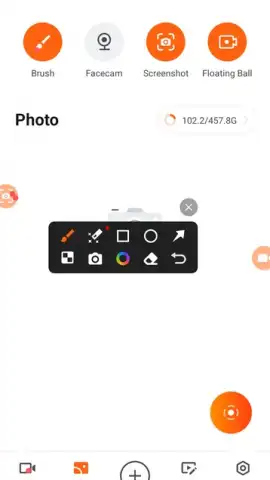
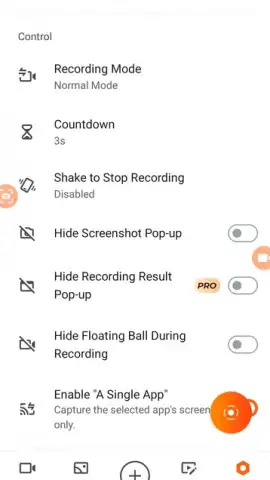
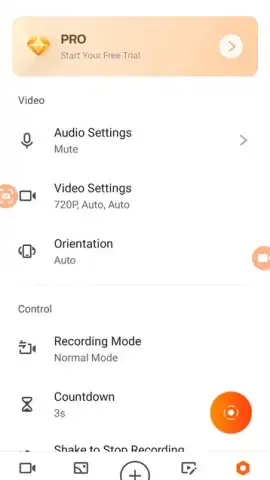
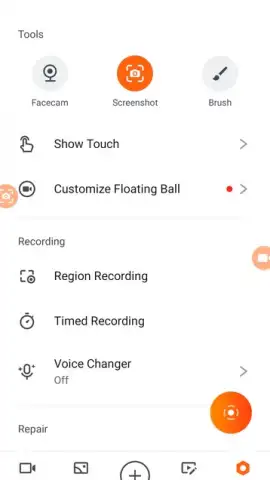
Description XRecorder
Looking for a professional-grade screen recorder that captures every detail without intrusive watermarks? XRecorder provides a comprehensive solution for high-fidelity screen capture and built-in editing, designed for gamers, educators, and content creators.
Core Functionality and Recording Specifications
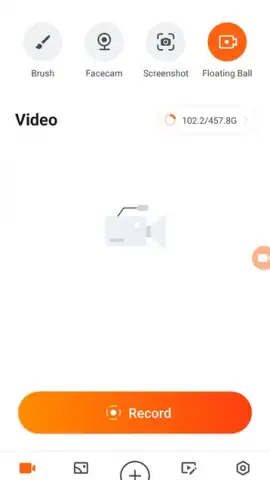
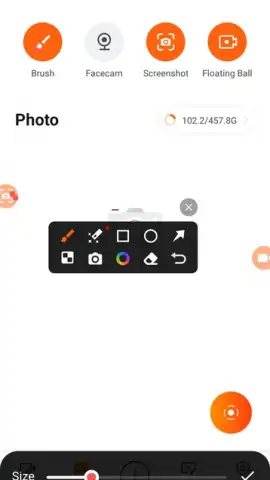
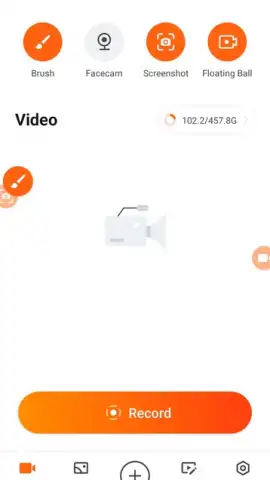
XRecorder operates as a standalone utility for capturing all on-screen activity on your Android device. The application records directly from the display buffer, requiring no root access, and outputs clean video files free of branding. Recording is initiated through a persistent overlay button or notification control, allowing capture during any application, including full-screen games and video calls. The software supports variable resolution and frame rate settings, with maximum output configurations of 1080p at 60 frames per second for balanced clarity and smooth motion. Users must grant standard screen recording permissions via the Android system prompt during initial setup.
Integrated Post-Production Editing Suite
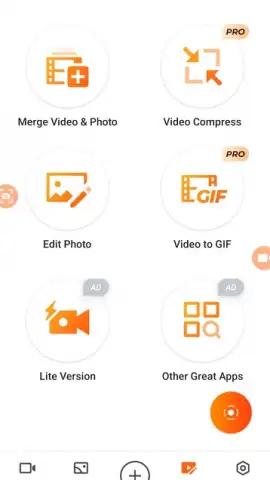
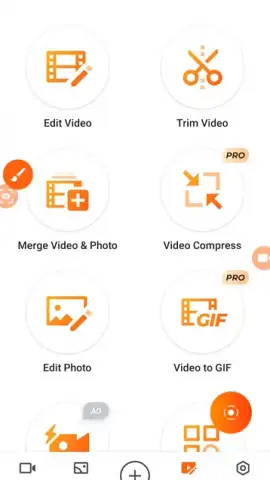
The module includes a native editing environment, eliminating the need for third-party editing apps for basic tasks. This toolkit provides timeline-based trimming and cutting functions for removing unwanted segments. Users can import external audio tracks or utilize the microphone for simultaneous voiceover commentary during or after recording. Text overlay tools support custom fonts and positioning, while speed adjustment controls allow for creating slow-motion or timelapse sequences. Additional utilities include canvas rotation, application of color filters, and direct social media sharing for finalized content.
Audio Configuration and Capture Modes
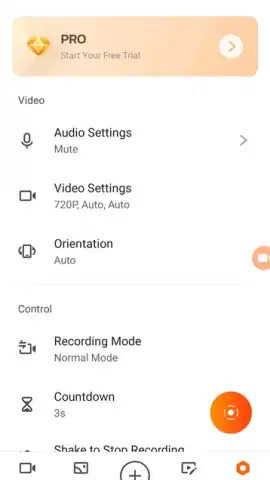
Audio recording is managed through a discrete settings panel, offering flexible input sources. Users can select to capture internal device sound, external microphone audio, or a mixed stream of both. This is particularly functional for narrating tutorials, adding live commentary to gameplay, or recording audio from video conferences. The audio track is synchronized with the video during the capture process and can be modified or muted in the editor.
Detailed Feature Overview
- Record screen activity in up to 1080p resolution at 60 FPS for fluid playback.
- Capture clean video without embedded watermarks or trial limitations.
- Utilize an integrated editor to trim clips, add music, text, and adjust speed.
- Record audio simultaneously from system sounds, microphone, or both.
- Share finished videos directly to social platforms from within the application.
The software is positioned for users requiring reliable, high-quality screen documentation and quick edits. Download the mobile app now to begin capturing and producing video content immediately.
Internet connection required for initial download. In-app purchases available.
 GooglePlay


