

Yatse, the Kodi Remote
Yatse, the Kodi Remote screenshots (7)
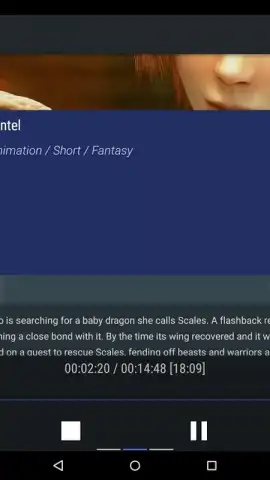
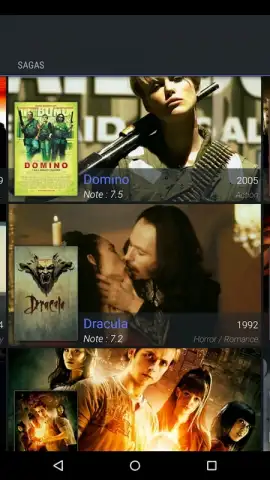
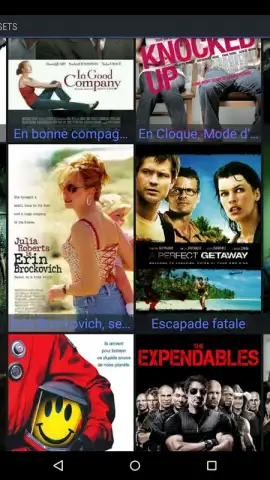
Description Yatse, the Kodi Remote
Transform Your Android Device into a Kodi Command Center
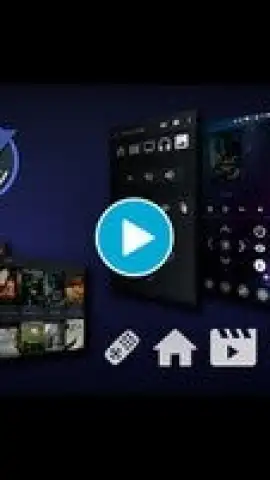
Yatse is not just another remote app; it is a comprehensive control hub designed to replace the standard Kodi interface. This application transforms your Android smartphone or tablet into the primary input device for your entire media library, offering granular control over playback, library navigation, and system settings directly from your hand.
Core Functionality and Advanced Control
The app establishes a seamless connection with your Kodi (formerly XBMC) media center, enabling full remote operation. You can browse your complete video and music libraries, execute playback commands like play, pause, and stop, and adjust technical parameters including volume, subtitle delay, and audio stream selection. Beyond basic control, Yatse supports the creation of custom home screen widgets for instant access to any Kodi command or playlist. An integrated Turbo mode unlocks enhanced performance and additional features, all presented in an ad-free environment. The application also supports offline voice commands for local control of Kodi and includes a standalone music player for listening to your library directly on the Android device, independent of the media center.
Key Feature Breakdown
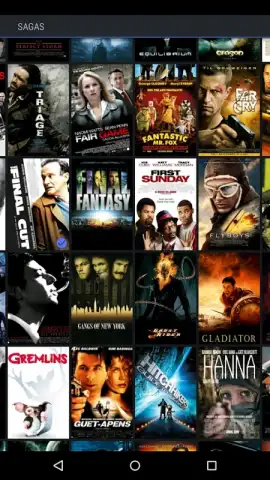
- Complete Media Library Navigation: Browse, search, and select movies, TV shows, music, and live TV from your Kodi database using an optimized interface on your Android device.
- Granular Playback and System Control: Manage all playback functions, adjust audio/video settings, and control system power states (quit, reboot, shutdown) remotely.
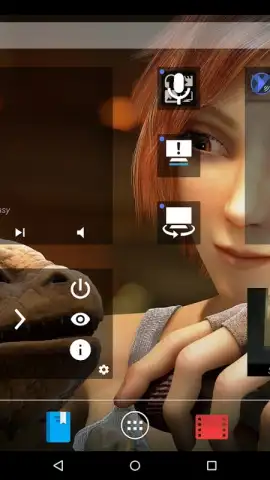
- Custom Widgets and Voice Commands: Create customizable home screen widgets for one-touch actions and utilize voice control for hands-free operation, even without an internet connection.
Download Yatse, the Kodi Remote, now and take absolute command of your home theater experience from the palm of your hand. Don't wait to upgrade your media control!
Heads up: you'll need wifi for initial setup and full library sync. Some advanced features require the optional Turbo unlock.
 GooglePlay





