

Yoosee
Yoosee screenshots (17)

Description Yoosee
A Practical Review of the Yoosee Surveillance Ecosystem
Imagine purchasing a capable security camera, only to find the companion software clunky or limited. This is the gap the Yoosee mobile application aims to fill for users of Gwell's hardware. As a dedicated control hub, it transforms compatible Yoosee-branded cameras—from indoor domes to outdoor models with night vision—into intelligent, accessible sentinels. The core proposition is direct: a centralized, ad-free platform for live viewing, motion-triggered alerts, and recorded playback, designed explicitly to unlock the full potential of your specific hardware investment. My analysis focuses on the practical mechanics of setup, daily operation, and the tangible utility of its feature set for remote property management.
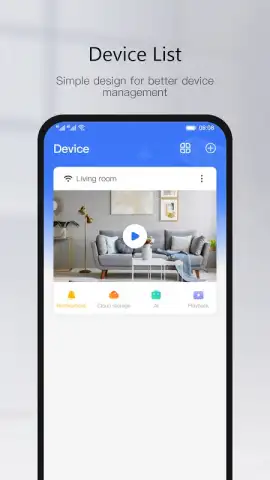
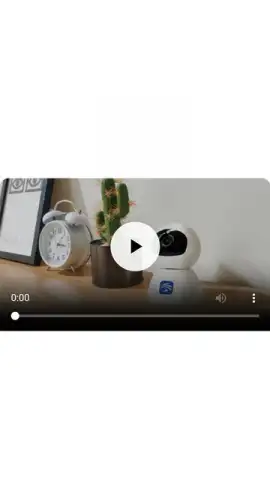
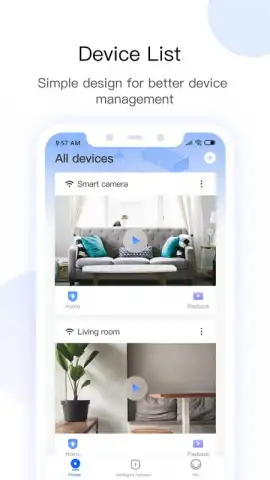
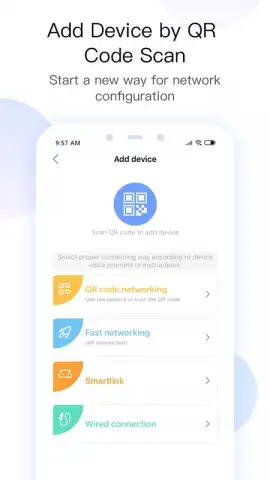
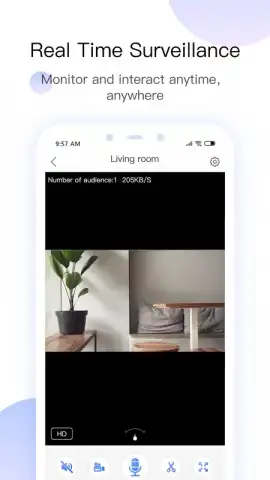
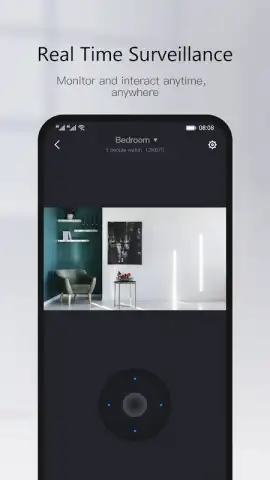
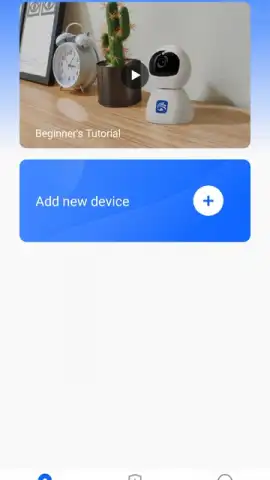
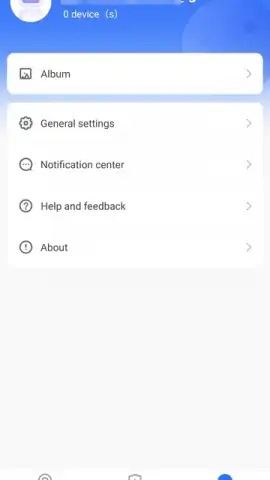
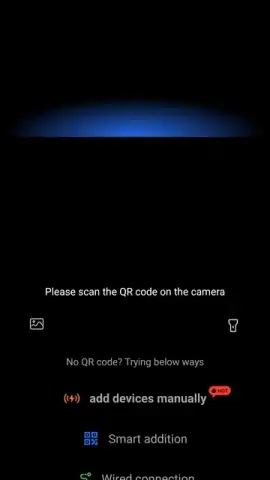
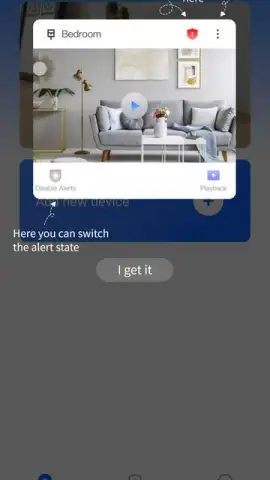
The application’s functionality is built upon a straightforward account creation and device pairing process. Initial setup requires registering with an email, after which you can robustly secure access with two-factor authentication—a critical layer for any system handling private video feeds. Adding a camera is typically achieved by scanning the unique QR code on the device itself, a process supplemented by an in-app tutorial video for first-time users. Once connected, the interface serves as your command center. Beyond passive watching, you gain active control over video quality and brightness settings, and can engage in two-way audio communication through supported cameras. For models with pan-and-tilt capabilities, full 360-degree directional control is available directly from your smartphone, allowing you to survey a room comprehensively without physical adjustment.
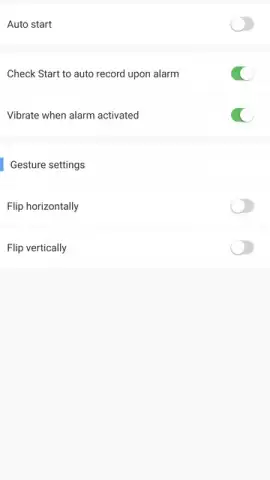
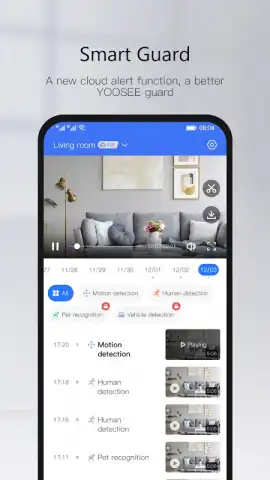
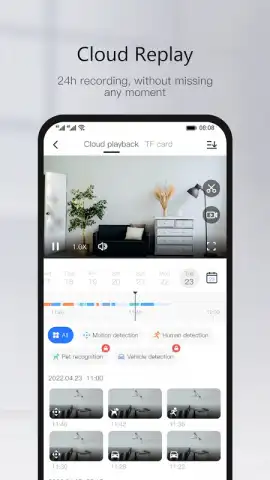
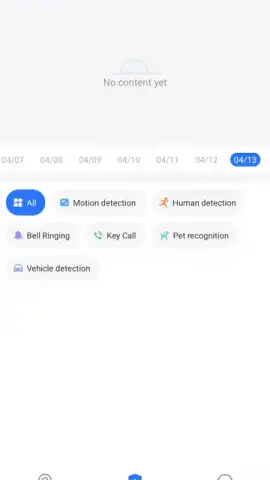
A significant portion of the app’s value is realized through its proactive monitoring features. The motion detection system is configurable, sending instant push notifications to your device when activity is sensed within the camera’s field of view. This turns the app from a simple viewer into an alert system, prompting immediate review of live footage if, for instance, a delivery arrives or unexpected movement is detected around your home. Recorded events are neatly cataloged for retrospective review, creating a searchable timeline of activity. The optional Turbo service, mentioned within the app's framework, suggests a pathway to enhanced performance, potentially affecting streaming stability or cloud features, though the core observation tools remain fully functional within the standard version.
- Centralized real-time monitoring for all compatible Yoosee indoor and outdoor security cameras.
- Configurable motion detection with instant push notification alerts to your mobile device.
- Comprehensive remote control including two-way audio, pan/tilt for 360° viewing, and video settings.
- Secure encrypted access facilitated by account login with optional two-factor authentication.
- Organized playback system for reviewing and managing recorded footage from your camera history.
For owners of Yoosee hardware, this application is less an optional download and more an essential component of the security system. It provides the dedicated, streamlined interface necessary for effective remote management. Consider downloading the Yoosee app to fully activate and control your camera's capabilities, from basic live viewing to advanced motion-triggered surveillance.
Download mobile app now.
Note: An active internet connection is required for all remote features. Some advanced functionalities or storage options may involve in-app purchases or subscriptions.
 GooglePlay


