

YouTube Studio
YouTube Studio screenshots (17)

Description YouTube Studio
A Day in the Life of a Content Creator
For any serious YouTube creator, the workflow extends far beyond simply filming and uploading. The real management begins after the video goes live: tracking performance metrics, engaging with the audience, and planning the next upload. This cycle demands tools that are both powerful and portable. YouTube Studio, the official mobile companion from Google, is engineered specifically to meet these demands, transforming an Android device into a comprehensive channel command center. It consolidates essential creator functions into a single application, allowing for on-the-go channel management that was previously confined to a desktop.
Core Functionality and Interface Design
The application provides direct administrative control over a YouTube channel. Its primary utility lies in offering a streamlined mobile interface for the analytical and moderation tools available on the YouTube Studio web dashboard. The design prioritizes clear navigation, with a menu structure that allows swift access to different management modules without unnecessary complexity. This efficiency is crucial for creators who need to check key metrics or moderate community interactions quickly between other tasks. The tool’s focus is unequivocally on video performance management and audience engagement, making its feature set highly specialized.
While the average viewer will find no practical use for this app, it becomes an indispensable asset for anyone who uploads content to the platform regularly. It effectively bridges the gap between content creation and audience analysis, enabling data-informed decisions from anywhere. The ability to handle core channel operations from a mobile device adds a significant layer of flexibility to a creator’s routine.
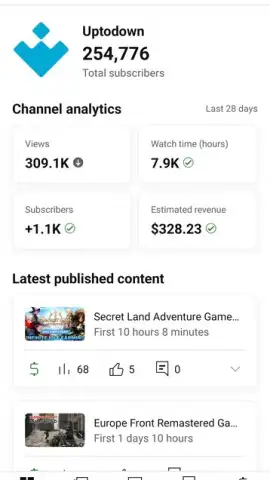
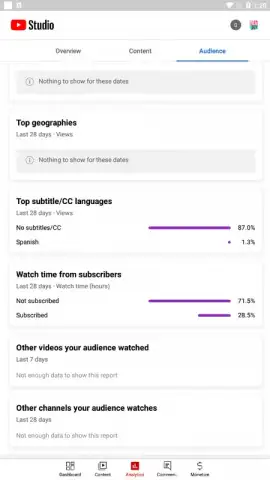
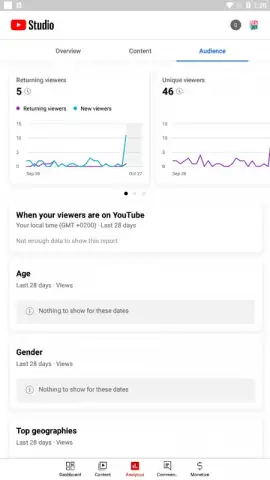
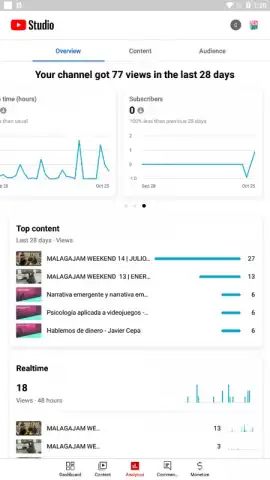
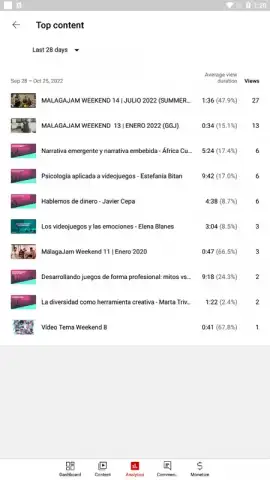
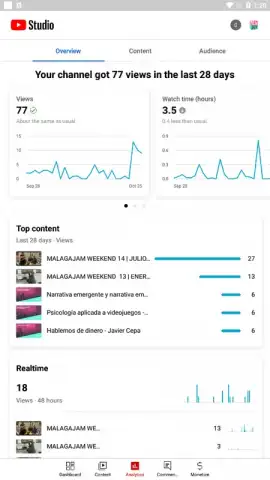
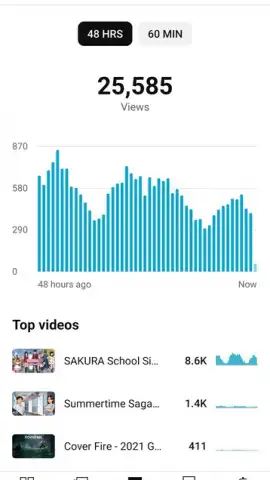
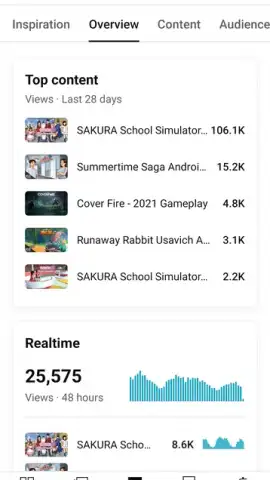
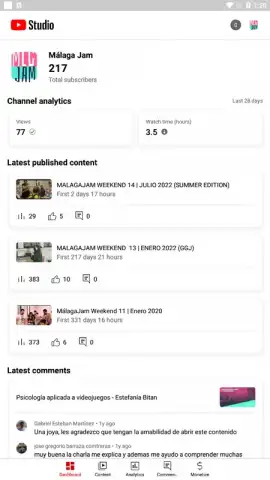
- Real-Time Analytics Dashboard: Monitor key performance indicators like views, watch time, and subscriber growth with data updated in near real-time.
- Comprehensive Comment Moderation: Review, filter, pin, hide, or respond to audience comments directly from a centralized moderation interface.
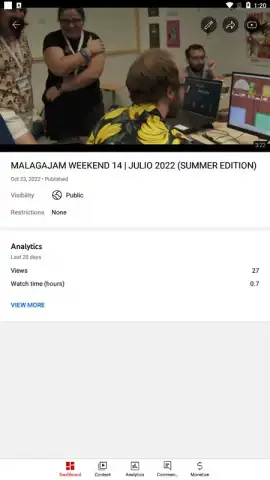
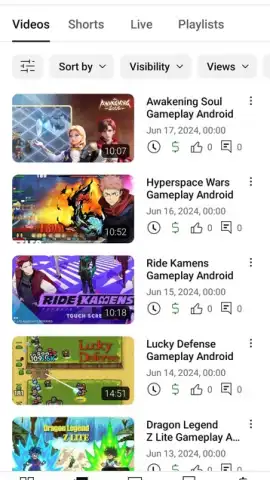
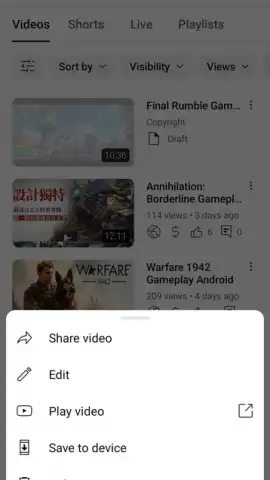
- Mobile Video Upload and Editing: Initiate video uploads, edit basic metadata like titles and descriptions, and add end screens or cards.
- Customizable Notification Center: Configure alerts for specific channel activity to stay immediately informed about comments or community posts.
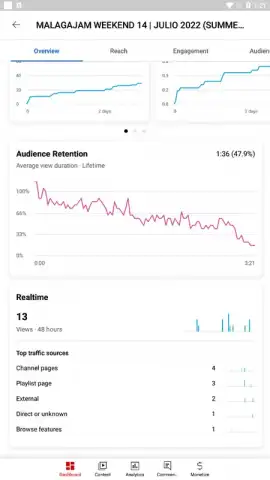
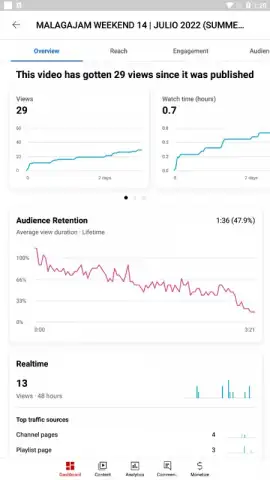
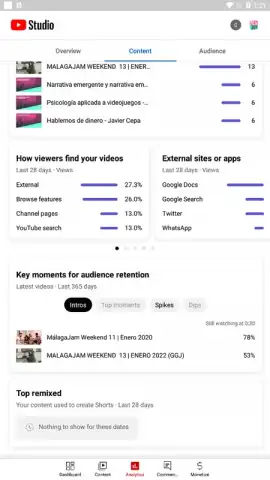
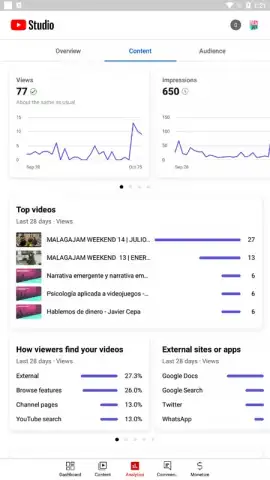
- Deep Performance Insights: Access detailed analytics for individual videos, including traffic sources, audience retention graphs, and demographic data.
Don't wait to streamline your channel management. Download YouTube Studio now and take direct control of your content's performance from anywhere!
Disclaimer: This application requires an active internet connection for full functionality. It is intended for use by YouTube channel owners and managers. Data usage applies when accessing analytics and uploading videos. User must comply with YouTube's Terms of Service and Community Guidelines. This is the official Google LLC application for YouTube creator management.
 GooglePlay


