

zFont 3
zFont 3 screenshots (7)

Description zFont 3
Looking to Personalize Your Android Device's Typography?
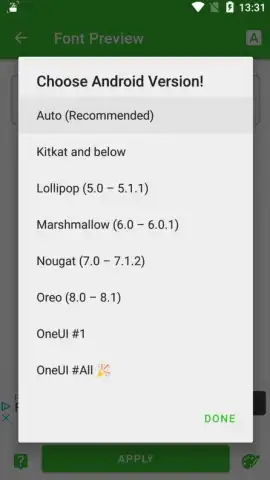
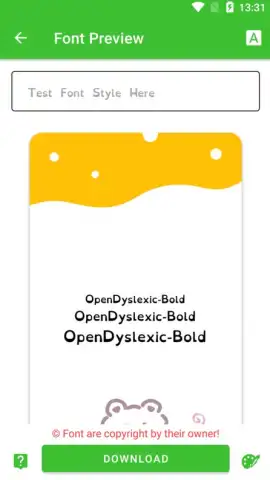
For users seeking direct control over their smartphone's visual interface, zFont 3 provides a systematic tool for modifying system and display fonts on Android. The application functions by granting access to an extensive, categorized library of typefaces, which can be applied to replace default fonts across device menus, keyboards, and supported applications. Its operational compatibility is confirmed with a range of manufacturers, including Samsung, Xiaomi, and Huawei devices, addressing a common pain point in Android customization where OS-level changes are typically restricted. The process involves selection, preview, and application through a guided procedure that varies slightly by device model and Android version.
Core Functionality and Feature Set
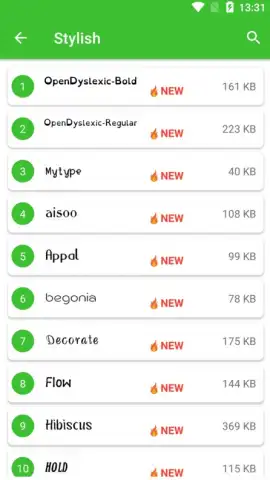
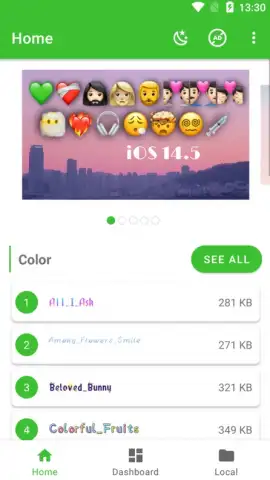
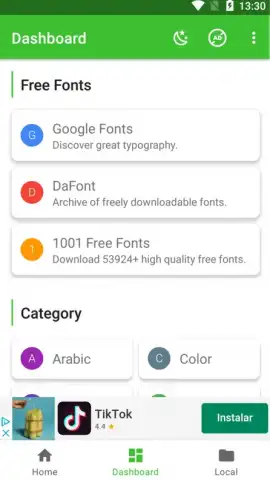
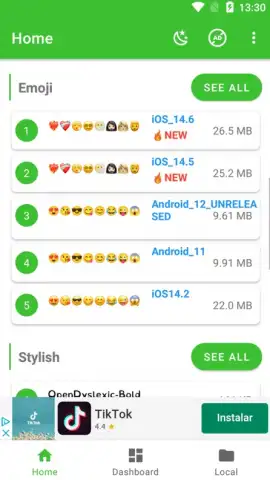
The primary utility of zFont 3 lies in its organized font management system. Fonts are segmented into distinct categories—such as script, sans-serif, decorative, and monospace—enabling targeted browsing rather than scrolling through an undifferentiated list. A central feature is the integrated emoji library, which operates independently from the font engine; users can copy and paste these graphical characters directly into any text field within other applications like messaging or social media apps. For efficiency, the app includes a bookmarking system, allowing users to flag frequently used or preferred typefaces for rapid access in future sessions, streamlining the personalization workflow.
Detailed Feature Breakdown
- Categorized Font Library: Navigate a structured collection of hundreds of typefaces, systematically organized into visual and stylistic categories for efficient discovery and selection.
- Direct Emoji Integration: Access a standalone set of emoji characters that can be instantly copied and pasted into any text-compatible app, extending customization beyond system fonts.
- Bookmarking for Efficiency: Utilize a favorites system to permanently save your most-used fonts, creating a personalized shortlist that bypasses the need to repeatedly search the main library.
The technical implementation requires a one-time setup process that may involve enabling specific permissions for "Display over other apps" and following device-specific instructions to install the selected font profile. The application's version 3.9.2.1, developed by Khun Htetz Naing, refines this process based on ongoing Android OS updates. It is positioned within the Art & Design category, functioning as a utility for aesthetic modification rather than a content creation tool. The absence of interstitial advertising in its core operations is noted, with advanced features potentially gated behind its optional Turbo service tier.
Download the zFont 3 mobile app now—exclusive early access to the latest font packs is available for a limited time to the first wave of new users. This offer may be withdrawn without notice.
Disclaimer: This application requires an active internet connection to browse and download font assets. Some premium fonts or features within the app may be subject to in-app purchases.
 GooglePlay


