

ZIP with Pass
ZIP with Pass screenshots (6)

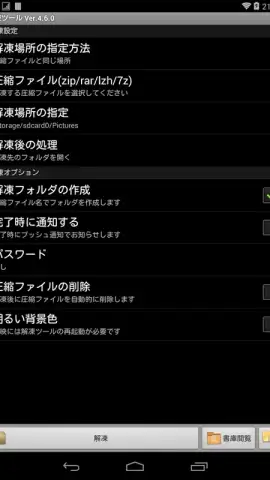
Description ZIP with Pass
A Dedicated Tool for Direct ZIP File Extraction on Android
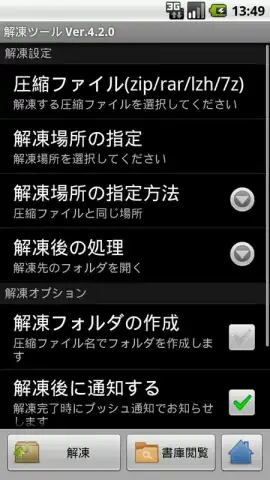
ZIP with Pass provides a focused utility for extracting password-protected and standard ZIP archives directly on Android devices. It functions as a specialized module that integrates with your existing file system, bypassing the need for complex standalone file managers. The core operation involves selecting an archive through any file manager you already use, with the app handling the decryption and unpacking process to deliver accessible files.
Core Functionality and Integration
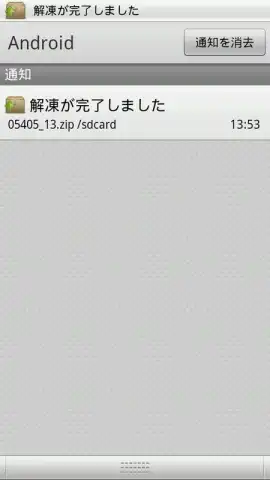
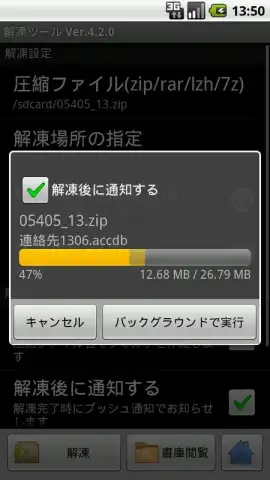
The application's primary mechanism is its extraction engine, designed to process ZIP files that are secured with a password or are uncompressed. Upon receiving a file from an external file manager, it initiates the unpacking sequence. Once extraction is complete, the resulting files are immediately available for use, effectively serving as a bridge between archived content and your device's storage.
A significant operational feature is its integration with cloud storage providers. The app can interface directly with services like Google Drive, Microsoft OneDrive, and Dropbox. This allows users to select ZIP files stored in the cloud for local extraction without requiring a separate download step through another app, streamlining the workflow for cloud-centric file management.
Interface and User Experience
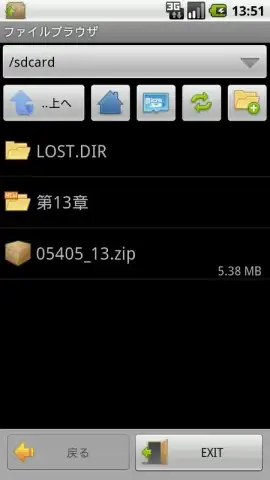
The user interface presents a simplified, integrated file browser specifically for navigating to and selecting target ZIP archives. This design minimizes clutter and focuses the user's attention on the task of locating the file to be processed. Navigation is straightforward, emphasizing functionality over extensive file management features found in broader tools.
- Targeted Extraction Engine: Processes both encrypted and standard ZIP archives by connecting through your preferred file manager.
- Seamless Cloud Service Connectivity: Extracts files directly from linked Google Drive, OneDrive, or Dropbox accounts.
- Ad-Free and Turbo Mode: Operates without advertising interruptions, with a performance-optimized mode for faster processing of large archives.
- Minimalist Integrated Browser: Features a purpose-built file selection interface for straightforward archive navigation and selection.
- Direct Output Access: Unpacked files are rendered immediately usable in their destination folder post-extraction.
We suggest trying ZIP with Pass if your workflow regularly involves receiving or managing archived content on your Android device.
Download the mobile app now.
Heads up: you'll need wifi for most cloud integration features. Some cool stuff is extra.
 GooglePlay


