

Cemu
Cemu screenshots (8)
Description Cemu
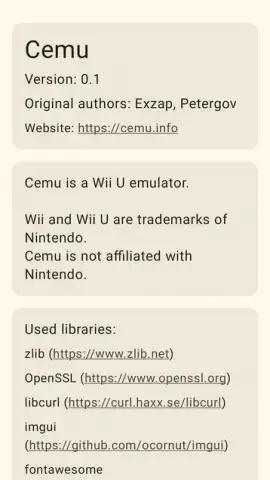
Ever dreamed of playing legendary Wii U titles directly on your Android phone or tablet? That dream is now a reality. Cemu, the renowned emulator that took the PC world by storm, has officially arrived on Android. This powerful tool brings the expansive library of Nintendo's Wii U console to your pocket, offering deep customization, broad controller support, and performance that makes your favorite games feel native.
Experience Console-Quality Gaming on Android
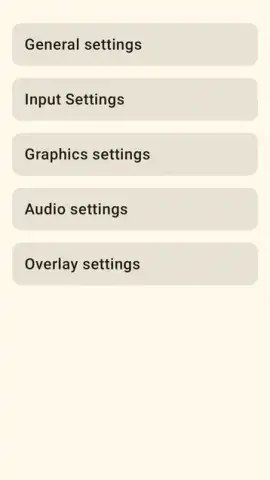
Cemu for Android translates a sophisticated desktop emulation experience into a mobile-friendly package. After its successful debut on Windows nearly a decade ago, the development team has meticulously optimized the core emulator for ARM architecture. The result is an application that maintains high compatibility with the Wii U's catalog, allowing you to run games directly from their ROM files. The setup process is streamlined for veterans and newcomers alike, requiring only a key file placed in the designated folder to begin. Once configured, you gain access to a versatile gaming hub designed for both touch controls and physical gamepads.
Tailor Your Perfect Gaming Setup
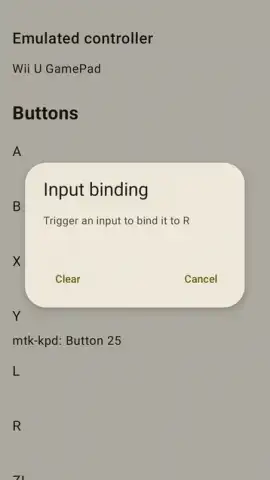
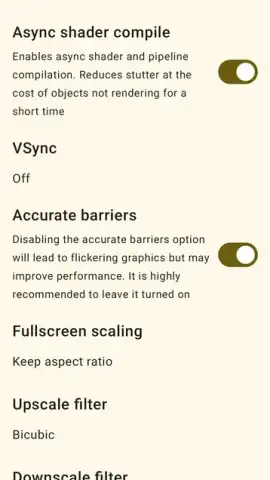
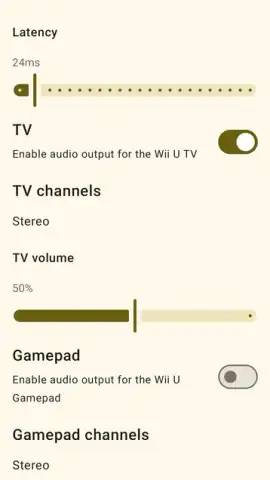
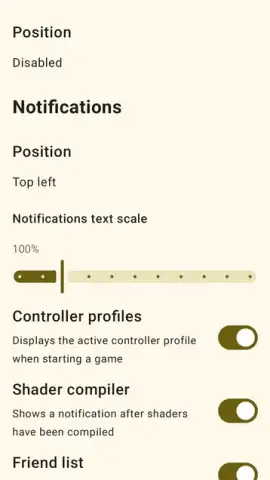
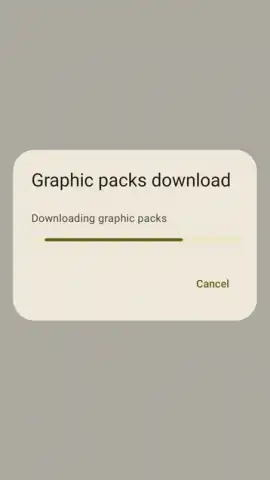
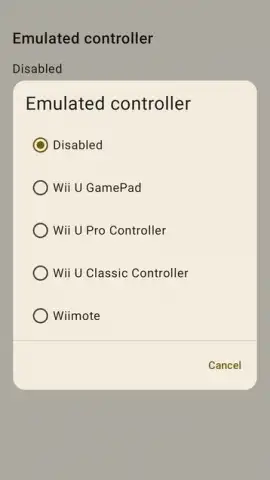
The emulator shines with its granular control over both graphics and input. You are not limited to default settings; instead, you can download community-made graphic packs per game to enhance visuals or boost performance on your specific device. This means you can fine-tune the experience for a flagship tablet or a mid-range smartphone. For controls, Cemu offers multiple native input schemes, including the standard Wii U GamePad and the Classic Controller layouts, while fully supporting Bluetooth connectivity for Xbox or PlayStation-style controllers. The interface also smartly emulates touchscreen and microphone interactions required by certain games.
- Unlock a Premier Game Library: Play definitive editions like The Legend of Zelda: Breath of the Wild, Super Mario 3D World, and Xenoblade Chronicles X with stable frame rates and minimal graphical glitches.
- Advanced Per-Game Customization: Apply individual graphic packs and configuration profiles for each title to maximize fidelity or performance on any Android hardware.
- Universal Controller Support: Seamlessly map controls using intuitive on-screen touch overlays or connect any Bluetooth gamepad for a traditional console feel.
This is more than just an emulator; it's a portable Wii U system. The application is distributed as an APK file, providing a clean, ad-free environment focused purely on gameplay. Its efficiency ensures that even budget-friendly Android devices can deliver a surprisingly smooth experience, making it an essential install for any mobile gaming enthusiast or emulation fan.
Don't wait to relive these classics—expand your mobile gaming library exponentially today. Download Cemu for Android now and start playing within minutes!
Heads up: you'll need wifi for initial setup and downloading game files/ graphic packs. A compatible gamepad is recommended for the best experience. Ensure you own legitimate copies of any games you play.


