
Coloring Games: Color & Paint
Coloring Games: Color & Paint screenshots (9)
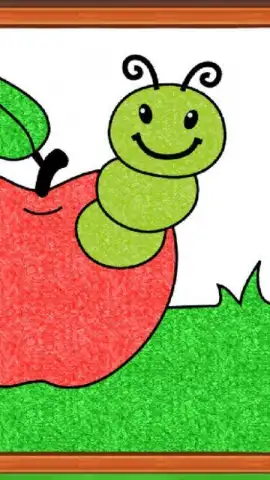
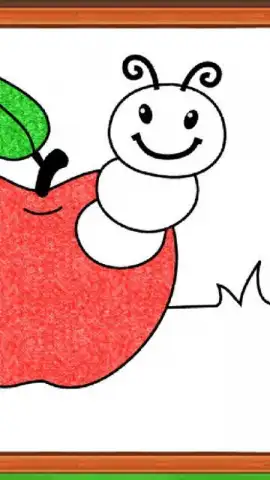

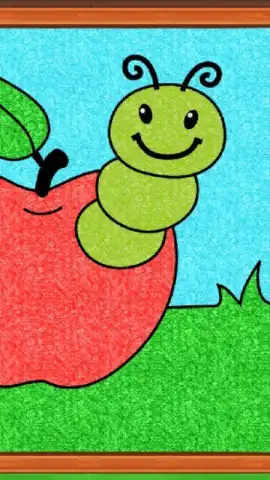
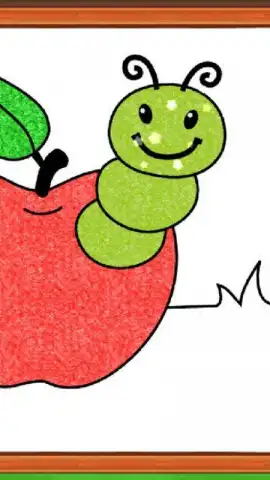
Description Coloring Games: Color & Paint
A Detailed Look at Coloring Games: Color & Paint
For parents and educators seeking a structured yet open-ended digital art tool, Coloring Games: Color & Paint presents a comprehensive suite of activities. Developed by RV AppStudios, this application moves beyond a single coloring book concept to offer a multi-modal creative studio designed for young users. The core proposition is a collection of six distinct artistic modes, each employing different mechanics and tools to engage children in the process of filling illustrations with color. The absence of advertisements and in-app purchases is a foundational design choice, creating a focused environment free from commercial interruptions. This analysis examines the application's functional scope, its pedagogical approach to creativity, and its operational parameters.
Core Functionality and Artistic Modes
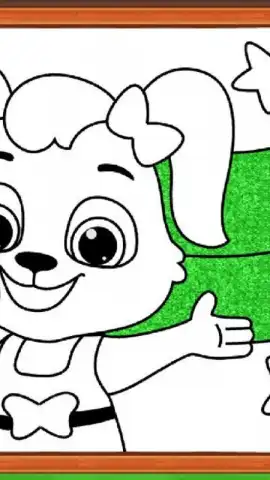
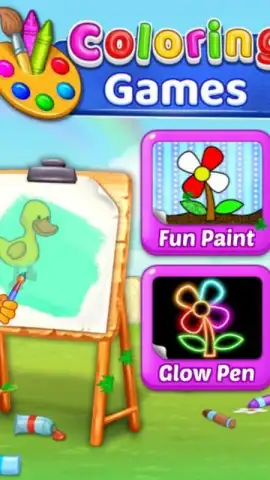
The application's primary value lies in its variety of interactive coloring methods, which cater to different skill levels and creative impulses. The "Paint by Numbers" mode provides a guided experience where children match numbered sections to a corresponding color palette, reinforcing number recognition and fine motor control. In contrast, the "Free Drawing" mode offers a blank canvas and a full spectrum of colors, allowing for unguided artistic expression. Additional specialized tools include a "Glow Draw" feature that simulates neon effects on a dark background and a "Watercolor" brush that blends colors for a more painterly technique. Each of the six integrated games uses this toolset differently, whether the user is tapping to fill predefined areas or actively drawing lines and shapes. The library consists of hundreds of individual illustrations across various themes, ensuring a substantial volume of content without requiring additional downloads or unlocks.
Feature Set and User Experience
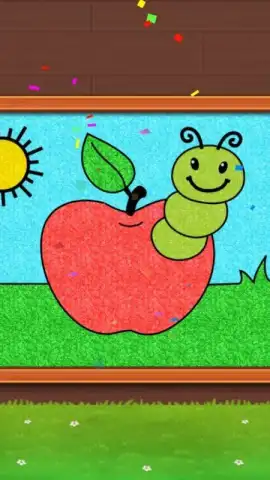
The interface is designed for intuitive navigation by young children, with large, clearly labeled buttons and immediate visual feedback. A key operational feature is the one-tap color fill system, which allows even users with developing coordination to complete detailed pictures successfully. The color palette in each mode is extensive but not overwhelming, typically offering a curated selection suitable for the task. For instance, the number mode uses a specific set of colors, while the free drawing board provides a broader choice. The application saves progress automatically within each session, though creations are typically exported via device screenshot functionality rather than through a built-in gallery. Performance is optimized for stable frame rates even on older devices, and the touch controls are calibrated to prevent lag or unintended marks.
- Offers six distinct creative modes including paint-by-number and free drawing.
- Provides a neon glow brush and watercolor blending tools for varied effects.
- Features a library of several hundred unique illustrations and canvases.
- Operates with a completely ad-free and in-app purchase-free model.
- Utilizes a simple one-tap fill system designed for young children's motor skills.
Download this comprehensive creative studio immediately and provide your child with an uninterrupted artistic playground!
Disclaimer: This application requires a device running a compatible operating system. An internet connection is not required for core functionality but may be needed for initial installation or updates. The app contains no third-party advertisements or in-app purchases. It is designed for a general audience but is particularly suited for younger users. Please be aware that saving or sharing artwork may utilize your device's local storage and screenshot capabilities.
 GooglePlay


