

Drawing Lessons
Drawing Lessons screenshots (9)
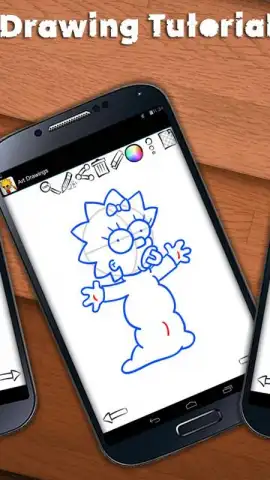
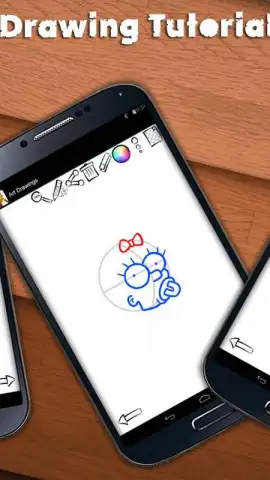
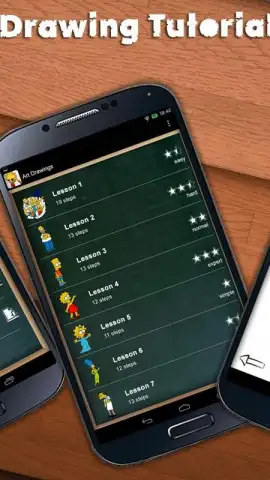
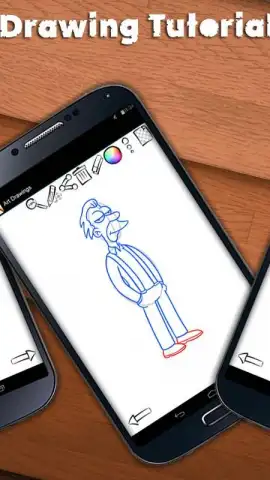
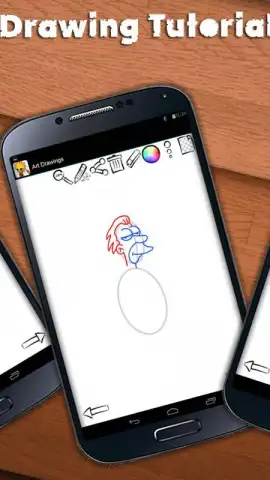
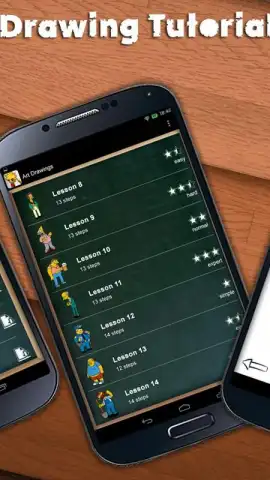
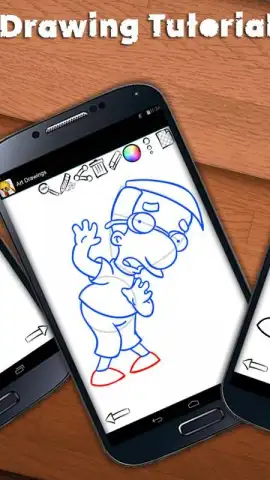
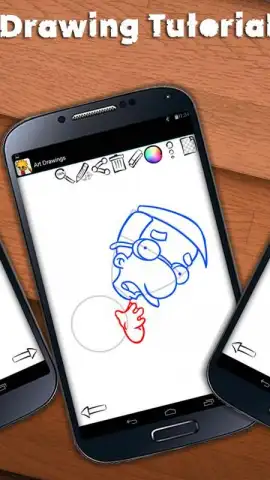
Description Drawing Lessons
A Methodical Path from Blank Page to Finished Sketch
For anyone who has stared at a blank page, pencil in hand, with a clear image in mind but no clear path to put it there, the journey to learning drawing can feel isolating. Traditional tutorials often assume prior knowledge or skip crucial steps, leaving gaps in understanding that frustrate rather than foster creativity. Drawing Lessons by Ready Set Play approaches this universal challenge not as a mystical talent, but as a structured, deconstructible process. This application functions as a systematic training platform, converting complex illustrations into a series of manageable, sequential lines. It is engineered for the procedural learner, the individual who benefits from seeing a masterpiece broken down into a dozen or more deliberate, executable actions.
Analytical Breakdown of Core Functionality
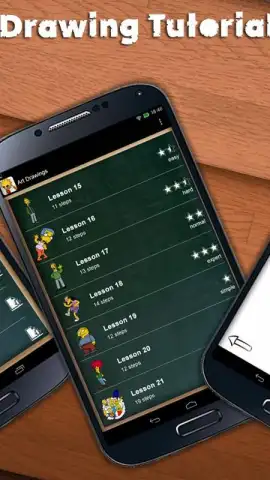
The application’s primary value lies in its vast, logically organized library and its stripped-down, focused practice environment. With over 1,000 individual drawing lessons and sketches, the platform operates like a granular curriculum. Users don't just learn to "draw a face"; they learn to construct specific, recognizable characters like Homer, Bart, Lisa, and Marge through a precise blueprint. The interface is deliberately minimal, removing creative clutter and directing all attention to the step-by-step replication process. This methodical approach builds muscle memory and observational skills incrementally, making the act of drawing feel less like inspiration and more like a repeatable skill that can be drilled and improved.
The categorical organization is a critical feature for sustained engagement. Lessons are sorted into intuitive themes such as animated characters, video game icons, wild animals, and domestic pets, allowing users to follow their interests directly. Each tutorial is further tagged with a difficulty rating—Easy, Normal, Hard, or Expert—providing a clear skill progression pathway. The integrated drawing tools are practical and responsive: a customizable color palette, adjustable brush sizes, a precision eraser, zoom functionality, layer transparency controls, and a multi-level undo/redo feature. This toolkit supports correction and experimentation within the guided framework. A notable technical aspect is the auto-update system for the lesson library, which ensures the content expands without user intervention, introducing new subjects and techniques regularly.
- Expansive Step-by-Step Library: Access a structured repository of over 1,000 tutorials, breaking down complex images into 10 to 30 manageable steps for methodical skill acquisition.
- Structured Difficulty Progression: Lessons are systematically categorized into Easy, Normal, Hard, and Expert tiers, allowing for measurable skill development from fundamentals to advanced techniques.
- Comprehensive Digital Toolkit: Utilize a full suite of drawing instruments including layered color palettes, variable brush strokes, a precision eraser, zoom controls, and transparency adjustments.
- Intuitively Sorted Categories: Navigate seamlessly through dedicated sections for cartoon favorites, gaming icons, wildlife, and domestic animals to match your personal interests.
- Automated Content Delivery: Benefit from a background library update system that delivers new lessons and sketches without additional fees or required downloads.
The platform removes a significant barrier to focused learning by offering its core educational model free of charge. This allows for immediate immersion into the drawing process. For users seeking an uninterrupted, accelerated experience, the optional Turbo mode presents a compelling upgrade. This feature eliminates all advertising interruptions and may provide priority access to certain premium lesson packs or advanced tool features, effectively creating a streamlined, studio-like environment for practice.
Final Assessment and Value Proposition
Drawing Lessons distinguishes itself through volume, clarity, and structure. It does not promise artistic genius overnight but provides the disciplined, repetitive framework upon which drawing skill is reliably built. The sheer quantity of lessons, paired with intelligent categorization and a clean workspace, makes it a persistent and evolving practice resource. It is particularly effective for visual learners who excel when following explicit, visual instructions and for those who appreciate seeing tangible progress through the completion of discrete, recognizable drawings.
Download Drawing Lessons now—this is not just another art app. For a limited time, new users receive exclusive, instant access to the entire foundational lesson library. This is a structured, professional-grade approach to learning illustration, available today at no initial cost. Start building your artistic skill set systematically.
Heads up: you'll need wifi for initial downloads and most library updates. Some cool stuff, like the ad-free Turbo mode and exclusive lesson packs, is extra.


