

ExaGear: Windows Emulator
ExaGear: Windows Emulator screenshots (13)
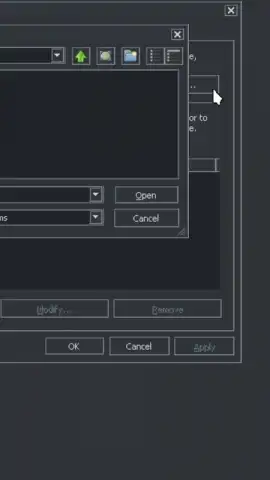
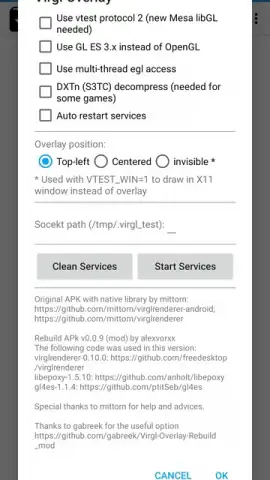
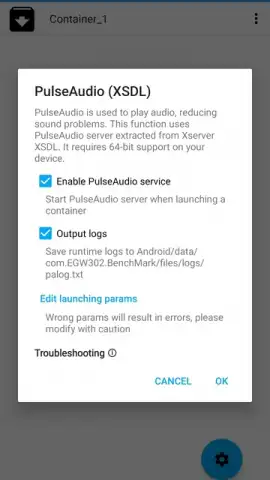
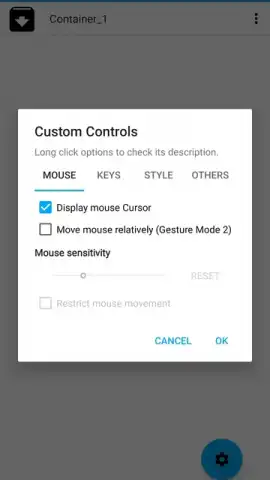
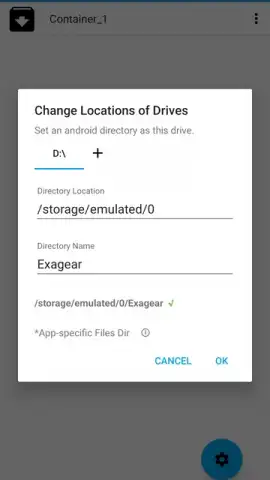
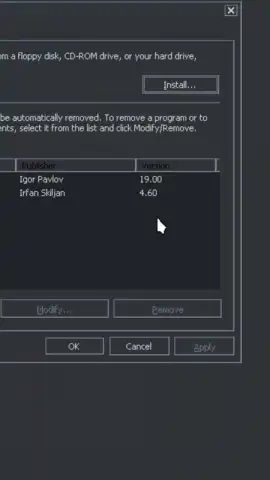
Description ExaGear: Windows Emulator
Unlock a Full Windows PC Experience on Your Android Device
Imagine transforming your Android phone or tablet into a portable Windows machine. ExaGear: Windows Emulator makes this a tangible reality, allowing you to run a vast library of classic Windows applications and games directly on your ARM-based device. This isn't a full virtual machine; it's a sophisticated translation layer that converts x86 instructions for ARM processors, delivering significantly better performance than traditional emulation. You gain access to a world of 32-bit software, from essential utilities to beloved games, turning your mobile device into a surprisingly capable desktop replacement.
Core Features and User Experience
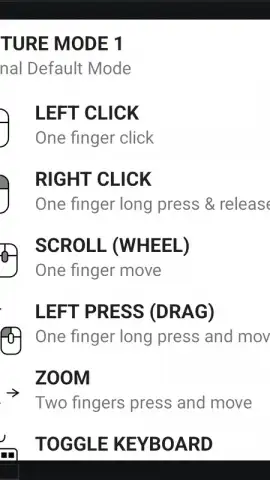
The emulator presents a familiar Windows desktop interface upon launch, complete with a start menu and taskbar. A comprehensive tutorial immediately guides you through the optimized touch controls, which are designed for intuitive interaction. A simple tap performs a left mouse click, while a press-and-hold executes a right-click. You have full support for drag-and-drop actions, scrolling, and zooming, with an on-screen keyboard readily available. For a truly desktop-like experience, you can connect external peripherals via USB or Bluetooth, using a physical mouse and keyboard for precise control. The environment comes pre-loaded with useful software like 7-Zip and IrfanView, and installing new programs is as straightforward as running their .exe installer files.
While it won't run the latest AAA titles, the compatibility with legendary software is impressive. You can relive iconic gaming moments with classics such as Half-Life, Diablo II, Fallout 2, and Age of Empires II. Beyond gaming, productivity and creativity suites open up: run older versions of Microsoft Office for document editing, use GIMP for image manipulation, or play media through VLC or Winamp. The "Turbo" mode enhances performance for a smoother experience, and you can enjoy all of this without any disruptive advertisements.
- Run Classic Windows Software: Execute a wide range of 32-bit Windows applications and games, from productivity tools like Office to timeless titles like Diablo II.
- High-Performance Translation Layer: Utilizes advanced instruction translation instead of full emulation for smoother operation and better speed on ARM devices.
- Flexible Control Schemes: Master the touch-optimized on-screen controls or connect a full mouse and keyboard for a traditional desktop feel.
Ready to Expand Your Android's Horizons?
Do not limit your device's potential. Step beyond standard mobile apps and reclaim your favorite Windows programs and legendary games today. This is your gateway to a hybrid computing experience, merging the portability of Android with the software library of Windows.
Download ExaGear: Windows Emulator APK Now!
Disclaimer: This application requires an internet connection for initial setup and potential updates. It is designed for 32-bit (x86) Windows software only; 64-bit applications are not supported. Performance is dependent on your Android device's hardware capabilities. Please ensure you own legitimate licenses for any Windows software you install. This product is not affiliated with or endorsed by Microsoft Corporation. Data usage may apply depending on your activities.


