
Flightgear PFD
Flightgear PFD screenshots (1)
Description Flightgear PFD
From the Cockpit to Your Pocket
Navigating the complexities of modern aviation requires precise instrumentation. Flightgear PFD transforms your device into a fully functional Primary Flight Display, delivering the critical data pilots rely on directly to your screen, bridging the gap between simulation and authentic cockpit management.
Core Instrumentation and Functionality
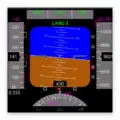
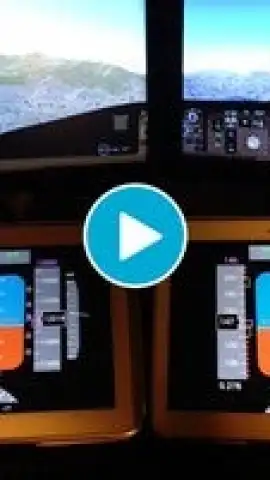
This application serves as a remote display client for the open-source FlightGear flight simulator. It renders a detailed and real-time Primary Flight Display, presenting essential flight parameters including attitude, heading, airspeed, altitude, and vertical speed. The interface is designed to replicate the layout and behavior of professional avionics, providing a second-screen experience that enhances situational awareness during simulated flights. Users can connect via a network to a running FlightGear instance, allowing for a customizable cockpit setup where the PFD can be viewed independently on a tablet or smartphone.
Key Operational Advantages
The utility of Flightgear PFD lies in its focused execution and technical integration. The display updates with low latency, ensuring the instrument feedback is synchronized with the simulator's physics. The graphical representation of the artificial horizon, tape-style indicators for speed and altitude, and integrated navigation sources are rendered with clarity. This setup is particularly advantageous for simulator enthusiasts building home cockpits, as it offloads a primary instrument to a portable device, freeing screen real estate on the main simulator view for external visuals or additional panels.
- Real-Time Primary Flight Display replication for FlightGear simulator.
- Network-based connectivity for use as a secondary display device.
- Displays critical flight data: attitude, heading, airspeed, and altitude.
- Clear, focused instrument design optimized for quick readability.
- Functions as a standalone instrument panel to enhance simulation setups.
For flight simulation practitioners seeking to deepen their instrument flying experience or streamline their cockpit layout, this tool offers a specialized and practical solution. Consider downloading Flightgear PFD to add a layer of professional-grade instrumentation to your setup.
Internet required. IAP available.


