

GameBoid
GameBoid screenshots (7)
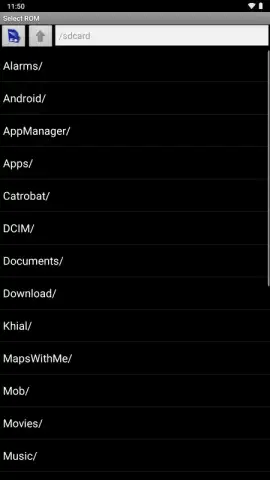

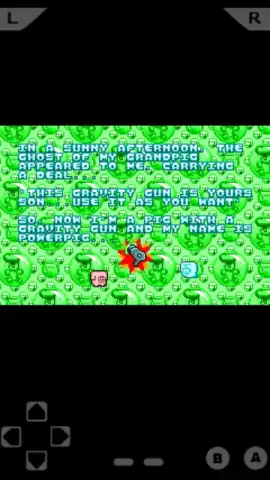
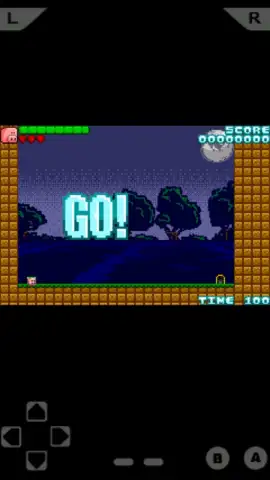
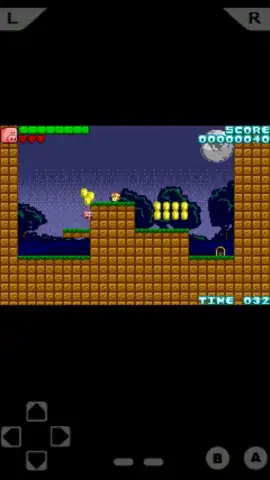

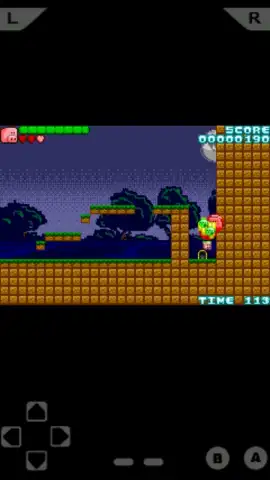
Description GameBoid
Struggling to Find a Reliable GBA Emulator That Just Works?
Many Android users encounter emulators that are either overly complex, riddled with ads, or simply fail to run classic games smoothly. GameBoid (historically known as GBAoid) by developer Yalaa presents a direct solution to this problem. This emulator for Game Boy Advance titles distinguishes itself through a focused design philosophy that prioritizes operational simplicity and high compatibility, eliminating the common frustrations of lag and convoluted setup processes. It serves as a practical tool for converting your modern Android device into a portable GBA, providing access to a vast library without the need for original hardware.
Core Functionality and User Experience
The primary strength of GameBoid lies in its streamlined execution. The emulator achieves a high degree of compatibility, capable of running the vast majority of Nintendo Game Boy Advance ROMs without demanding significant technical knowledge from the user. Performance is a key consideration; the software is engineered to maintain accurate game speed, avoiding the slowdowns that plague less optimized emulators. This creates an authentic and immersive retro gaming session directly on your tablet or smartphone.
Beyond mere playback, GameBoid incorporates essential quality-of-life features expected from a mature emulation tool. Users have full control over their experience with customizable on-screen touch controls, allowing for personalized key mapping to suit different game genres. The state save and load functionality is robust, permitting you to save your progress at any exact moment, not just at predefined in-game save points. An often-overlooked but critical feature is the inclusion of turbo or fast-forward buttons, which provide a significant advantage in grinding sections or slower-paced narrative segments of games.
- High-Compatibility Emulation: Runs a vast library of GBA ROMs smoothly, including classics like Final Fantasy VI and Fire Emblem.
- Customizable Touch Controls: Fully remappable on-screen buttons for a personalized and comfortable control scheme.
- Advanced Save States: Create and load save files at any moment, offering precision beyond original cartridge saves.
- Performance Turbo Mode: Includes a fast-forward function to expedite gameplay segments at the user's discretion.
- Clean, Ad-Free Interface: Focuses purely on the gaming experience without disruptive advertisements cluttering the interface.
A notable technical requirement is that users must source their own Game Boy Advance BIOS file separately. This is a standard step for accurate emulation and, with a proper guide, typically takes only a few minutes to complete. This one-time setup is a minor trade-off for the level of performance and control offered thereafter.
Download GameBoid Now – Exclusive Early Access
This version offers a streamlined, ad-free experience for the first wave of users. Secure your copy today to start playing legendary titles like Advance Wars and Final Fantasy Tactics immediately.
Heads up: you'll need wifi for initial setup and file management. Some cool stuff, like specific BIOS configurations, is extra.


