
Kids Puzzle
Kids Puzzle screenshots (11)


Description Kids Puzzle
Unlock Your Child's Cognitive Potential with Engaging Puzzle Mechanics
Kids Puzzle delivers a structured digital environment where young minds develop essential problem-solving skills through interactive tile-matching and shape-sorting exercises. The application presents a graduated difficulty system, starting with simple 4-piece jigsaws and progressing to complex 12-piece configurations featuring animals, vehicles, and everyday objects. Each session is designed to reinforce pattern recognition, hand-eye coordination, and spatial awareness without overwhelming the user interface.
Core Gameplay Systems and Interactive Features
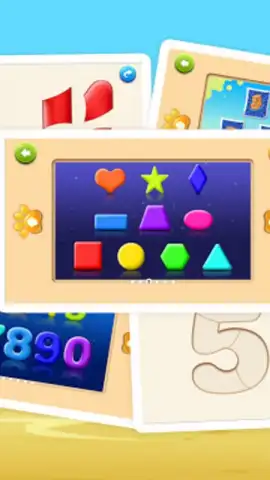
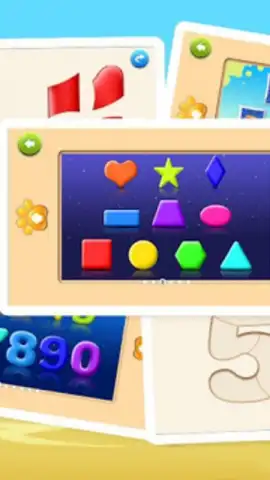
The gameplay is built around a drag-and-drop mechanic optimized for touchscreens, where children manipulate puzzle pieces across a clean canvas. A visual hint system activates after a configurable timer to assist without giving away the solution outright. The game includes multiple distinct modes: a classic jigsaw mode, a shape-fitting mode where silhouettes must be matched, and a color-matching mode that teaches basic color theory. Each completed puzzle triggers a short, rewarding animation and a positive auditory cue.
Technical Advantages and User Experience
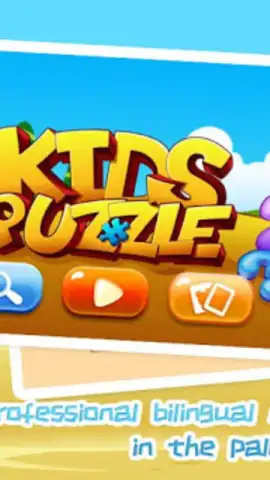
The interface utilizes large, clearly defined touch targets to prevent accidental inputs, with all navigation accessible through pictorial icons to aid pre-readers. Visual design employs high-contrast colors and bold outlines to ensure clarity, with no distracting background elements. Performance is optimized for consistent frame rates on supported devices, ensuring smooth piece manipulation. The application runs in a contained, ad-free environment during active gameplay sessions with parental gate protections for any external links.
- Progressive Difficulty System: Advance from basic 4-piece to challenging 12-piece puzzles with adaptive scaling.
- Multiple Interactive Modes: Master classic jigsaws, shape-sorting challenges, and color-matching activities.
- Assistive Hint Functionality: Enable visual guidance prompts after a customizable time delay for balanced learning.
- Optimized Touch Interface: Utilize large, distinct touch targets and icon-based navigation for intuitive control.
- Focused Visual and Audio Feedback: Receive positive reinforcement through clear animations and sound cues upon completion.
Download game now to access exclusive early content—this introductory collection of puzzles is available for a limited time to new users.
Internet required. IAP available.


