

RDR2: Companion
RDR2: Companion screenshots (5)

Description RDR2: Companion
Navigating the Vast Frontier: A Utility Review of RDR2: Companion
For players immersed in the expansive world of Red Dead Redemption 2, managing the intricate details of the map, missions, and personal statistics can become a secondary game in itself, often requiring constant pausing and menu navigation that disrupts immersion. The RDR2: Companion app, developed by Rockstar Games, addresses this by functioning as a dedicated second-screen utility, offloading key informational interfaces to a mobile device to provide a more seamless console gaming experience.
Core Functionality and Integrated Tools
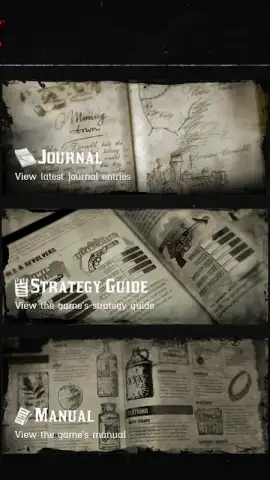
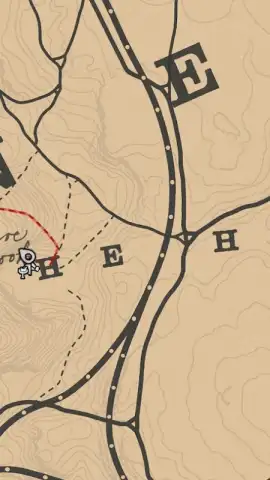
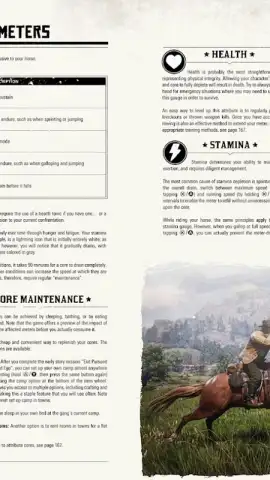
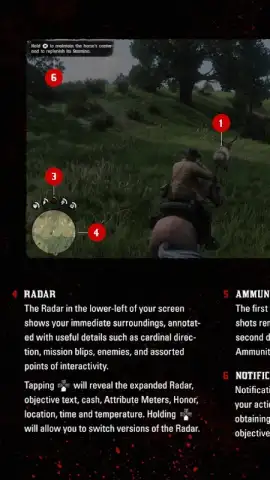
The application establishes a direct, real-time connection to a player’s game session on either PlayStation 4 or Xbox One. Its primary interface is a fully interactive map, rendered on a smartphone or tablet screen, which supports standard panning and zooming gestures for detailed geographical review without interrupting the action on the main display. Beyond cartography, the app aggregates persistent game data into a digital journal. This section allows for the tracking of active and completed missions, the review of comprehensive player and character statistics, and access to general game information. A significant portion of the app’s utility is linked to an official digital strategy guide published by Piggyback, which is available as a separate in-app purchase and provides structured walkthroughs and strategic data.
- Live Interactive Map: Displays the game world in real-time on a separate device with full zoom and pan functionality for uninterrupted navigation.
- Centralized Game Journal: Tracks mission progress, player statistics, and character data in a single, easily accessible log.
- Integrated Strategy Guide Access: Offers a direct portal to purchase and use the official Piggyback digital guide for detailed gameplay assistance.
We suggest trying RDR2: Companion if you are actively playing Red Dead Redemption 2 and seek to minimize menu clutter on your primary screen, as it provides tangible utility for navigation and progress tracking. Consider downloading the app to enhance your management of the game's complex systems.
Internet required. IAP available.


