

Remotr
Remotr screenshots (11)

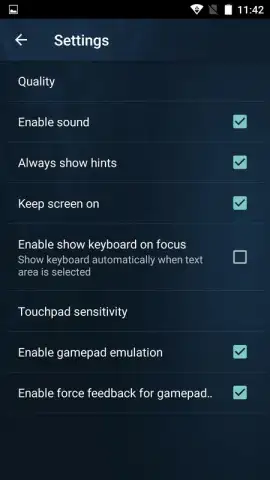
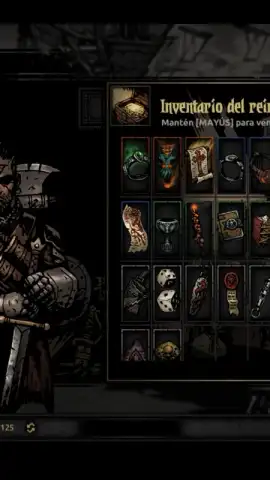

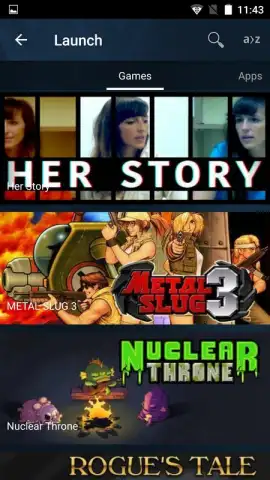
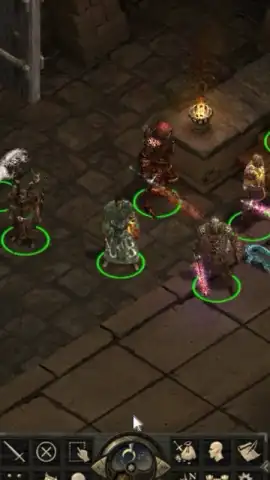

Description Remotr
Ever wish your entire PC game library could travel in your pocket? What if you could launch your favorite desktop titles directly on your Android phone or tablet, picking up your progress from anywhere at home? Remotr makes this a seamless reality, transforming your mobile device into a powerful window to your gaming PC with minimal setup.
Stream Your Entire PC Game Collection
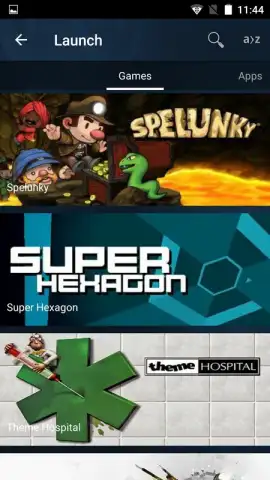
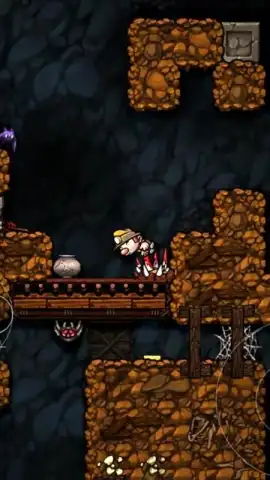
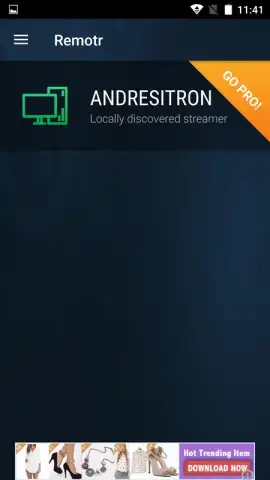
Remotr is a free application that creates a direct, low-latency streaming bridge between your computer and your Android device. After a quick, one-time installation of the Remotr Streamer client on your Windows PC, the app automatically scans and displays your installed games in a clean, visual library. Connection requires only that both devices are on the same Wi-Fi network. A single tap on any game tile initiates the stream, launching the game on your PC and projecting it live to your mobile screen in seconds.
Highly Customizable Touch & Controller Support
The app provides exceptional flexibility for control schemes, ensuring a tailored experience for every game genre. You can switch between a pure touchscreen mode, a precise mouse cursor simulator, or fully customizable virtual button overlays that you can resize and reposition. For console-style gameplay, Remotr offers full support for Bluetooth controllers, mapping inputs automatically for a familiar feel. Every control profile can be saved and adjusted on-the-fly or modified later in the settings menu.
Precision Streaming with Advanced Client Options
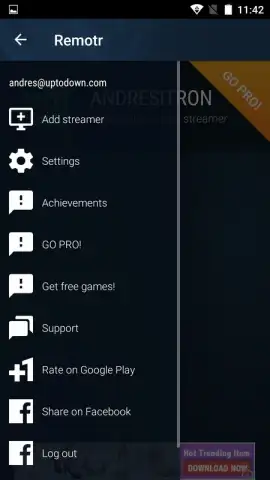
Beyond simple streaming, Remotr puts detailed performance controls in your hands. From the client settings, you can mute audio on the host PC, turn off the PC monitor during play to save power, and manually adjust the streaming resolution and bitrate to perfectly match your network conditions. This ensures a smooth, stutter-free visual experience whether you're exploring vast open worlds or engaged in fast-paced competitive matches.
- Instant Game Library Access: View and launch all your installed PC games from a single, organized mobile interface with one-tap streaming.
- Adaptive Control Methods: Choose from touchscreen, virtual buttons, mouse simulation, or Bluetooth controller support for optimal gameplay.
- Performance Tuner: Adjust stream quality, mute remote audio, and manage display settings directly from the mobile client for a perfect stream.
We strongly suggest trying Remotr to unlock true gaming freedom; it's the most straightforward way to take your AAA PC titles anywhere in your home. Consider downloading it now and be playing in under five minutes.
Heads up: you'll need a stable Wi-Fi connection for streaming. The Remotr Streamer client must be installed on your Windows PC. Some advanced network features and priority support are part of optional premium plans.


