

Win 11 Simulator
Win 11 Simulator screenshots (2)
Description Win 11 Simulator
Ever wished you could explore the sleek, modern interface of a cutting-edge operating system, but without the commitment or the price tag? Imagine having a powerful desktop environment right in your pocket, where you can customize, tinker, and simulate to your heart's content.
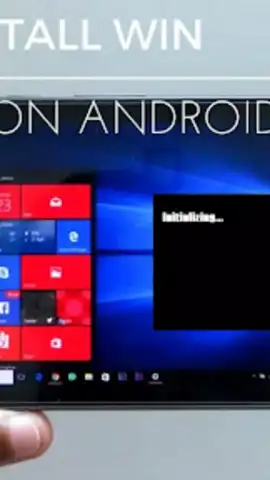
Win 11 Simulator delivers that exact experience directly to your mobile device. You are presented with a remarkably detailed recreation of a modern OS desktop. Interact with a fully functional Start Menu, launch applications from a crisp taskbar, and organize files on a dynamic desktop background. Customize your experience by changing themes, wallpapers, and system sounds to create a unique digital workspace. The simulation extends to running various system apps, managing windows, and even simulating basic tasks, offering a surprisingly authentic and satisfying sandbox to play in. It’s a digital playground for anyone curious about technology or who simply enjoys the tactile pleasure of a well-organized interface.
This simulator stands out by focusing on a smooth, intuitive user experience. The controls are designed for touchscreens, making navigation feel natural and responsive. Visually, the attention to detail is impressive, with sharp icons, smooth animations, and a clean aesthetic that faithfully captures the look and feel of a modern OS. The performance is optimized to run smoothly on a wide range of devices, ensuring your simulated desktop experience is always fluid and enjoyable.
Why You’ll Keep Coming Back
- Fully Interactive Desktop Environment
- Extensive Visual Customization Options
- Smooth & Responsive Touch Controls
- Optimized for Mobile Performance
Stop just imagining it and start experiencing it. This is your chance to master a modern OS interface in a fun, risk-free environment. Download game now and build your perfect digital desktop today!
Internet required. IAP available.


