
2X RDP Client
2X RDP Client screenshots (14)
Description 2X RDP Client
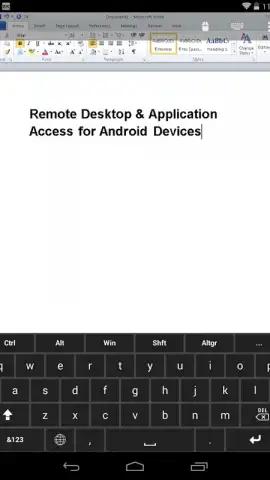
Ever found yourself needing to access your work computer from a coffee shop, or a critical file from your home PC while you're at the airport? The frustration of incompatible software and complex setups ends here. 2X RDP Client transforms your Android device into a powerful, portable terminal for your Windows desktop, delivering a full remote computing experience directly in your hand.
Core Functionality & Tools
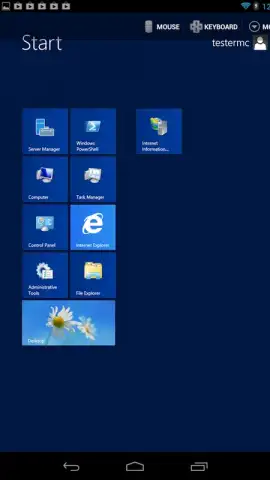
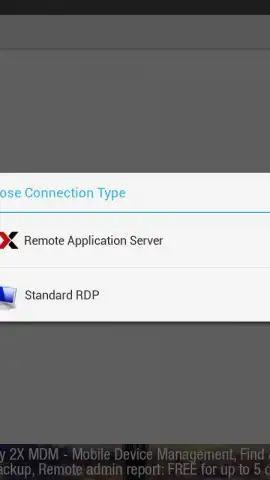
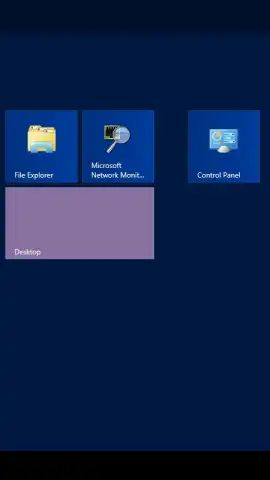
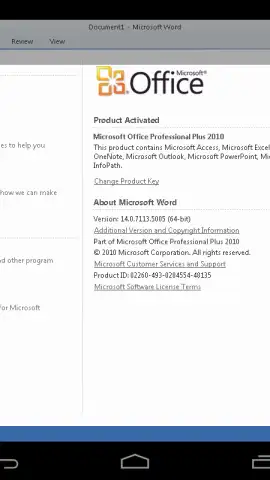
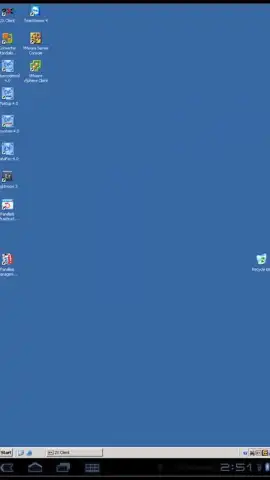
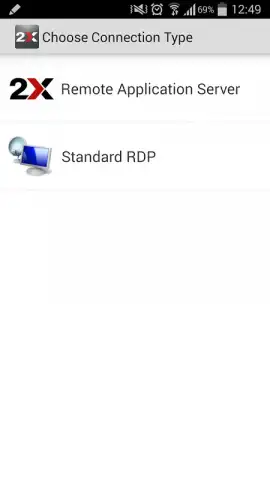
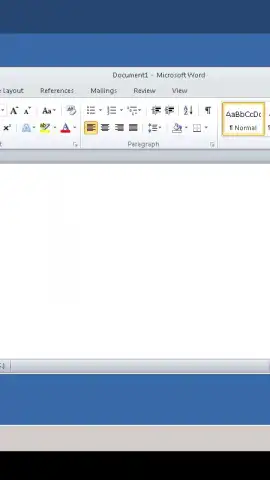
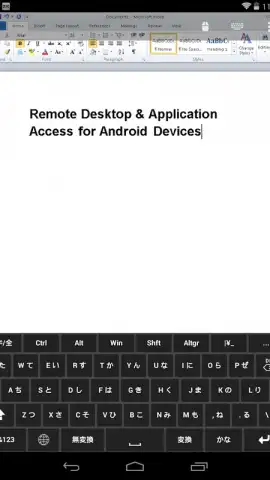
This mobile app provides a complete Remote Desktop Protocol (RDP) client engineered for professional use on Android. It establishes a secure, high-fidelity connection to remote Windows-based machines, including servers, workstations, and virtual desktops. The interface renders the remote desktop environment with precision, allowing for direct interaction with all applications and files as if you were sitting in front of the physical machine. It supports multiple concurrent sessions, enabling you to manage several remote connections from a single device and switch between them seamlessly.
Technical Capabilities & User Experience
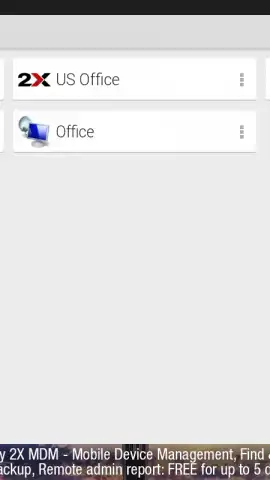
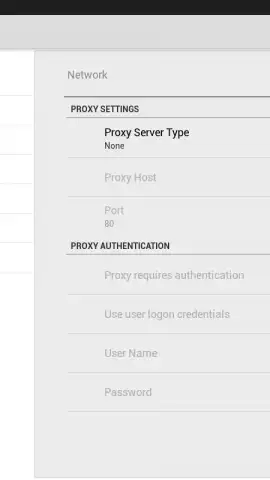
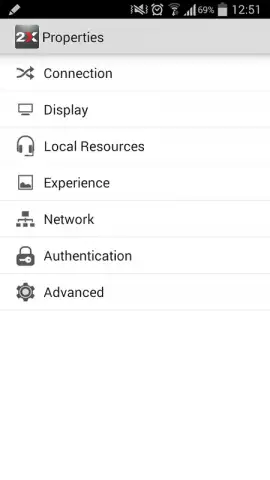
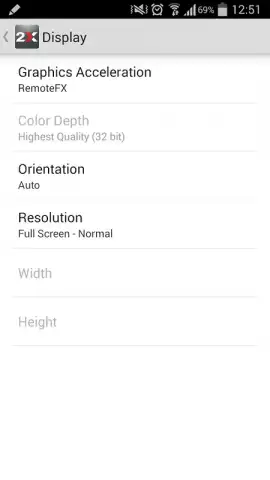
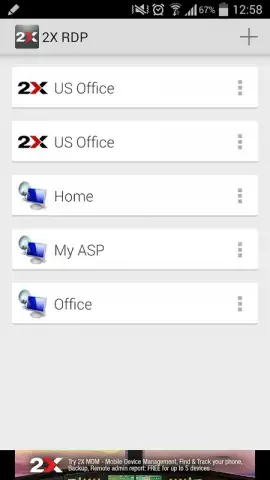
The mobile app is built for performance and clarity, utilizing advanced compression to ensure responsive control even on cellular networks. It features customizable gesture controls for right-click, scroll, and zoom, adapting the desktop experience for touchscreen efficiency. Connection management is streamlined with a saved sessions list, supporting various authentication methods and network gateways. For administrators and power users, the mobile app offers detailed connection diagnostics, bandwidth usage monitoring, and the ability to tailor display settings like color depth and resolution to optimize performance versus visual fidelity.
- Secure remote desktop access
- Multi-session connection management
- Touch-optimized gesture controls
- Advanced compression for speed
Gain exclusive, early access to professional-grade remote control. Download the mobile app now and transform your productivity today—offer limited to the first wave of users.
Heads up: you'll need wifi for optimal performance, though cellular data is supported. Some advanced enterprise network features require specific server configurations.


