

7Zipper
7Zipper screenshots (9)

Description 7Zipper
Navigating Your Phone's Storage Without a File Manager Is Inefficient
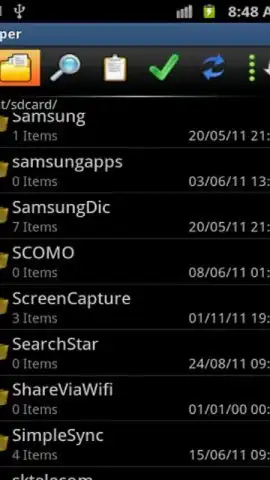
The absence of a dedicated file management tool on a smartphone creates a significant access barrier. Users are often locked out of core directories, unable to perform basic file operations or manage storage effectively. 7Zipper by Polar Soft addresses this gap directly, functioning as a comprehensive system utility that grants full administrative access to both internal memory and external SD card storage. Its operation is centered on providing granular control over file systems, which is a foundational requirement for device organization and maintenance.
Core Functionality and Extended Utility Analysis
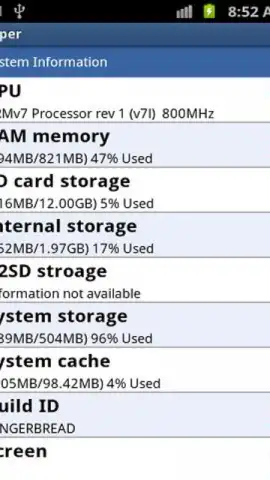
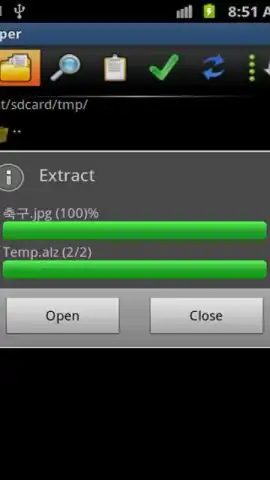
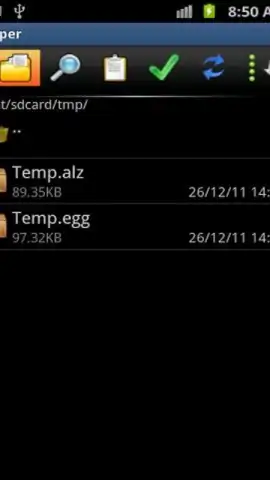
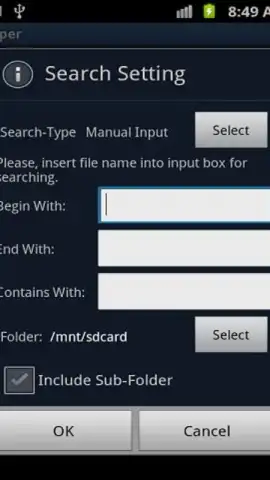
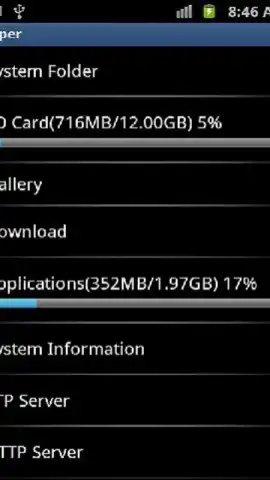
This application operates as a multi-format archive handler and a powerful file manager simultaneously. The primary mechanics involve standard file operations—such as multi-select, copy, move, rename, and delete—executed with batch processing capabilities. A critical function is its archive support; the engine can decompress formats including 7ZIP, RAR, TAR, TAR.GZ, BZ2, TARRO, and IZH, which covers the majority of compressed files encountered on mobile platforms. Beyond file management, the tool incorporates system diagnostic panels that display real-time telemetry on memory allocation, battery health, network status, and CPU utilization. It also includes utility modules for process management, allowing users to terminate background tasks, and features ancillary tools like a calculator and timer for on-device convenience. The absence of advertising in its core operation, often facilitated by a performance-oriented mode, contributes to an uninterrupted workflow.
- Execute batch operations on multiple files and folders simultaneously for efficiency.
- Extract and decompress all major archive formats, including RAR and 7ZIP.
- Access detailed system monitors for battery, network, CPU, and memory usage.
- Create file backups and attach documents directly to email clients from within the app.
- Manage running processes and utilize built-in productivity tools like a calculator.
The utility's design prioritizes direct access and control, effectively replacing the need for multiple disparate tools. Its ability to attach files to emails or messages from the file system context menu streamlines sharing workflows. For users managing extensive local storage or frequently handling archived data, 7Zipper version 3.11.15 consolidates necessary functions into a single interface, reducing reliance on default system views that often restrict access.
Download this essential tool now and take full command of your device's storage. Don't wait to organize your files and access advanced system features—get it immediately!
Disclaimer: This application requires an internet connection for certain functions, including email integration and potential update checks. It may contain in-app purchases for additional features or enhancements. Use of system tools and process management features requires careful operation. Data usage depends on file operations and network activity. Please check the product listing for age ratings and permissions regarding file and system access.
 GooglePlay


