
Ace Launcher
Ace Launcher screenshots (8)
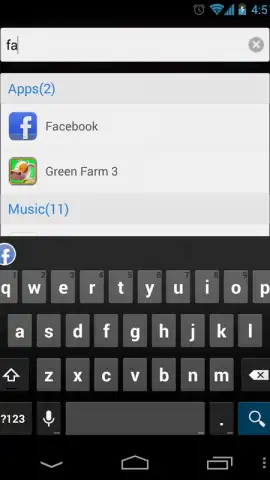
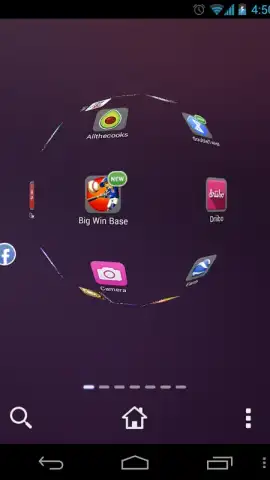
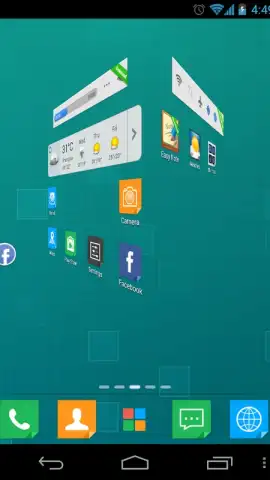
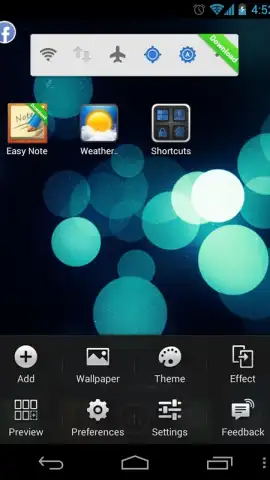
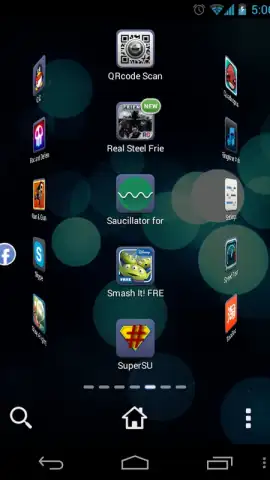

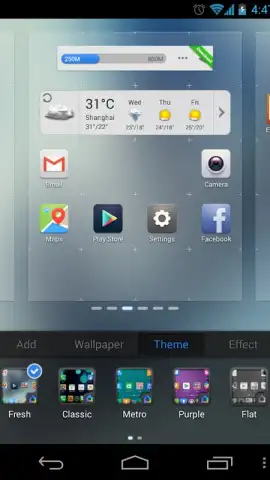
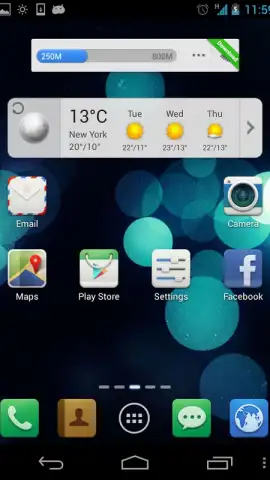
Description Ace Launcher
Tired of a Dull, Static Home Screen? Transform It.
Does your Android phone or tablet feel visually outdated, with the same static grid of icons every day? The Ace Launcher by PerfectionHolic Apps is designed to solve that exact problem. This powerful yet lightweight personalization tool completely revitalizes your device's interface, replacing blandness with dynamic, modern style. It goes beyond simple theming by putting over twenty distinct screen transition effects at your fingertips, allowing you to customize how you navigate between home screens with stunning visual flair. The launcher delivers a deeply customizable experience without compromising the smooth performance you expect, ensuring a fresh and responsive interface even on older hardware.
Core Features and Customization
Ace Launcher provides a comprehensive set of tools to make your home screen uniquely yours. While it offers dozens of configuration options for fine-tuning layout and behavior, the standout feature is undoubtedly its extensive animation library. You can set your app icons to fluidly morph and flow, forming intricate 3D shapes like spheres and cubes as you swipe. Beyond animations, the launcher supports a wide array of functional widgets. You can seamlessly integrate a live weather forecast, direct Facebook notifications, and many other informational modules directly onto your main screen for ultimate convenience.
The experience is streamlined and user-focused. A key benefit is the complete absence of intrusive advertisements, especially when utilizing the Turbo mode, which further enhances performance and unlocks premium advantages. This focus on a clean, efficient operation ensures that Ace Launcher runs excellently across a wide range of devices, providing a premium feel without demanding premium hardware.
- Dynamic Screen Transitions: Choose from 20+ visual effects, including 3D cube and sphere formations, for fluid navigation.
- Extensive Widget Library: Add practical widgets for weather, social media notifications, and more directly to your home screen.
- Lightweight Performance Engine: Optimized for speed and reliability, ensuring smooth operation on older smartphones and tablets.
- Ad-Free Customization Experience: Enjoy uninterrupted personalization, with Turbo mode providing additional performance benefits.
- Deep Configuration Options: Access dozens of settings to tailor icon packs, grid layout, animations, and overall interface behavior.
We suggest trying Ace Launcher to instantly modernize your Android device with professional-grade animations and robust customization. Consider downloading it today for a faster, more visually engaging mobile experience.
Disclaimer: This application requires an internet connection for certain features like weather widgets. Some advanced features or effects may be available via in-app purchases. The developer is not responsible for device-specific performance variations.


