

adAway
adAway screenshots (6)
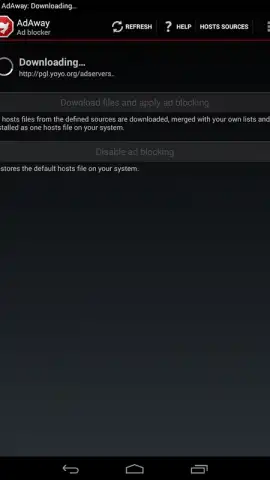
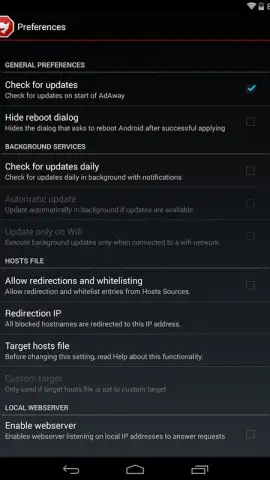
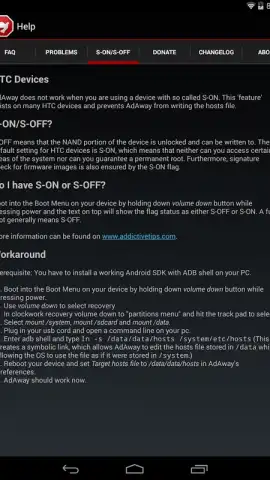
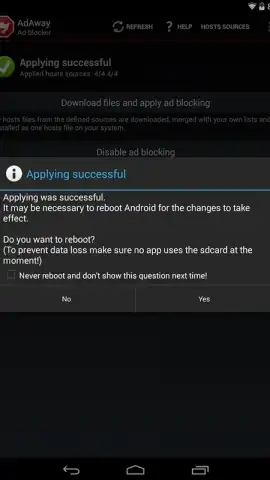
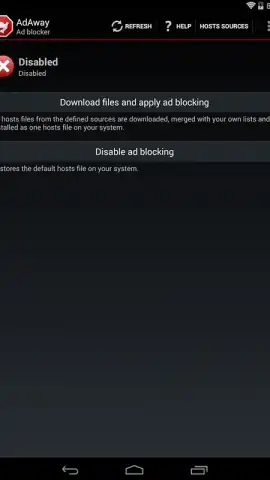
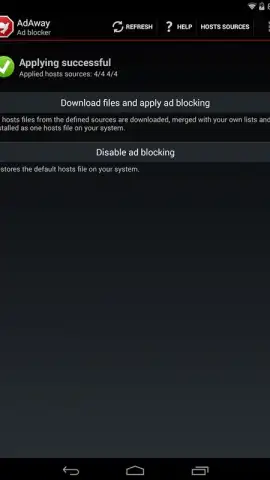
Description adAway
Eliminate Intrusive Ads During Mobile Browsing
Persistent pop-up advertisements and video pre-rolls significantly disrupt the browsing experience on Android devices, consuming data and slowing down page load times. adAway addresses this by functioning as a system-level ad blocker that filters unwanted content before it loads in your browser or other applications. It operates by utilizing and managing your device's hosts file, a core method for blocking connections to known advertising servers and tracking domains. This approach allows for comprehensive ad suppression across various forms of web content without requiring a VPN connection for basic filtering.
Core Functionality and Customization
The application provides granular control over what content is blocked. Users can create a whitelist for specific websites or services where ad blocking is not desired, ensuring essential functionality or supported content remains unaffected. Conversely, a blacklist feature allows for the manual addition of custom domains to be blocked, offering a layer of personalization beyond the default filter lists. The absence of in-app advertisements within adAway itself contributes to a clean user interface focused on management tasks. It is important to note for potential users that adAway is not distributed via the Google Play Store and requires sideloading from the developer's official source or other trusted repositories.
- System-wide ad blocking via hosts file
- Custom whitelist and blacklist creation
- No in-app advertisements
- Requires manual installation (APK)
We suggest trying adAway for a streamlined, ad-free browsing experience on your Android device.
Download mobile app now
Disclaimer: This application requires an internet connection to update filter lists. It is not available on the Google Play Store and must be installed manually. The app may not be suitable for all users; please check device compatibility. Use of ad blockers may affect website functionality and revenue models. Review permissions and data practices before installation.


