

Adobe Acrobat Reader
Adobe Acrobat Reader screenshots (14)

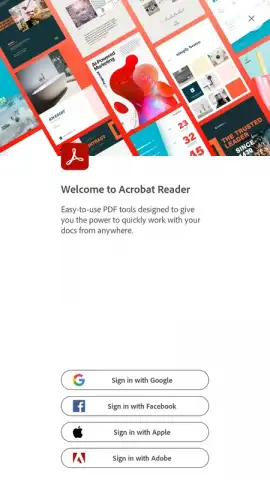
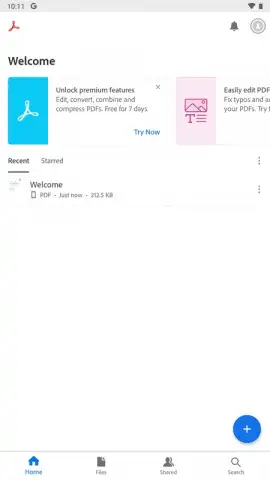
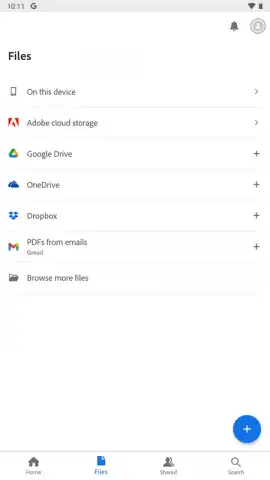
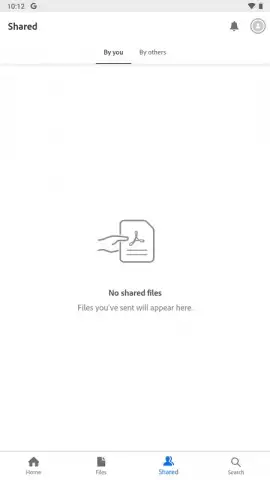
Description Adobe Acrobat Reader
Your Phone Just Became a Full-Fledged PDF Powerhouse
Imagine needing to review a contract, sign a form, or study a manual, but your computer is nowhere in sight. This scenario is now obsolete. Adobe Acrobat Reader for Android transforms your mobile device into a genuine, professional-grade PDF hub. It’s the official mobile extension of the industry standard, meticulously engineered to bring the robust functionality you rely on to the smaller screen, with every control optimized for touch. You are no longer just viewing documents; you are interacting with them with a level of depth and precision once reserved for desktop work.
The application serves as a central command point for any PDF that comes your way. You can instantly open documents sent via email, linked on a webpage, or shared from any other app on your device. The experience is seamless, eliminating the frustrating hunt for a compatible viewer. Once inside, you are met with a toolkit designed for real-world use. You can securely access password-protected portfolios, review files annotated with text comments and markups, and perform precise searches to locate any word or phrase across lengthy documents in seconds. The interface adapts to your reading environment, offering a night mode that makes viewing in low light comfortable and easy on the eyes.
Engineered for Control and Clarity
Beyond simple viewing, Adobe Acrobat Reader gives you complete command over how you consume content. The app intelligently handles document navigation and display to match your preference and need, ensuring that whether you're skimming or studying, the experience is tailored and efficient.
- Flexible Viewing Modes: Choose between single-page viewing for focused reading or a continuous scroll for a fluid overview of the entire document. Zoom in with a pinch on text or intricate images to examine the finest details with perfect clarity.
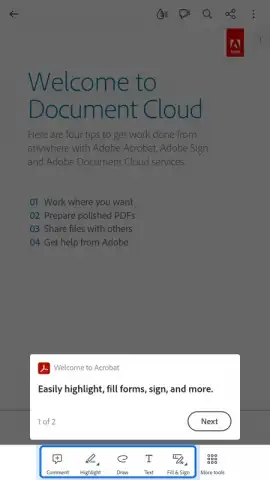
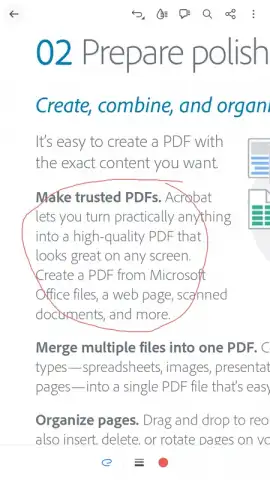
- Professional-Grade Tools: Engage with documents actively. Fill out interactive forms, add your signature electronically, and annotate with highlights, text notes, and drawings directly on the PDF. These are not stripped-down features but powerful tools for getting real work done.
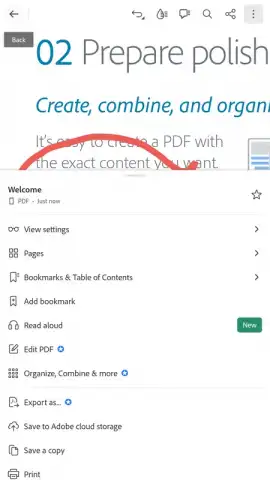
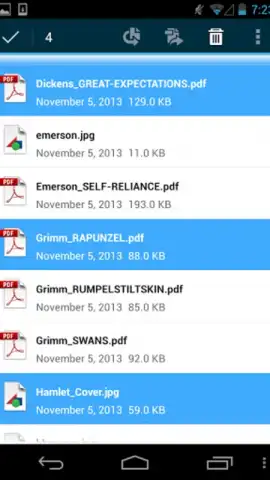
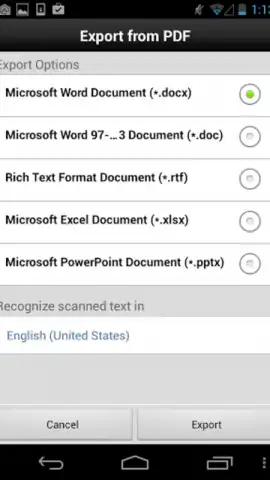
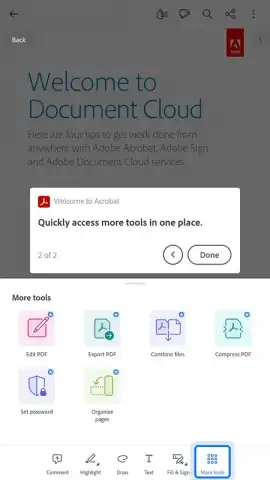
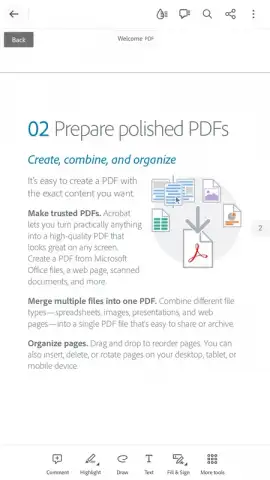
- Intelligent Document Management: The app goes beyond reading. You can organize files, merge multiple PDFs into one, compress files to save space, and even convert images from your camera or gallery into PDF documents instantly.
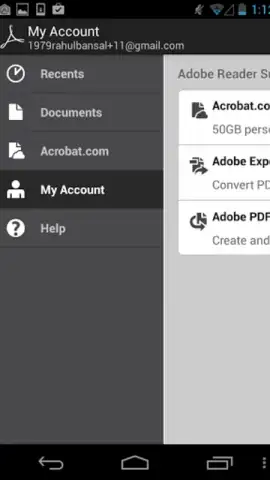
- Cloud-Connected Workflow: Your documents stay in sync. With integration for Adobe Document Cloud and other major cloud storage services, you can start a task on your phone and pick it up right where you left off on your tablet or computer.
This is a comprehensive PDF solution that combines an enormous breadth of features with the processing power to handle complex files smoothly. It turns your Android device into a legitimate mobile office, capable of managing, editing, and processing PDFs with authority.
We suggest trying Adobe Acrobat Reader to experience how it streamlines your document tasks. Consider downloading it to replace every limited PDF viewer on your device with the definitive tool.
Download the Adobe Acrobat Reader mobile app now.
Heads up: you'll need a Wi-Fi or mobile data connection for initial download, cloud syncing, and some advanced features. Access to the full suite of premium editing and conversion tools requires an Adobe subscription.
 GooglePlay


