

Adobe Illustrator Draw
Adobe Illustrator Draw screenshots (7)

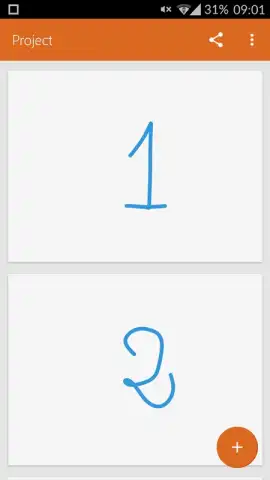
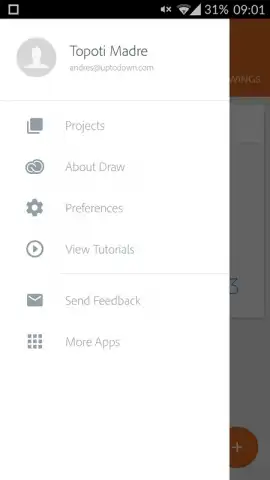
Description Adobe Illustrator Draw
Create Professional Vector Art Directly on Your Touchscreen Device
Moving from a desktop workstation to a mobile device often means sacrificing precision and professional-grade tools for digital illustration. Adobe Illustrator Draw eliminates this compromise by delivering the core power of vector-based design, fully re-engineered for touchscreen interaction. This application transforms your Android device into a portable studio, enabling the creation of scalable artwork that retains its quality at any size, directly under your fingertips.
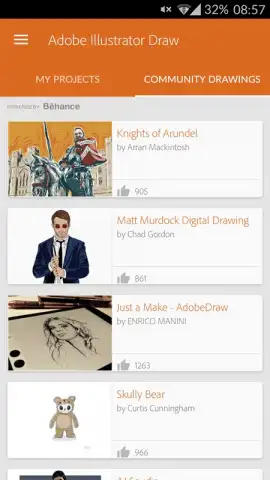
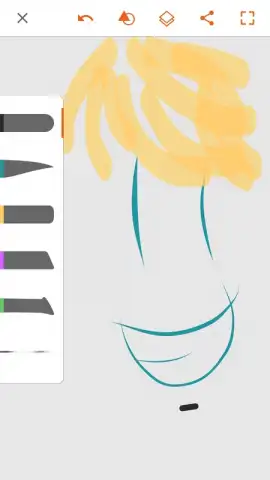
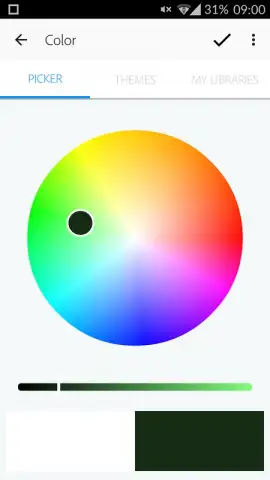
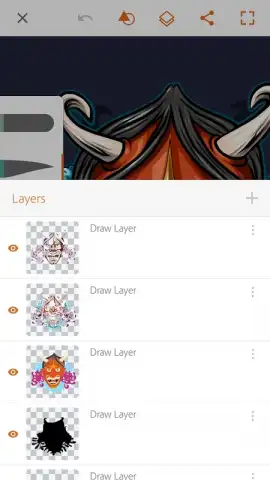
The application provides a comprehensive digital drawing environment centered on vector graphic creation. A fully customizable brush engine offers multiple brush types, each with adjustable parameters for opacity, tip size, and color selection to match specific stroke requirements. The layer system supports up to ten active layers for simultaneous management, allowing for complex compositions through non-destructive editing and organization of individual graphic elements. Each action within the workspace is supported by multi-step undo and redo functions, facilitating iterative design and correction. Finished projects integrate directly with Adobe Creative Cloud for cross-device workflow continuity and can be shared to Behance, Adobe's social network for creatives, to publish work, gather feedback, and explore projects from a global community of artists for technical reference and inspiration.
- Customizable vector brush library
- Ten-layer drawing system
- Behance community integration
Install Adobe Illustrator Draw immediately to begin producing professional vector graphics on your mobile device. This is the definitive tool for turning touchscreen gestures into precise, scalable artwork—get it now.
Internet required. IAP available.


