

Adobe Photoshop Sketch
Adobe Photoshop Sketch screenshots (10)


Description Adobe Photoshop Sketch
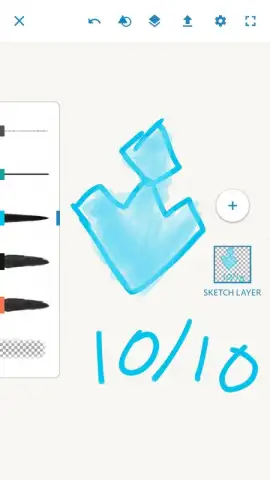
What if your smartphone or tablet could become a true digital sketchbook, equipped with professional-grade tools that mirror the tactile experience of traditional art? Adobe Photoshop Sketch achieves precisely that, transforming your mobile device into a portable studio. This application is not merely a simple drawing tool; it is a dedicated component of the Adobe ecosystem, designed for artists and illustrators who require precision and flexibility on the go. Its core function is to provide an authentic, responsive drawing experience with a curated selection of virtual instruments that behave like their real-world counterparts.
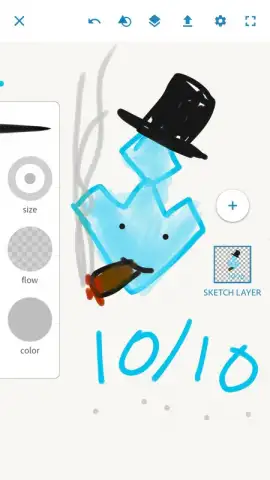
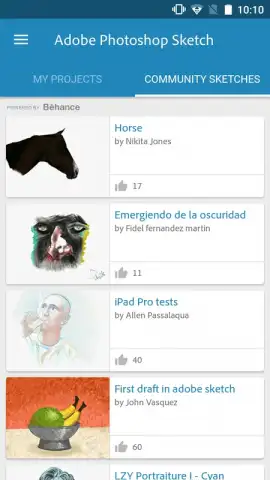
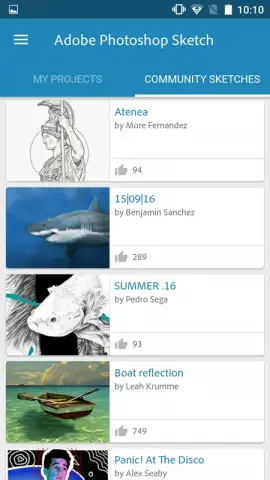
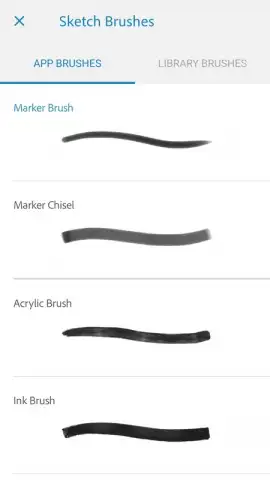
The application’s environment is built around a comprehensive set of dynamic brushes, including pencils, ink pens, markers, and textured media like acrylics and pastels. Each tool is engineered with specific opacity, flow, and texture settings, allowing for nuanced strokes that can range from delicate line work to bold, expressive splashes of color. A critical operational requirement is logging into your Adobe account, which unlocks the seamless social layer of the platform. This integration facilitates direct sharing of your projects to the Adobe Creative Cloud community, enabling you to publish your work, browse an extensive gallery from other global artists, follow creators, and engage with feedback—effectively embedding your personal workflow within a larger, active network of peers.
Core Functionality and Professional Integration
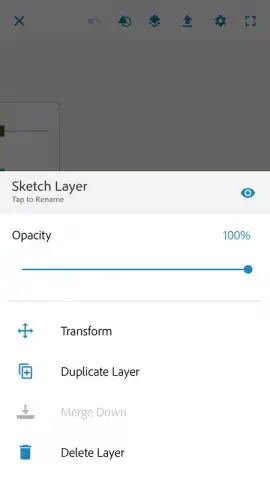
Beyond the immediate drawing experience, Adobe Photoshop Sketch is distinguished by its professional interoperability. Projects are saved in a layered PSD-compatible format, preserving every individual element and adjustment on separate, editable layers. This architecture is fundamental for advanced work, as it allows you to initiate a sketch on your Android device and then open the exact same file, with all layers intact, in desktop applications like Adobe Photoshop or Adobe Illustrator for refinement. This eliminates the friction typically associated with transferring mobile creations to a professional editing suite, making the app a legitimate starting point for complex digital art projects destined for print or digital publication.
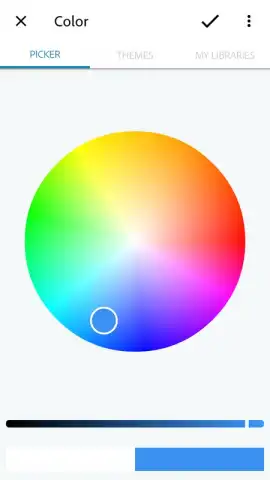
The absence of advertising ensures an uninterrupted, immersive creative session, allowing full concentration on the artistic process. The interface provides extensive control over brush properties, color palettes, and canvas settings, supporting a workflow that can adapt from quick conceptual doodles to detailed, multi-session illustrations.
- Authentic Brush Library: Utilize a diverse set of tools including pencils, ink pens, markers, and textured media like watercolor and pastel, each with customizable pressure and tilt sensitivity for natural-feeling strokes.
- Cloud-Based Creative Community: Access and contribute to the Adobe community by sharing projects, following artists, and exchanging feedback, all synchronized through your Adobe ID for a connected experience.
- Professional Layered Workflow: Create and save artwork with full layer support, enabling easy export and continuation of work in Adobe Photoshop or Illustrator on desktop without loss of editability.
This application represents a significant mobile asset for creatives embedded in the Adobe ecosystem. Its combination of high-fidelity tools, community infrastructure, and professional-grade file management makes it more than a simple app—it's a mobile extension of a professional creative suite. For illustrators, designers, and hobbyists seeking a serious mobile drawing tool that integrates with a larger workflow, the utility here is substantial and directly impactful on productivity.
Download Adobe Photoshop Sketch now—this is your exclusive access to a professional mobile studio and a vibrant creative network. Limited-time seamless integration with the full Adobe suite makes starting today essential.
Internet required. IAP available.


