
Adobe Photoshop
Adobe Photoshop screenshots (12)





Description Adobe Photoshop
Professional Photo Editing on Mobile: An Objective Review of Adobe Photoshop for Android
The primary challenge for mobile photographers and designers is the lack of a truly comprehensive editing suite that bridges the gap between quick fixes and desktop-grade compositing. Adobe Photoshop for Android directly addresses this by providing a scaled, touch-optimized version of its industry-standard software. This application transitions complex workflows involving layers, masks, and precision tools to the mobile environment, positioning itself not merely as a filter app but as a portable creative workstation.
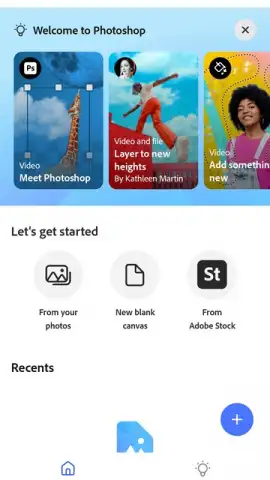
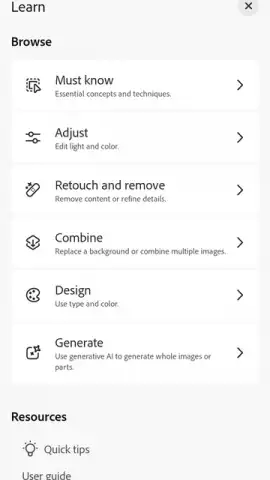
Upon initial launch, the application requires authentication via an Adobe ID or streamlined sign-in through Google or Apple. The interface then presents a guided tutorial outlining core tool locations and gestures. Users can immediately import images from their device's gallery to begin editing. The layout adapts professional desktop paradigms for touch interaction, with context-sensitive menus and a customizable toolbar. A key operational differentiator is its project continuity; work can be started on Android and saved as a PSD file for seamless transfer and further editing in the desktop version of Photoshop, maintaining layer integrity.
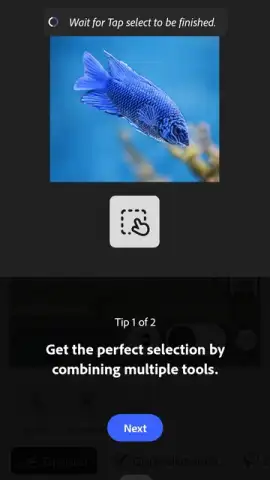
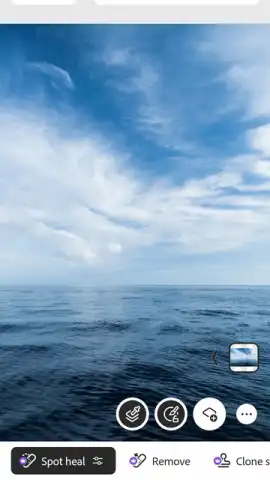
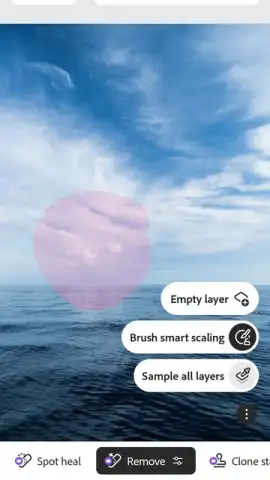
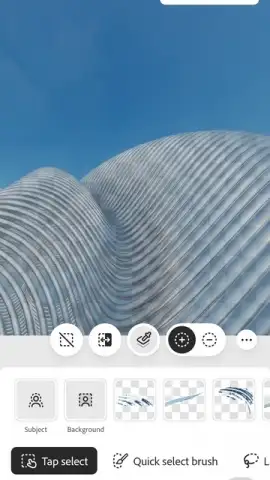
The integration of generative AI and machine learning is a central functional component. The 'Generative Fill' feature allows for the non-destructive removal of backgrounds or unwanted objects through text prompts or simple selections, with the AI generating plausible content to fill the space. Conversely, the tool can add new elements based on descriptive text input. This extends to accessing a curated library of assets from Adobe Stock directly within the app interface. Beyond AI, the application provides a full layer stack with blending modes, advanced selection tools including a refined Object Selection tool, and support for editing text layers with custom fonts.
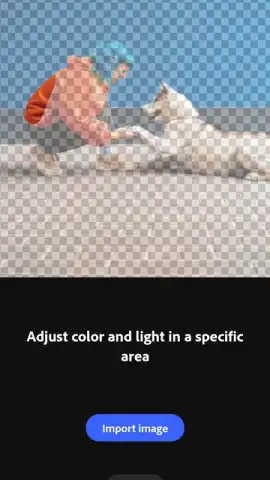
A common point of confusion is the distinction between this app and Adobe Photoshop Lightroom for Android. Lightroom is engineered primarily for parametric photo development, excelling at global and local adjustments to exposure, color, and detail. This full Photoshop app, however, is designed for compositing, graphic design, and pixel-level manipulation. It is the appropriate choice for tasks requiring complex layer masking, combining multiple images, removing or adding substantial elements, or adding textual and graphical overlays.
The application is offered under a freemium model. All core tools are accessible without initial cost, allowing for extensive editing and export. However, certain premium features, including the full suite of AI-powered tools and unrestricted access to Adobe Stock, are gated behind an active Adobe Creative Cloud subscription. Performance is optimized for devices running Android 11 and above, ensuring smoother operation of processor-intensive tasks like generative AI fills and real-time effect rendering.
- Access a full layer-based editing workflow with blending modes and masks on your device.
- Utilize AI-powered Generative Fill to remove objects or add new elements via text prompts.
- Enjoy seamless workflow continuity by exporting and importing projects in PSD format.
- Make precise adjustments with advanced selection tools, including the Object Selection tool.
- Integrate professional assets directly from the Adobe Stock library within the application.
Install Adobe Photoshop for Android immediately to transform your smartphone into a professional-grade editing studio. This is the definitive tool for serious mobile creatives.
Internet required. IAP available.
 GooglePlay


