

AES Crypt
AES Crypt screenshots (6)
Description AES Crypt
Your Personal Vault in a Connected World
In an era where digital privacy feels increasingly like a luxury, the need for a straightforward, reliable tool to protect personal files is universal. Whether it's sensitive documents, private photos, or confidential messages, the risk of unauthorized access is a constant background concern. This application addresses that core need directly, providing a dedicated space for encryption without requiring advanced technical knowledge.
Core Functionality and Encryption Process
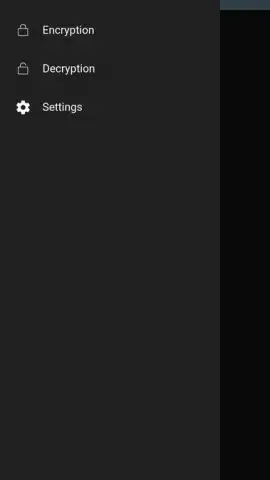
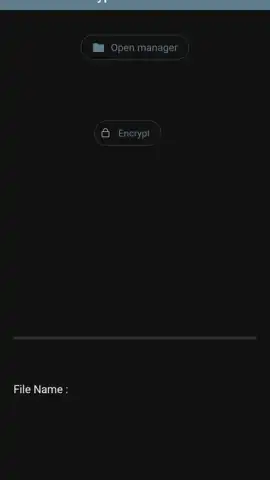
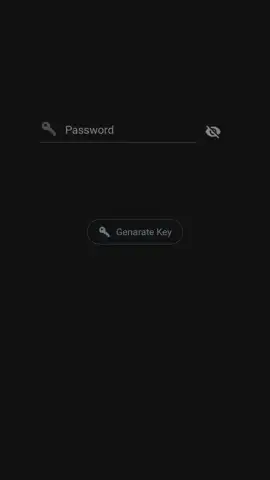
AES Crypt operates as a focused utility for file security using the Advanced Encryption Standard (AES) algorithm. The primary function is to encrypt any file stored on your device, rendering its contents inaccessible without the correct passphrase. The process is intentionally streamlined: you select a file, set a strong password, and the app creates an encrypted copy with a .aes extension. Decryption is the reverse, requiring the same passphrase to restore the original file. This method ensures that your data remains secure even if file storage is compromised, as the encryption key is never stored by the app itself.
Key Operational Advantages
The utility's design prioritizes reliability and user autonomy over decorative features. Its interface is minimal and task-oriented, reducing clutter and potential points of failure. Performance is optimized for local device processing, meaning your sensitive data does not travel over the internet to be encrypted or decrypted, providing an additional layer of security. The use of the established AES-256 standard offers peace of mind through a widely audited and trusted cryptographic protocol.
- AES-256 Standard Encryption: Utilizes a robust, globally recognized algorithm for securing files against unauthorized access.
- Local-Only Processing: All encryption and decryption tasks are performed directly on your device, ensuring data never leaves your control.
- Simple File-Based Workflow: Operates by creating encrypted copies of your original files, preserving the untouched source material.
- Universal File Format Support: Can encrypt any file type, from documents and PDFs to images, videos, and archives.
- No Cloud Dependency or Accounts: Functions completely offline after installation, with no registration or subscription required.
We suggest trying AES Crypt if you require a no-frills, effective method for adding a strong layer of security to your important files directly from your Android device.
Heads up: you'll need wifi for the initial download. The core encryption features work entirely offline.


