
AI Logo maker, Logo generator
AI Logo maker, Logo generator screenshots (14)
Description AI Logo maker, Logo generator
A Practical Review of AI Logo Maker: Design Without the Desk
The challenge of creating a professional brand identity often sends entrepreneurs and content creators down a frustrating path: hiring a costly designer or wrestling with complex desktop software. AI Logo Maker enters this space not as another simplified toy, but as a focused utility that applies generative AI directly to the problem of logo creation. My evaluation centered on whether it could reliably translate a basic business concept into a viable, editable visual mark. The process begins with the fundamental inputs—your company name and an optional tagline—but the application’s intelligence lies in how it interprets these seeds into structured design concepts, bypassing the blank canvas paralysis that stifles non-designers.
Core Mechanics and Feature Analysis
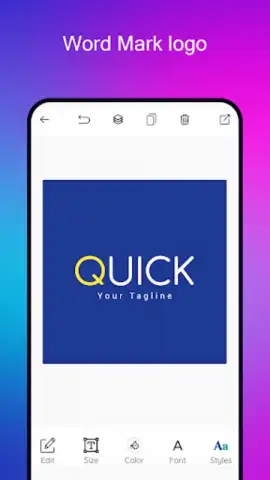
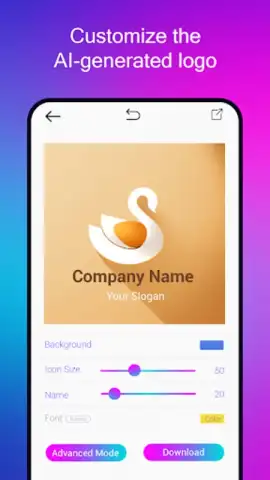
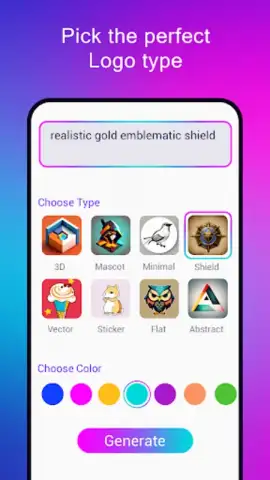
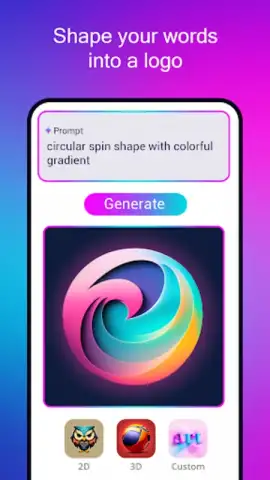
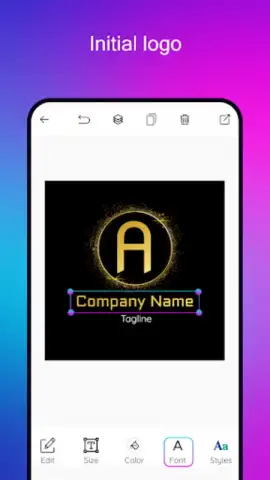
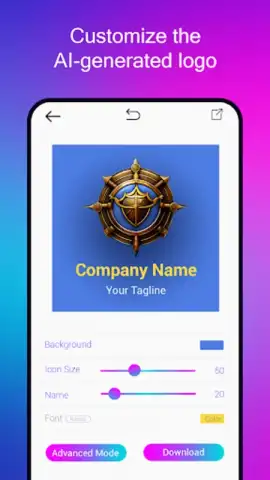
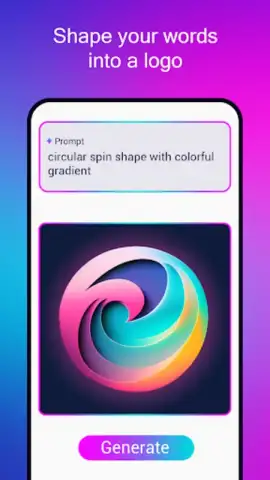
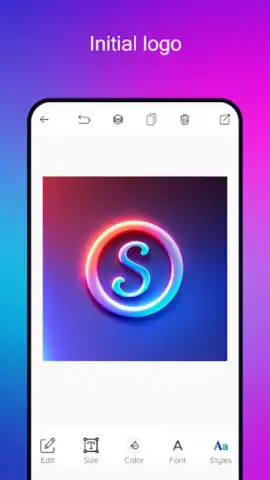
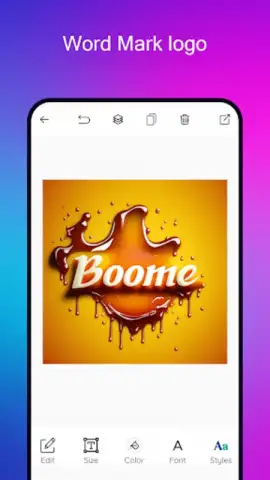
Upon entering your brand details, the AI doesn’t merely offer random graphics. It processes your input to suggest coherent logo types, including icon-based marks, letterforms, wordmarks, badges, and monograms. The critical step is the description field for icon concepts; here, specificity yields better results. Instead of "coffee," inputting "minimalist coffee cup with steam, circular frame, warm brown" guides the engine toward more targeted generations. The built-in editor is where the tool transitions from generator to practical instrument. It allows for precise layer-based adjustments: altering the color palette of individual elements independently, swapping fonts from a curated yet varied selection, and repositioning components within a flexible bounding area. This level of post-generation control is what separates it from mere logo randomizers.
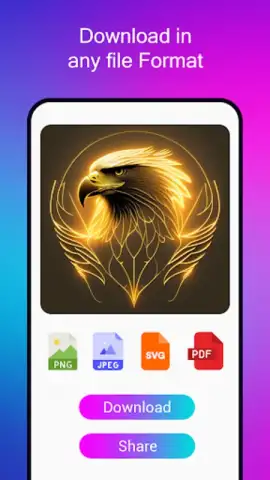
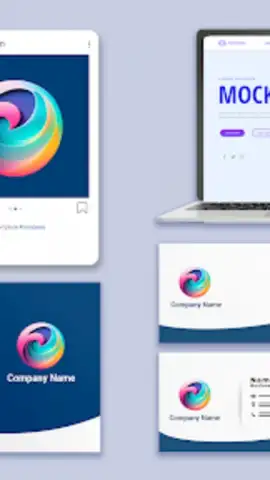
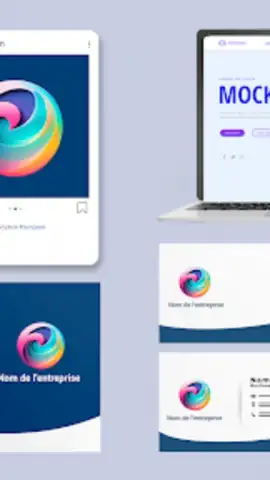
The export functionality is notably robust for a mobile application. You can output your final design in multiple resolutions and formats, including PNG with transparency for digital use, high-resolution JPEG for print drafts, and vector-based SVG for future scalability—a crucial feature for any serious branding asset. The mockup preview tool, which places your logo on business cards, websites, and apparel, provides essential real-world context, allowing for pragmatic adjustments before finalizing. The workspace saves project states incrementally, letting you revisit and iterate on designs over time without loss of prior work.
Key Capabilities at a Glance
- AI-driven concept generation from text prompts
- Full vector SVG and high-res PNG export
- Layer-based editor with color and font controls
- Real-world mockup preview simulator
The application operates efficiently, generating multiple logo drafts within seconds. The absence of mandatory watermarks on final exports and the ability to create unlimited drafts during the design phase are significant advantages for exploratory work. It effectively serves as a rapid prototyping tool for brand identity, suitable for social media channels like YouTube and Instagram, startup branding, and small business needs where a custom-designed logo was previously cost-prohibitive.
Final Verdict
AI Logo Maker stands out for its specific utility. It is not a general-purpose design suite but a streamlined solution for one task: creating a foundational logo. Its strength is in converting abstract ideas into concrete, editable visual formats with surprising speed. For anyone needing a functional brand mark without engaging in a lengthy design process, this tool demystifies the first critical step of brand visualization.
Download AI Logo Maker now and generate your professional brand identity today! Don't wait to elevate your business with a custom logo—get it immediately!
Internet required. IAP available.
 GooglePlay


