

Mega Photo
Mega Photo screenshots (16)



Description Mega Photo
What if you could radically transform any photo with a single tap?
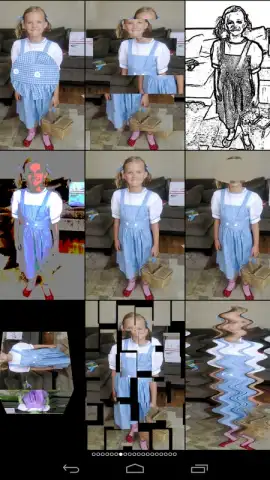
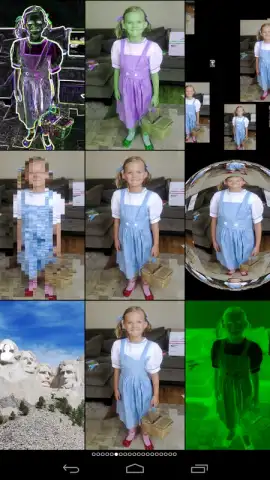
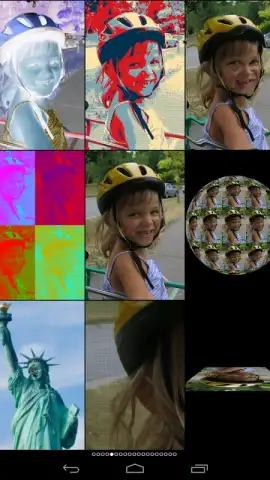
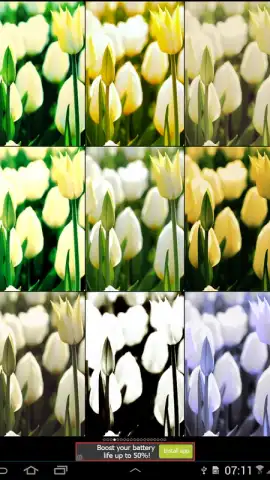
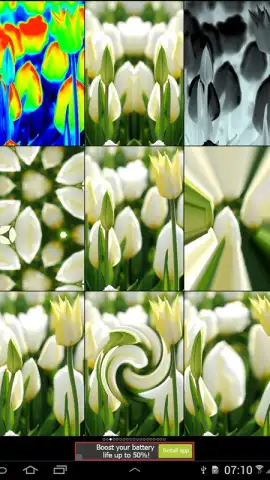
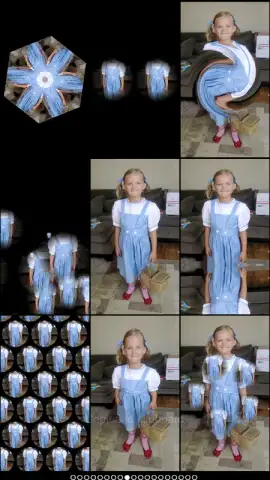
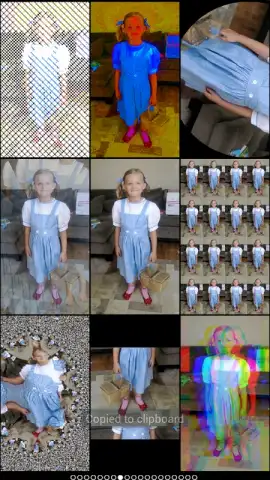
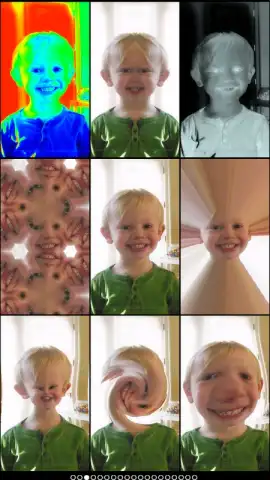
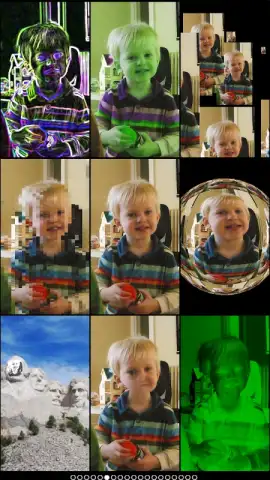
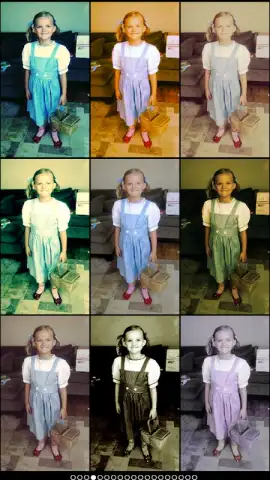
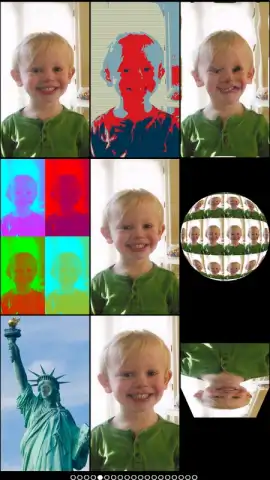
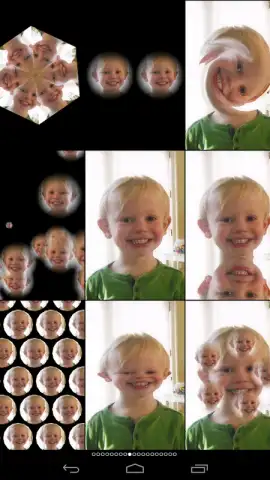
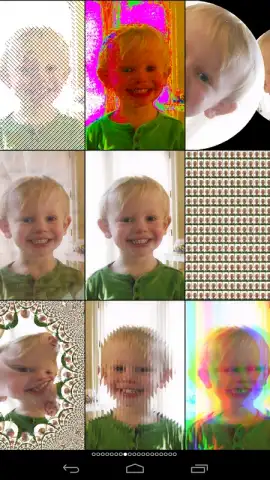
Mega Photo is a specialized image processing application developed by Paul Falstad that functions as a dynamic filter engine. Its core operation centers on applying a vast library of over one hundred real-time visual effects to user-uploaded images. The spectrum of available modifications ranges from subtle color grading adjustments that slightly enhance an image's tone to comprehensive geometric distortions that completely reconfigure its proportions and perspective. This provides a scalable toolset suitable for both minor touch-ups and the creation of entirely abstract visual art from original photographs.
Core Functionality and User Workflow
The application operates through a streamlined interface where users select an image from their device's gallery. The primary editing suite is the filter browser, which categorizes effects for practical application. Notable filter categories include motion blur, which simulates speed and directionality; night vision, applying a characteristic green or monochrome thermal palette; and tunnel vision, creating a vignetted, warped perspective. Further transformative tools include an X-ray vision mode that inverts and adjusts contrast to mimic radiographic imaging, and a puzzle mode that segments the image into interlocking pieces. The system allows for the stacking and adjustment of multiple filters, enabling complex, multi-layered compositions from a single base image.
A secondary, standalone feature is the collage constructor. This mode permits the import of multiple photographs from the user's library, arranging them within customizable layouts to form a single composite image. This tool is separate from the filter engine and is designed for assembling multi-photo presentations without applying the core dynamic effects.
- Apply Dynamic Visual Filters: Instantly overlay hundreds of real-time effects, from subtle color shifts to extreme proportional distortions and warps.
- Utilize Specific Effect Modes: Access defined tools like Motion Blur, Night Vision, X-Ray, and Puzzle filters to achieve precise, dramatic stylistic changes.
- Construct Multi-Image Layouts: Build custom collages by importing and arranging numerous photos from your personal gallery in varied formats.
The absence of advertising within the core user interface, particularly during the editing and export process, is a noted functional aspect that differentiates it from ad-supported alternatives. This contributes to an uninterrupted creative workflow.
Download Mega Photo now and start transforming your gallery today! Don't wait to unlock professional-grade visual effects.
Note: Application requires an internet connection for initial download and certain functions. Some advanced features or filter packs may require in-app purchases.
 GooglePlay


