

Airbuds Widget
Airbuds Widget screenshots (6)





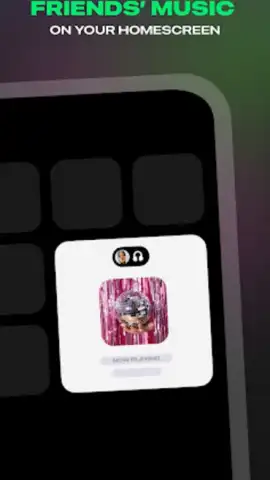
Description Airbuds Widget
Transform Your Home Screen into a Live AirPods Dashboard
Airbuds Widget delivers real-time status and controls for your wireless earbuds directly to your Android home screen. Eliminate the need to open multiple apps or check your case; access battery levels, connection status, and playback commands from a single, glanceable widget. This tool is designed for users who rely on their AirPods daily and demand instant, streamlined access to their device's vital information.
Core Functionality and Tools
The application provides a suite of interactive widgets that display precise, live data for your connected AirPods or other compatible Bluetooth audio devices. Each widget can be customized in size and style to match your home screen aesthetic. The primary functionality includes monitoring the individual battery percentage for the left and right earbud, as well as the charging case, with clear visual indicators for charging status. Direct controls allow you to play, pause, or skip tracks without switching to a music app. The widget also confirms your device's active connection and can display when earbuds are in use or stored in the case.
Key Technical Advantages
The interface is built for efficiency and clarity, presenting complex connection data in an instantly understandable format. Users can place multiple widgets for different device profiles or choose from various visual themes to ensure seamless integration with any wallpaper. The application operates with minimal battery impact, polling your Bluetooth connection efficiently to provide updates without draining your phone. Setup is streamlined, automatically detecting supported audio devices and guiding you through widget placement.
- Real-time battery percentage monitoring
- Direct music playback controls
- Customizable widget sizes and styles
Download the Airbuds Widget now and take complete command of your audio experience from your home screen!
Internet required. IAP available.
 GooglePlay


