

Android Auto
Android Auto screenshots (8)
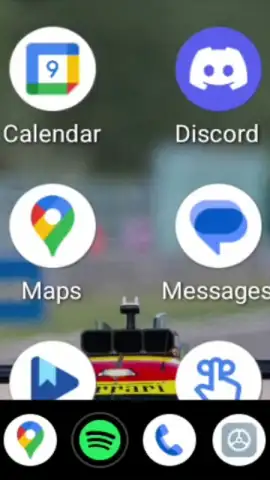
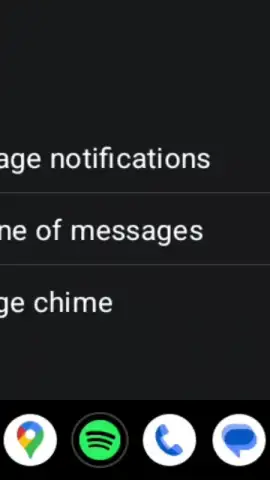
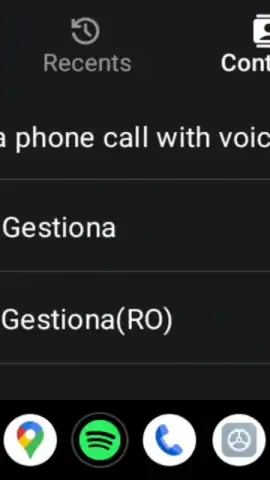
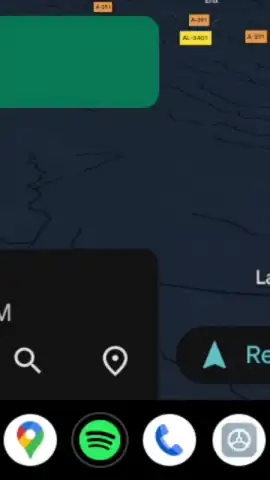
Description Android Auto
Your Car's Smarter Co-Pilot: A Technical Review of Android Auto
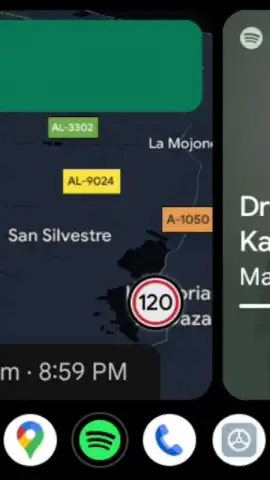
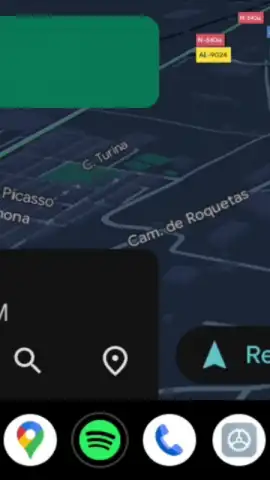
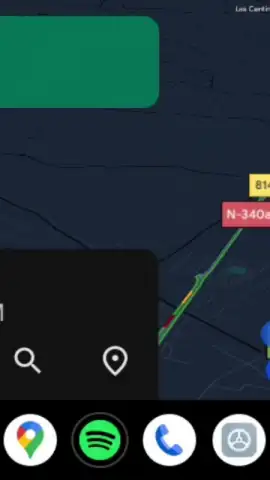
Android Auto represents a fundamental shift in how we interact with our vehicles, transforming the standard car infotainment system into a seamless, driver-centric extension of your Android smartphone. This is not merely a mirroring tool; it is a purpose-built driving interface engineered by Google to minimize distraction while maximizing utility. By projecting a simplified, voice-optimized version of your essential apps onto your car's display, it effectively bridges the gap between your digital life and the physical act of driving. The system intelligently reconfigures compatible applications, prioritizing large, tactile UI elements and contextual information that can be digested at a glance, thereby creating a safer and more integrated cockpit environment.
The core functionality hinges on its dual-connection methodology. Users can opt for a traditional wired USB connection, which also provides steady charging, or utilize a wireless connection if their vehicle supports it. The wireless mode offers superior convenience, initiating the Android Auto interface automatically as soon as you enter the car, though it does necessitate a power source such as a wireless charging pad to offset battery drain. Once connected, the smartphone becomes the computational brain. It leverages its own internal GPS chip for navigation, uses its mobile data or pre-downloaded maps for real-time traffic and routing, and streams audio directly, meaning the car itself does not require a built-in data subscription for full functionality.
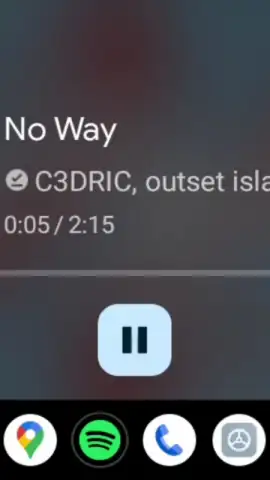
Central to the experience is the deep integration of Google Assistant, which acts as the primary control layer. This allows for comprehensive hands-free operation: you can dictate a destination to Google Maps, request a specific album on Spotify or YouTube Music, place a call, or send a message entirely by voice. Notifications from messaging and email apps are read aloud and can be answered with voice replies or dismissed with a simple voice command. The system allows you to activate a driving-specific "Do Not Disturb" mode directly, silencing non-critical alerts. This voice-first paradigm is critical, as it allows the driver to keep their hands on the wheel and eyes on the road while still accessing navigation, communication, and entertainment.
Google continuously refines the platform, with updates delivering new features, expanded app compatibility, and interface tweaks. Using the latest version ensures access to improvements like enhanced messaging support for apps like Discord, better media browsing layouts, and performance optimizations under the "Turbo" initiative, which focuses on smoother, faster operation without advertisements. The ecosystem of compatible apps is vast, extending beyond core Google services to include major players like Waze, Amazon Music, and various podcast platforms, all reformatted for the driving context with larger buttons, simplified menus, and prioritized information displays.
- Wired & Wireless Connection Options
- Google Assistant Voice Control
- Driver-Optimized App Interfaces
- Real-Time Navigation & Media
Download the Android Auto APK now to unlock the latest version. This limited-time access ensures you get the newest safety features and interface enhancements before a broad rollout, transforming your daily commute today.
Disclaimer: An active internet connection is required for full functionality including real-time services, voice commands, and media streaming. Some features or app integrations may involve in-app purchases or require separate subscriptions.
 GooglePlay


