

AndroVid
AndroVid screenshots (6)
Description AndroVid
A Dedicated Video Editing Suite for Precise Clip Management and Format Conversion
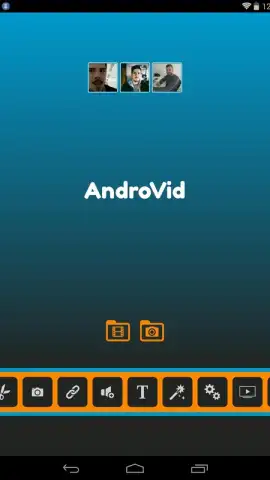
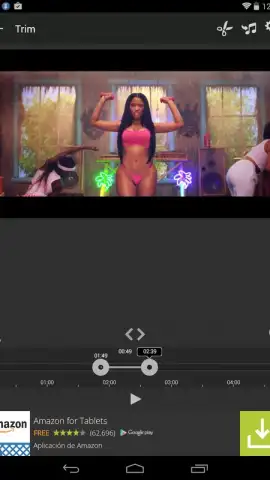
AndroVid is a specialized mobile editing tool engineered for direct manipulation of video files. Its core architecture is built around the fundamental operations of cutting, splicing, and merging video segments, providing a focused environment for these tasks. Users initiate an edit by selecting any video file stored on the device's memory. The editor interface then presents the clip for modification, where precise trim points can be set and multiple clips can be sequenced together. These primary editing actions are executed through tactile finger gestures on the device's touchscreen, allowing for rapid trimming and assembly within seconds.
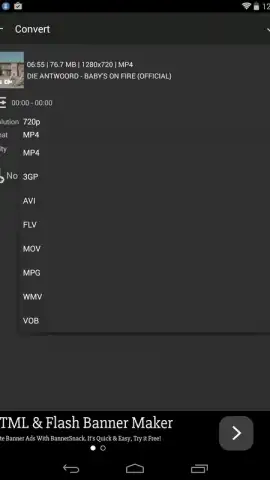
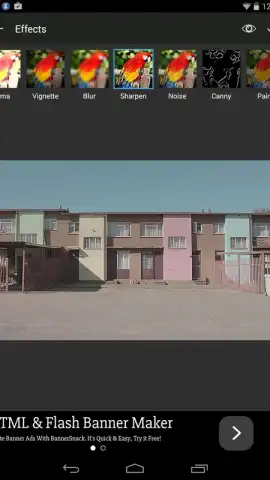
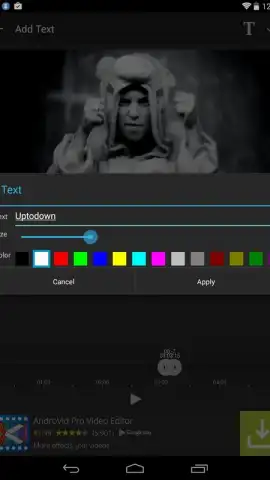
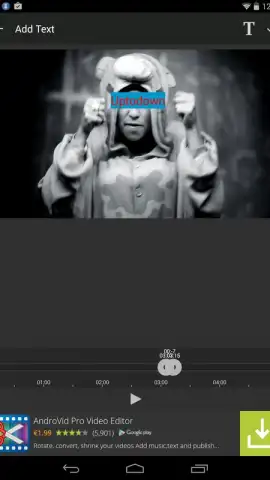
The application's functionality extends beyond basic cutting. It includes a module for embedding subtitles or captions at any timestamp within a video. This tool provides adjustable parameters for text, including font size and color selection. A separate effects module allows for the application of visual filters and overlays, which can be activated with a single touch. A distinct conversion utility is available, enabling the transformation of video files into various output formats. This specific utility, accessible in the PRO version, supports conversion to formats including, but not limited to, FLV, MP4, MPEG, and also allows for audio extraction to MP3.
- Trim, Merge & Cut Videos
- Add Custom Subtitles & Filters
- Convert Video & Audio Formats
The PRO version, often referred to as Turbo, removes advertising interfaces from the application and unlocks the full suite of conversion capabilities. This results in an uninterrupted editing workflow and access to advanced file processing features. The toolset is designed for practical video modification, providing specific controls for editing, textual annotation, visual enhancement, and format conversion.
Download AndroVid Video Editor now to directly manage your video clips! Install the app immediately and start editing!
Disclaimer: This application requires an internet connection for certain functions and to verify PRO status. The PRO version (Turbo) is a paid upgrade accessed via in-app purchase. Some features may be restricted by the user's device hardware and operating system. Data charges may apply for downloading and converting video files. Please review the app's terms of use and privacy policy for details on data handling.
 GooglePlay


