
AndroZip File Manager
AndroZip File Manager screenshots (6)

Description AndroZip File Manager
The Essential File Management and Compression Tool for Android
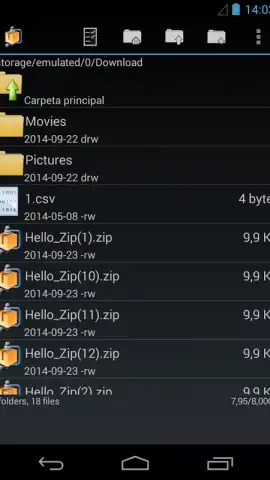
AndroZip File Manager delivers a comprehensive two-in-one solution for handling files on your Android device. It functions as both a powerful archiver for compression and extraction tasks and a fully-featured file organizer, all through an interface specifically designed for touchscreen navigation. This eliminates the need for multiple disparate applications, centralizing your file operations into a single, efficient workspace.
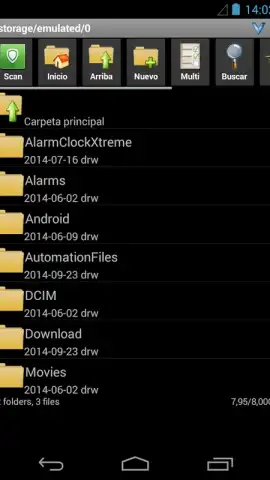
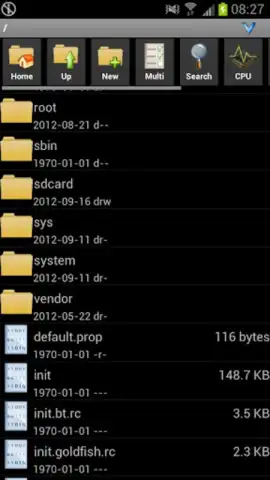
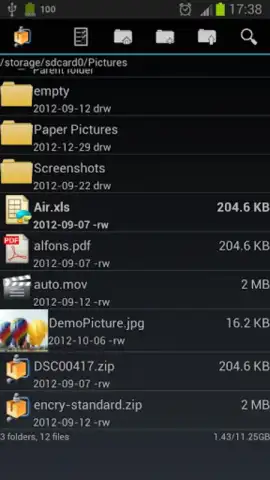
The application provides native support for a wide array of compression formats, including ZIP, RAR, TAR, GZIP, and BZIP2. You can open any archive in these formats directly on your device, with contents accessible within seconds. Beyond compression, the integrated file manager allows for direct manipulation of your device's storage. You can browse, cut, copy, paste, and organize both compressed and regular files and folders, mirroring the functionality found in desktop file explorers. This seamless integration means you can extract an archive and immediately manage its contents without switching applications.
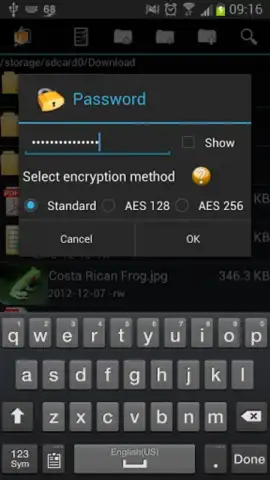
The tool is engineered for practical, daily use with a layout that prioritizes clarity and speed. All core functions are accessible through large, touch-friendly buttons and a clear directory tree. Operations like moving batches of files or creating new archives are streamlined into minimal steps. This design ensures that both simple tasks, like viewing a document from a ZIP file, and complex operations, like compressing a multi-folder directory structure, are handled with equal efficiency.
- Extract and compress files in ZIP, RAR, TAR, GZIP, and BZIP2 formats.
- Navigate and manage device storage with an integrated file explorer.
- Move, copy, delete, and rename files and folders directly within the app.
- Utilize a touch-optimized interface for rapid file operations and browsing.
- Open and preview archive contents without requiring secondary software.
Download AndroZip File Manager now to unlock professional-grade file control—exclusive access for new users is a limited-time offer.
Internet required. IAP available.


