

AnTuTu Benchmark
AnTuTu Benchmark screenshots (18)

Description AnTuTu Benchmark
A Technician's Toolkit, Unpacked
Every smartphone purchase carries a whisper of doubt. Is this the powerful device the specs sheet promised, or is there a hidden thermal throttle, a sluggish storage chip, a battery already fading? For years, answering these questions required guesswork or fragmented utilities. AnTuTu Benchmark consolidates this entire diagnostic process into a single, methodical application, transforming abstract specifications into tangible, testable performance metrics. It functions less as a simple scoring app and more as a comprehensive system audit tool for Android, giving you a forensic-level understanding of your device's true capabilities and limitations under controlled stress.
Forensic Analysis Meets Accessible Design
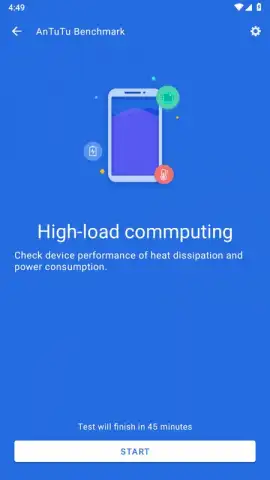
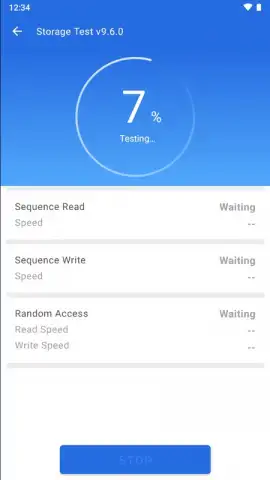
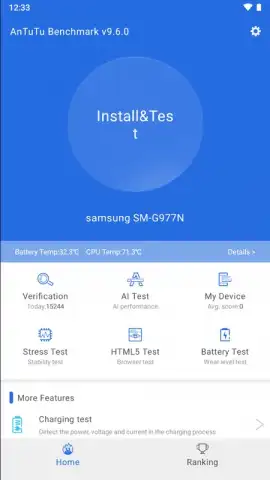
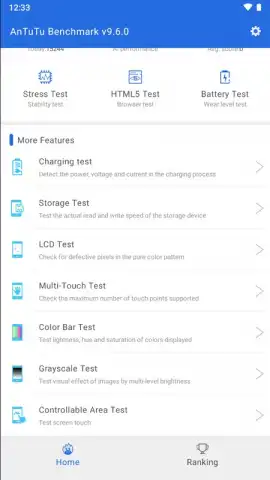
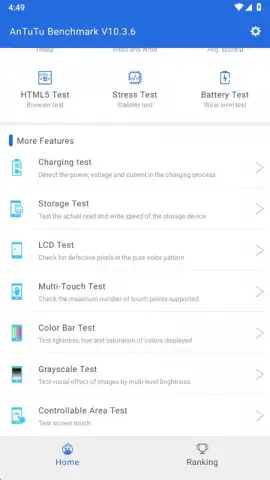
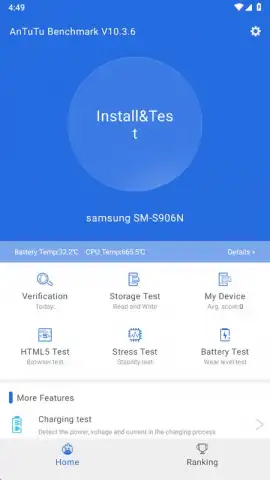
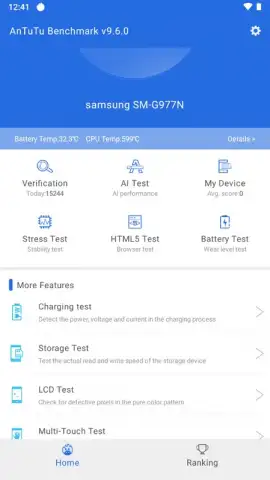
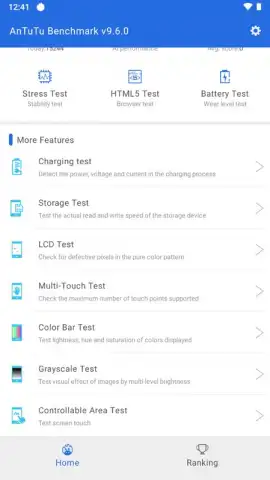
Where many benchmarking tools present a cluttered interface of technical jargon, AnTuTu Benchmark prioritizes structured clarity. The main dashboard provides immediate one-tap initiation for its full suite of stress tests, but the value lies in the granular data each one reveals. The Storage Test doesn't just give a speed number; it analyzes sequential and random read/write speeds, exposing the real-world performance of your UFS or eMMC memory. The CPU Test pushes all cores through complex integer and floating-point operations, mapping stability under sustained load. Beyond raw power, the app includes critical hardware validation tools: the LCD Display Test meticulously checks for color uniformity, pressure points, and dead pixels, while the Touch Test maps the accuracy and responsiveness of every millimeter of your screen. This transforms the app from a mere number generator into an essential tool for verifying a new device's physical integrity or diagnosing an old one's creeping issues.
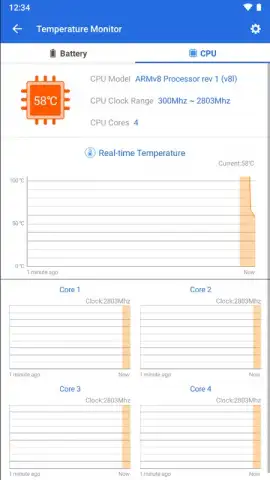
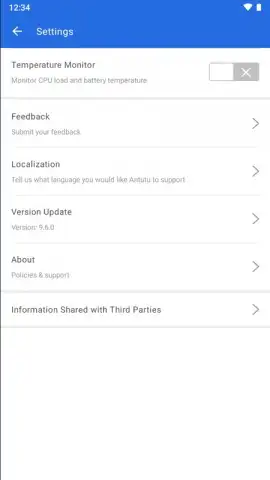
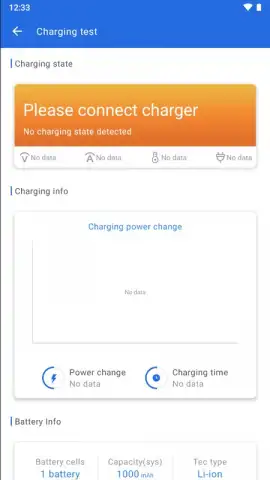
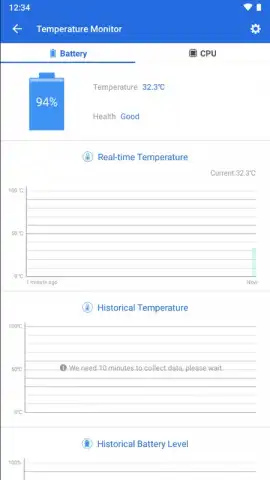
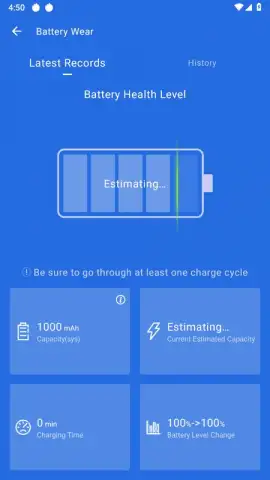
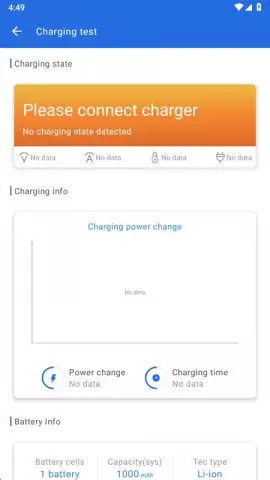
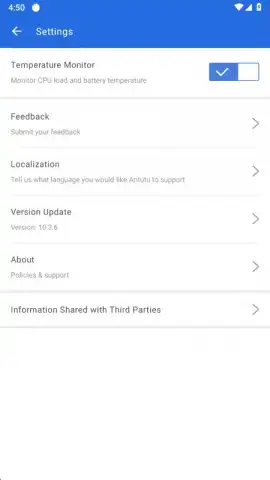
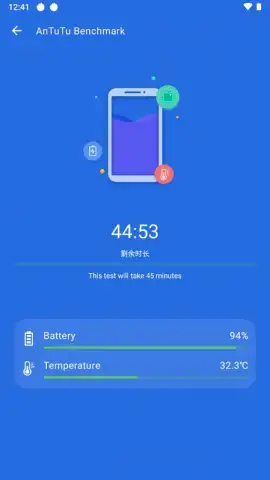
The true depth of AnTuTu Benchmark is found in its System Info panel, which serves as a centralized hardware dossier. It catalogs everything from the obvious—model, OS version, RAM—to the deeply technical: motherboard code name, supported ABI interfaces, CPU core architecture and current clock speeds, battery design capacity and real-time voltage, and a complete sensor inventory. This is paired with a proactive monitoring system. Enabling the background temperature monitor provides a persistent notification or overlay displaying real-time CPU and battery thermals, with detailed historical graphs available to correlate temperature spikes with specific usage periods or application launches. This allows you to identify poorly optimized software that causes excessive heat and potential throttling long before it becomes a noticeable performance problem.
- Comprehensive Hardware Stress Suite: Execute targeted tests for CPU, GPU, memory, storage, battery drain, and screen integrity with detailed results.
- Complete System Information Hub: Access a detailed dossier listing every hardware component, sensor, and technical specification of your Android device.
- Proactive Thermal Monitoring: Track real-time and historical temperature data for both the CPU and battery to identify overheating issues.
- Hardware Validation Tools: Utilize specialized tests to check for dead pixels, touch screen accuracy, color banding, and grayscale display quality.
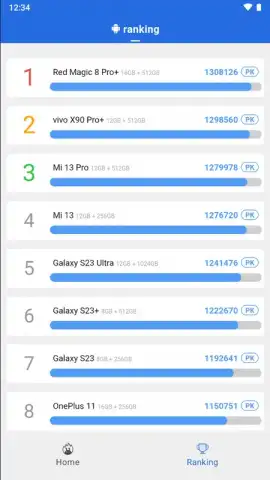
- Objective Performance Comparison: Generate standardized benchmark scores to compare your device's performance against models in the same class.
Stop wondering about your phone's performance and start measuring it with laboratory-grade precision. AnTuTu Benchmark delivers the definitive diagnostic data you need to validate purchases, troubleshoot problems, and push your hardware to its proven limits.
Download AnTuTu Benchmark now and claim your definitive performance advantage.
Heads up: you'll need wifi for downloading tests and viewing detailed online comparisons. Some advanced features and historical data storage are part of the extended toolkit.


