

APK Editor Pro
APK Editor Pro screenshots (13)
Description APK Editor Pro
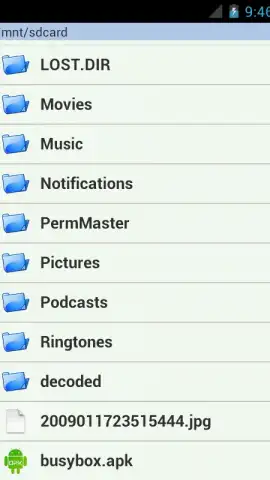
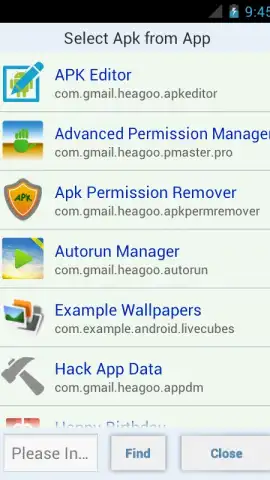
Imagine you’ve downloaded an app, but it’s almost perfect—just one intrusive permission, a dated icon, or a background you wish you could change. For years, this meant accepting the software as-is or searching for unreliable mods. APK Editor Pro by SteelWorks fundamentally shifts that dynamic, placing direct, granular control over any application’s package file directly into the user’s hands. This tool, version 47.0.2, operates as a specialized utility within the video players & editors category, though its function is more foundational: it allows for the surgical modification of APK files already stored on your device or extracted from installed apps, enabling a level of personalization and system management typically reserved for developers.
Core Functionality and Editing Modes
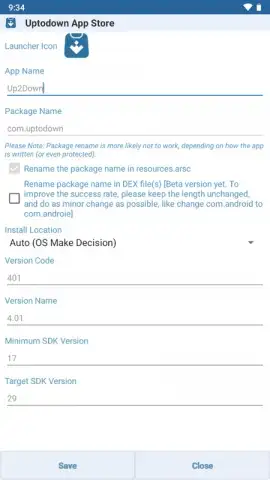
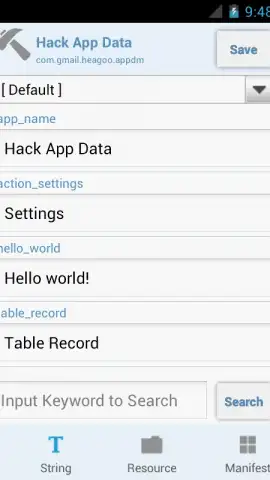
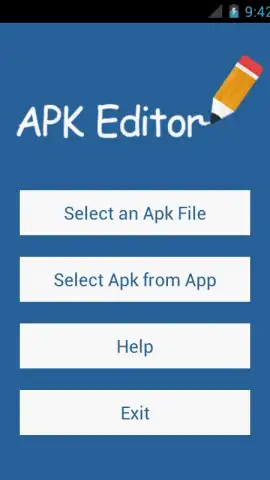
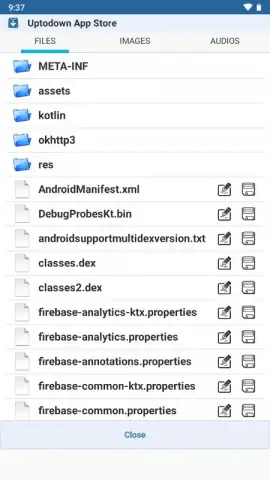
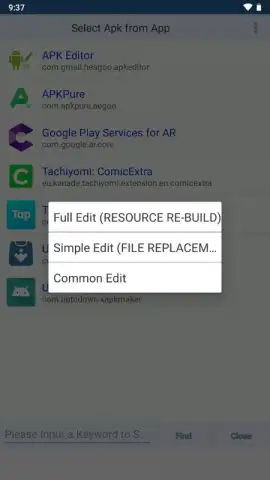
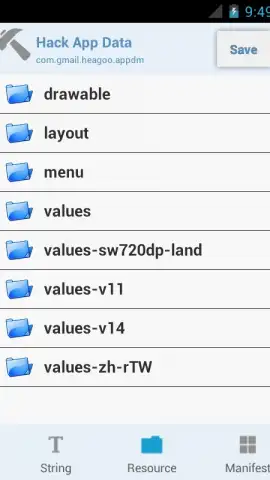
The application’s power is channeled through two distinct operational modes, each designed for different technical comfort levels and objectives. The Full Editing mode is the comprehensive option, allowing users to decompile an APK, access its full directory structure, and repackage it with modifications. This process is more involved and is intended for users aiming to alter code, resources, or manifest parameters in depth. Conversely, the Simple Editing mode offers a streamlined workflow focused on direct file replacement within the APK archive. This method is significantly more accessible, enabling tasks like swapping images or audio files without needing to unpack the entire application. The clear separation of these modes ensures that both novice users and advanced tinkerers have a precise entry point for their projects.
Practical Applications and User Experience
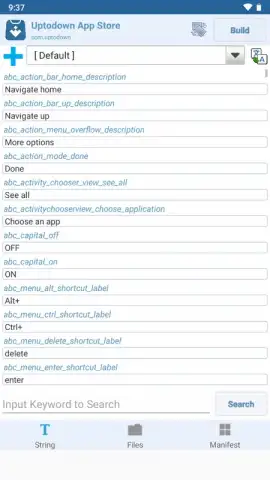
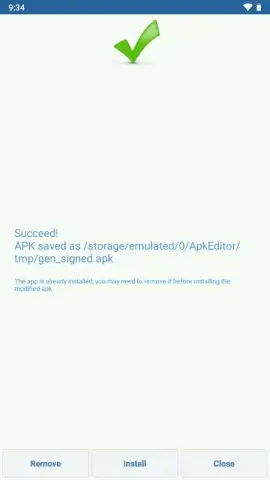
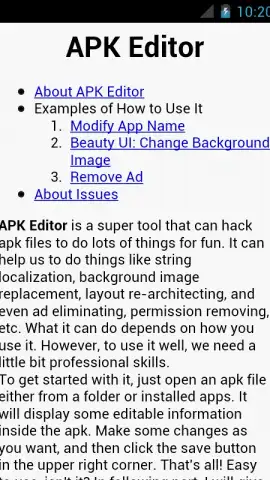
In practice, the utility transforms theoretical control into tangible edits. Users can directly alter an application’s visual identity by changing its background images or icons, manage its linguistic footprint by adding or removing language packs, and refine its privacy posture by removing specific permissions from the manifest. The ease of executing these changes is notable; the interface abstracts complex backend processes into manageable steps. It is crucial to acknowledge, however, that this power requires responsible use. The outcome of editing is directly tied to the user’s understanding of APK structure. Missteps can lead to non-functional apps. The developer mitigates this with a support page containing practical examples and usage guidelines to steer users toward successful modifications. The absence of advertising and the performance benefits of its Turbo optimization further create a clean, focused environment for precise work.
- Dual-Mode Editing Architecture: Choose between comprehensive Full Editing for deep changes and swift Simple Editing for direct file swaps.
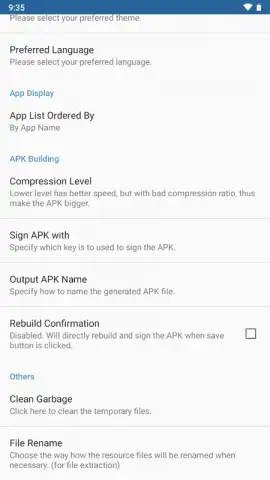
- Granular APK Modification Tools: Alter app visuals, manage language packs, and edit or remove specific permissions directly.
- Clean, Performance-Optimized Interface: Experience an ad-free workspace with Turbo mode for faster processing and reliable operations.
This level of direct APK manipulation is rarely packaged so accessibly. For anyone interested in app customization, system management, or learning more about Android’s inner workings, APK Editor Pro is a uniquely powerful utility. Gain exclusive access to this professional toolkit today—this version is available for a limited time to new users.
This application requires an active internet connection for initial verification and access to support resources. The process may involve in-app purchases for premium features or advanced modules.


