

App Cloner
App Cloner screenshots (7)
Description App Cloner
Imagine managing two separate social media profiles for work and personal life on the same device. The constant logging in and out is a familiar frustration, a digital juggling act that consumes minutes every day. App Cloner addresses this specific workflow inefficiency by allowing you to create independent, parallel instances of your most-used applications. It functions as a utility for digital organization, enabling true multi-account operation without the need for complex workarounds or secondary devices.
Core Functionality and Practical Mechanics
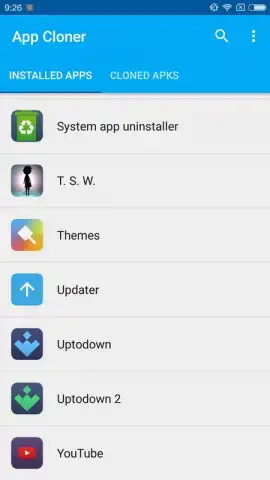
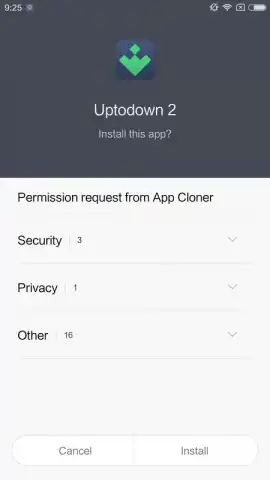
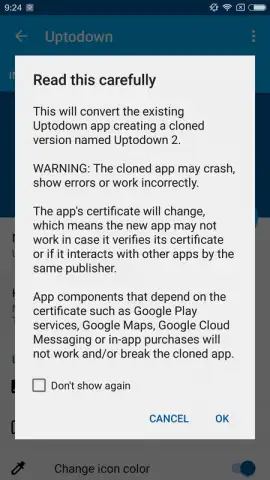
At its essence, App Cloner generates a standalone duplicate of any installable application on your Android smartphone or tablet. This clone is a fully independent APK file, installed separately alongside the original. The primary technical distinction lies in its signing certificate; the cloned app receives a new certificate, which is a necessary step for installation but can affect services that require specific, verified signatures, such as Google Mobile Services. This is why applications like YouTube or banking apps, which rely heavily on these certified environments, may not function correctly in their cloned state. For a vast majority of social, communication, and utility apps, however, this process is seamless.
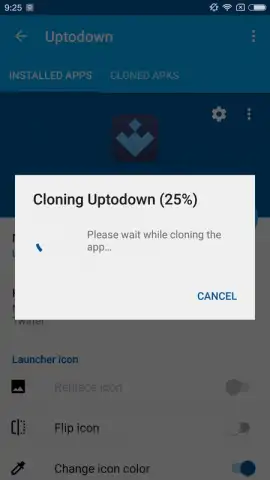
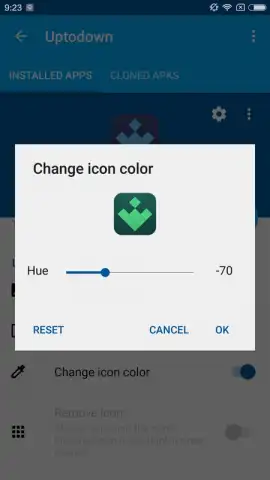
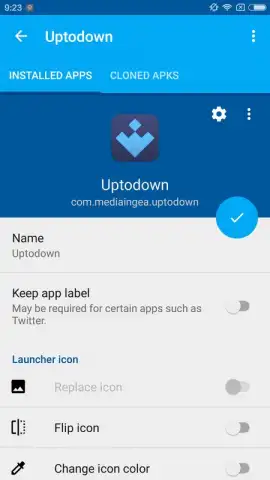
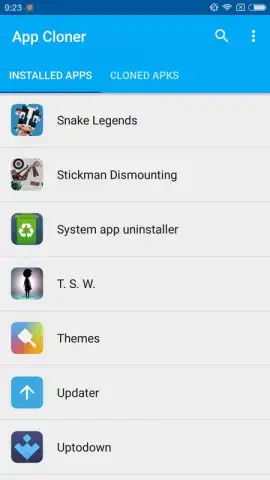
The cloning procedure is deliberately streamlined. You select a target app from your device's list, then proceed to a customization panel. Here, you can rename the clone for clear identification—turning "Twitter" into "Twitter Work," for instance—and alter the icon's color scheme. This visual differentiation is crucial for avoiding confusion on your home screen. The app then handles the repackaging and installation in the background. The result is two functionally identical applications that operate in separate silos, maintaining distinct cache, login sessions, and data.
Analysis of Use-Cases and Reliability
The practical utility of App Cloner is significant for power users. It transcends simple novelty, offering a structured solution for account separation. Professionals can maintain clean boundaries between corporate and private Slack, WhatsApp, or Facebook accounts. Gamers can manage multiple profiles for strategy games. The application supports cloning for a wide array of popular services including Instagram, Netflix, Skype, Dropbox, eBay, and LINE. While there are exceptions, primarily apps with deep-rooted security or DRM protocols, its compatibility list is extensive.
The advertised "Turbo" experience, which removes advertisements and potentially unlocks advanced cloning parameters, points to a freemium model. The base functionality provides substantial value, but for uninterrupted use and access to deeper customization options for power users—such as modifying specific app permissions or bypassing certain location checks within the clone—the premium upgrade is the intended path.
- Parallel Multi-Account Access
- Custom Icon and Name Labels
- Broad App Compatibility
- Certificate-Based Cloning
This is a limited-time opportunity for new users to access App Cloner's premium Turbo features at no cost. Download the mobile app now to configure your dual-account workflow today and secure exclusive, ad-free functionality.
Heads up: you'll need wifi for most features. Some cool stuff is extra. Cloning apps that require Google Play Services or specific certificate verification may not work as intended.


