

App Locker
App Locker screenshots (9)

Description App Locker
A Practical Solution for Application Security
Smartphone users frequently require a method to restrict access to specific applications, whether to prevent unauthorized use, safeguard personal communications, or maintain privacy on a shared device. App Locker by Mongolian Lab addresses this need directly, providing a utility-focused mechanism to lock individual apps behind an access code. Its operation is centered on a straightforward setup process and a non-intrusive locking function that activates upon each attempt to open a protected application.
Core Functionality and Operational Analysis
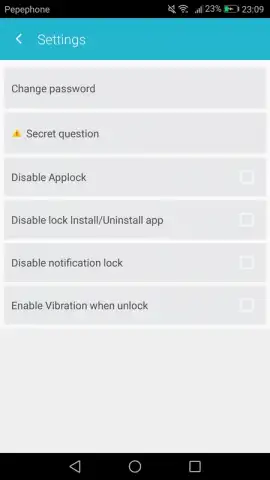
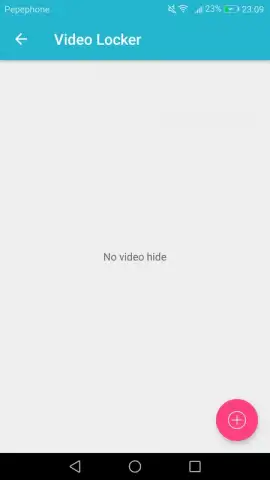
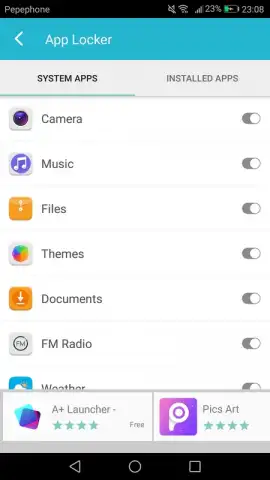
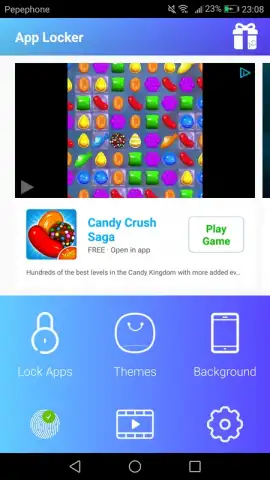
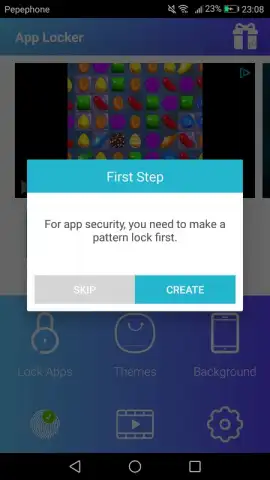
The application initiates with a mandatory password creation step, serving as the master key for all subsequently locked content. This password can be configured to any length or complexity, allowing the user to balance convenience with security. The primary function involves selecting applications from the device's installed list and adding them to a protected roster. Once added, any attempt to launch these apps triggers an immediate password prompt, effectively gatekeeping access. The utility extends beyond applications to include video files, which can be imported and secured within the app's internal gallery, requiring the same authentication for playback. A notable operational feature is the advertised "Turbo" mode, which is presented as enhancing performance while maintaining an ad-free user experience during the locking and unlocking processes.
- Implements immediate password protection for any installed application with a single toggle.
- Extends security functionality to locally stored video files within a private gallery.
- Utilizes a user-defined master password with configurable complexity settings.
- Operates with an advertised Turbo mode designed to optimize performance.
- Maintains an ad-free interface during core locking and authentication tasks.
The tool performs as a dedicated access controller, adding a discrete layer of security without altering the underlying applications. Management of the protected list is handled within the utility's interface, allowing for the quick addition or removal of items. The process is designed for repeated daily use, with the authentication prompt integrating into the standard app-opening workflow.
Download App Locker now and secure your private apps immediately!
Disclaimer: This application requires an internet connection for initial functionality verification and potential updates. It may contain in-app purchases for premium features. Data usage applies when operating online. Please check the product description for age ratings and review the app's data privacy policy before installation.





