
App Usage
App Usage screenshots (9)
Description App Usage
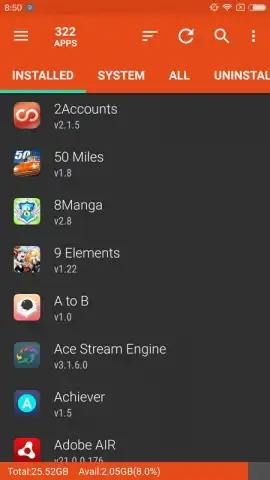
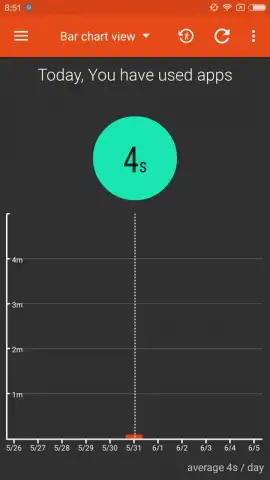
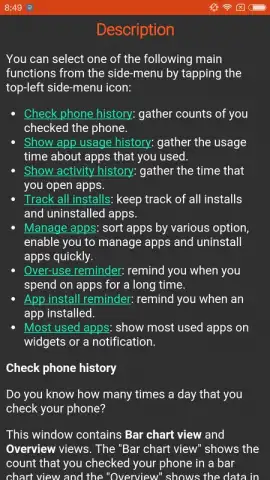
Ever wondered exactly where your time and phone storage are really going? What if you could see a complete breakdown of every app on your device, not just as icons, but as detailed profiles of your digital habits? App Usage transforms your Android into a transparent hub, giving you the power to manage, analyze, and understand every application with unprecedented clarity.
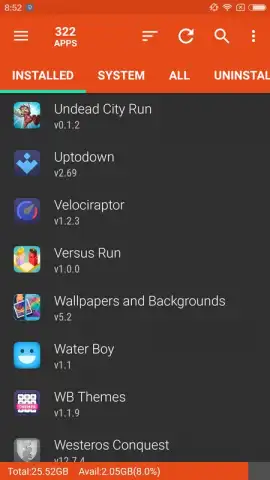
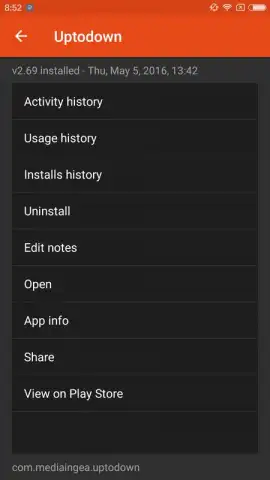
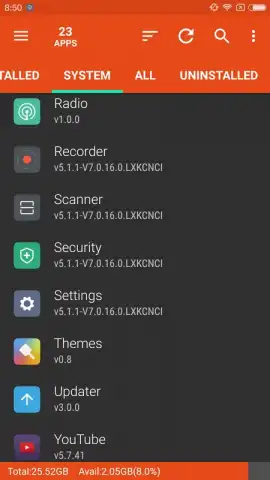
This tool moves far beyond a simple app drawer. Imagine opening a central dashboard that displays every installed application alongside its vital statistics. You see not just the app name, but how many times you launched it today and the total duration of each session. This immediate visibility shifts your relationship with your device from passive use to active management. Tapping on any app entry becomes a gateway to comprehensive control, allowing you to uninstall with a single action or dive deeper into its specific usage history.
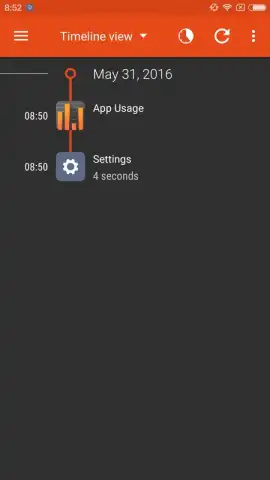
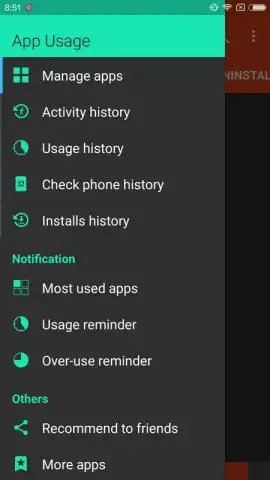
The functionality extends into powerful analytics and personal oversight. You can review a detailed timeline for any app, tracking its installation date, updates, and even when it was last removed. This historical data paints a clear picture of your evolving needs. Furthermore, you can attach personal notes to any application, turning your app manager into a customized organizational system. Direct links to Google Play store pages are integrated for quick updates or research, and sharing these links is seamless.
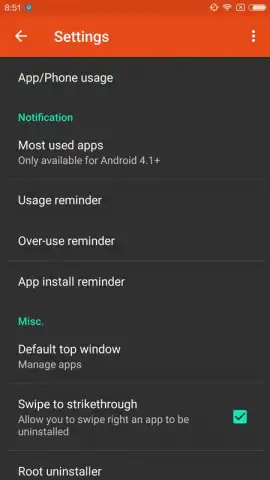
For those seeking to cultivate healthier digital habits, the app provides proactive tools. You have the ability to set custom usage alerts. These notifications can warn you when your overall screen time exceeds a personal limit or when you’ve spent a predetermined amount of time within a specific application. This feature hands you the reins, helping you stay conscious of your consumption without being intrusive. The interface is designed for clarity, presenting all this data and these controls in a streamlined, ad-free experience that focuses entirely on utility and insight.
Core Features at a Glance
- View detailed daily and session-based usage analytics for every installed app.
- Execute one-tap uninstalls or access in-depth app information and notes.
- Track complete historical data including installation, updates, and removal events.
- Set customizable alerts for overall device or individual app usage limits.
- Gain instant access to Google Play store pages and easy sharing options.
Don't let another day of vague screen time reports and cluttered storage pass you by. This is your exclusive access to true app mastery and digital awareness. Download App Usage now and transform your Android management today—this level of detailed insight is a limited-time offer for proactive users.
Internet required. IAP available.
 GooglePlay


